
eMedia Piano And Keyboard Method v3
 Walmart.com
  Deepdiscount.com
  Fullcompass.com
  Reverb.com
eMedia Piano And Keyboard Method v3 Price comparison



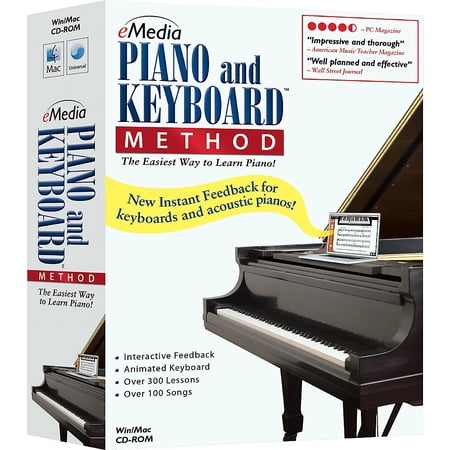

![eMedia Piano Deluxe Piano Keyboard Method Deluxe [download] - WIN](https://www.fullcompass.com/common/products/original/332777.jpg)



- All prices mentioned above are in United States dollar.
- This product is available at Walmart.com.
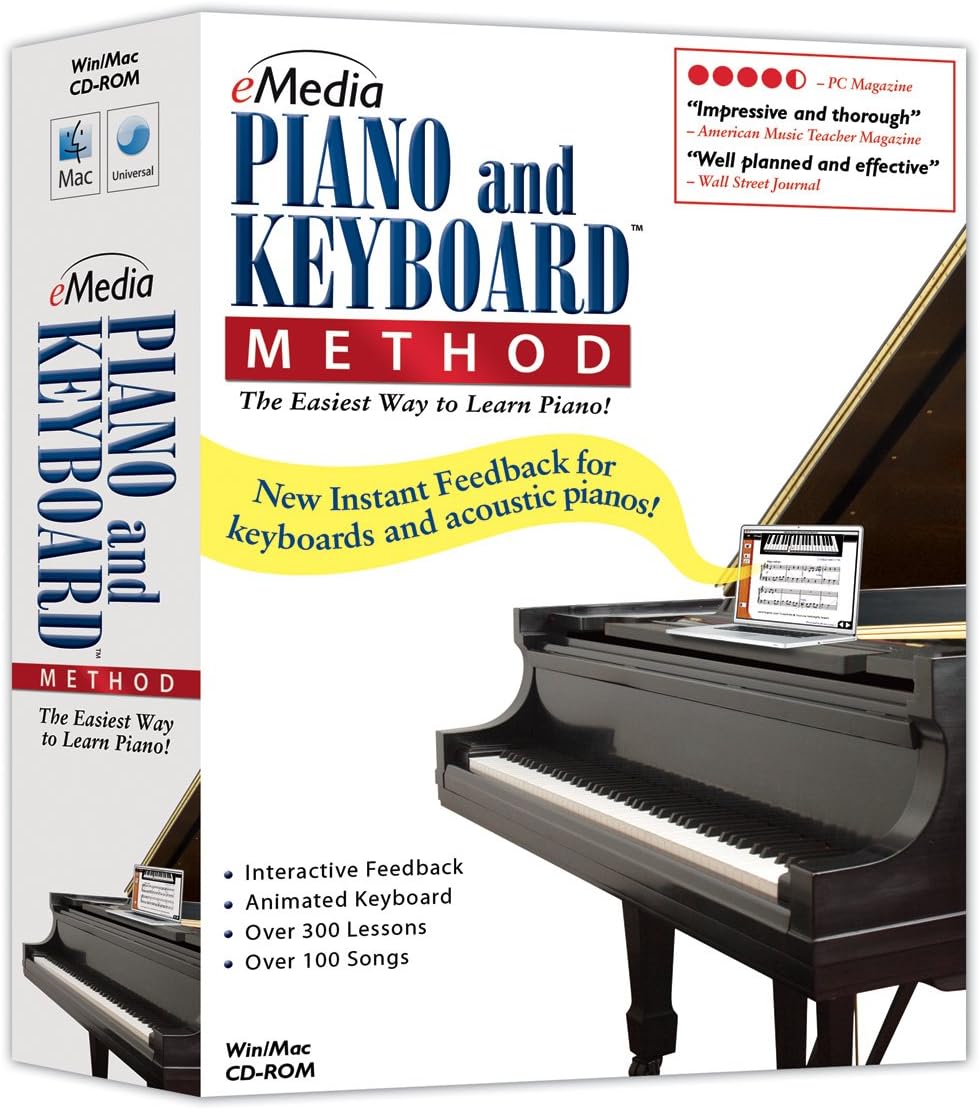
- At walmart.com you can purchase eMedia Piano and Keyboard Method Version 3.0 for only $49.95
- The lowest price of eMedia Piano and Keyboard Method 20 Station Lab Pack (20 Computers/120 Students) was obtained on October 19, 2026 22:03.
eMedia Piano And Keyboard Method v3 Price History
eMedia Piano And Keyboard Method v3 Description
Unlock Your Musical Potential with eMedia Piano And Keyboard Method v3
The eMedia Piano And Keyboard Method v3 is the perfect choice for aspiring pianists and keyboard enthusiasts alike. This comprehensive music learning tool provides an engaging way to master the piano, featuring a variety of interactive lessons and resources. Whether you are a beginner or looking to sharpen your skills, this product will guide you on your musical journey. Discover how eMedia Piano And Keyboard Method v3 can transform your learning experience today!
Key Features of eMedia Piano And Keyboard Method v3
- Comprehensive Instructional Approach: The eMedia Piano And Keyboard Method v3 offers a step-by-step curriculum that designs lessons to develop your piano skills effectively, ensuring a strong foundation in music theory and practice.
- Interactive Learning Tools: With engaging multimedia lessons, users can learn with videos, audio, and on-screen keyboard displays, enhancing their understanding of music and its practical applications.
- User-Friendly Interface: The easy-to-navigate software interface makes it accessible for learners of all ages and skill levels. You can focus on your progress without getting bogged down by complex technology.
- Price Comparison Convenience: Our comparison of eMedia Piano And Keyboard Method v3 shows competitive pricing from multiple sellers ensuring you get the best deal available.
- Regular Updates: eMedia frequently updates its software to include new songs and learning modules, providing users with fresh and relevant content to keep their interest alive.
Pricing Trends for eMedia Piano And Keyboard Method v3
When exploring prices for the eMedia Piano And Keyboard Method v3, the six-month price history chart indicates a stable pricing pattern with occasional fluctuations based on stock levels and vendor promotions. The current market average reveals competitive pricing across different suppliers, allowing customers to choose options that match their budget without sacrificing quality. Be sure to check regularly for special offers and discounts from various retailers, as prices may vary by season and demand.
Understanding Customer Reviews: What Users Are Saying
Customer feedback is crucial in assessing the value of the eMedia Piano And Keyboard Method v3. Reviews highlight several positive aspects, such as:
- Interactive Elements: Many users appreciate the interactive lessons, which are praised for making learning fun and engaging.
- Clear Instructions: Customers often mention that the instructions are straightforward, making it easy for beginners to follow along and learn effectively.
However, some reviews note a few drawbacks, including:
- Limited Advanced Content: Some experienced players feel the program is more suited for beginners and would benefit from additional advanced lessons.
- System Compatibility: A few users experienced issues with software compatibility on older devices, which is worth considering before purchasing.
Explore Related Unboxing and Review Videos
To gain deeper insight into the eMedia Piano And Keyboard Method v3, you may want to watch unboxing and review videos available on YouTube. These videos showcase real users diving into the software features, providing an authentic look at its capabilities. Watching these reviews can inform your decision and demonstrate how you can leverage the program to enhance your piano skills.
Why Choose eMedia Piano And Keyboard Method v3?
The eMedia Piano And Keyboard Method v3 stands out for its innovative approach to music education. It ensures that students not only learn to play piano but also develop a genuine appreciation for music. Its combination of interactive lessons and practical resources makes it a top choice for learners seeking a comprehensive music education. By focusing on essential skills and concepts, this method prepares you for a lifetime of musical enjoyment.
With competitive pricing and a wealth of instructional content, the eMedia Piano And Keyboard Method v3 is a valuable investment in your musical journey. Whether you’re just starting or aiming to refine your technique, this method is designed to meet your needs.
Ready to take the next step in your piano lessons? Compare prices now!
eMedia Piano And Keyboard Method v3 Specification
Specification: eMedia Piano And Keyboard Method v3
|
eMedia Piano And Keyboard Method v3 Reviews (10)
10 reviews for eMedia Piano And Keyboard Method v3
Only logged in customers who have purchased this product may leave a review.
JMP –
I had some piano lessons growing up and want to learn to play again. I figured this would be a great way to learn. First of all if you’ve had a few years of lessons, this program is way too simple. I wish I would have seen that there was a intermediate program.
If you have Windows 10 don’t bother ordering the CD, just buy the download program. I like to have CD’s of programs since I use a couple different Laptops and also for a backup if my computer crashes. This CD isn’t supported on Windows 10 and you have to download the program and enter a serial number in the box and it can only be used on one computer.
The biggest drawback for me is it won’t tell if you are playing at the correct tempo, just if you hit the right notes. I have no problems hitting the right notes, where I’m rusty at is playing with the right tempo and holding the notes for the correct time period and this won’t show you the tempo.
I’d recommend Piano Marvel instead. It’s a monthly fee but you have a lot of music library choices and it will grade you based on if you play in the correct tempo.
Chris Poppy –
I decided to learn a musical instrument at 74 with no previous knowledge of playing. This method is so easy and I began to think I should have gone for another when it developed into more serious work. Now, I am developing a real taste for playing and having fun. You should try it!! Chris Poppy
Raúl –
Mucha caja para un simple CD que encima no funciona en mi ordenador. No viene ni un simple manual para solucionar los problemas de instalación o una pequeña guía, una enorme decepción
pradeep –
Didn’t run on any CD ROM
Snowman2010 –
This software is great to begin to practice, I have studied piano before, you always need a teacher and a schedule and practice, but nowadays without the necessary time, this tool offers a simple practice you can enjoy with around 300 lessons, being the first 70 very easy ones ( one handed slow pieces ).
Every time a lesson or song begins you can hear the teacher giving an insight about the song, which I particularly enjoy, it’s not only practice but also about music periods, authors, styles, and the soft gives out that information to the student, to enrich the music experience.
Also you can see hear the teacher playing the piano and singing the song, and as the songs have the lyrics on them, you can practice singing along as well.
I look forward to continue practing and once I dominate the beginners songs , I will definetely go for the intermediate advance piano software offered by emedia.
Steve Duckworth –
This software so far seems very good and if followed with plenty of practice should help you to play better. A word of warning though, on some computers the latency (the time between hitting the key and hearing the sound) is so bad that the software is unusable! This is NOT the fault of the software but is down to the version of Windows that you are using (especially Windows 7) and the configuration of your computer. For that reason it is better to use a keyboard that has its own loudspeakers and then there is no problem.
Sincerely Yours –
I am a newbie and have been learning to play the piano for the past 3 months on my own, using the alfred’s all in one adult course book and no teacher thus far. So far so good, and i decided that i needed to see if my tempo and count were correct, I decided to add this program to my learning tools. I have to say, this is a great program to see how much you have progressed on your own. I found the exercises helped to reinforce the beat, the sight reading of the left hand and music theory. Actually, I really recommend you learn from the text book and then come to this program, as you will get a lot more out of it than just using this program on its own:it does go a little fast.
The program offers music theory, sight reading, ear training tests, lots of little tests to see how much you have learnt thus far, video to explain the positioning of the hand, audio explanations; the finger tracker, which is the best part of the program as it tells at the end, the percentage accuracy of your playing. And if you get frustrated at not getting above 95%, for the perfectionist, you can hit a key that plays it back to you on how it should be played! Note that if you hit a wrong note that also counts against you as well as not hitting it or holding it for the right amount of time! You can go back to a previous lesson again and again, which helps to reinforce the point. There are so many little helpers on each lesson, like video or audio pointers.
There are over 300 lessons, so I am looking forward to plowing through them along with the Alfred’s course, which compliments this program beautifully. You will need to have a MIDI cable to connect the computer/laptop to your digital piano, which Amazon also sells at a very good price. So worth the money in lieu of a teacher. I will update every couple of months to comment on this program.
BK –
Don’t buy this if your running windows 10
My PC is a 2 year old Dell running windows 10
Purchased software: Piano and Keyboard Method Win/Mac (both CD installation and download installation )
I received this software 3 days ago and i immediately installed it, i was looking forward to using it. When i did install it i received no errors, but when i tried to run it, i received a script error
“script error #sound”.
When i click on “yes” (to continue) on the dialog box, it would immediately give me the same error (a loop), if i chose to click “no”, it would shut down the app. So i wasn’t able to do anything with the software.
When i contacted eMedias’ help desk (to open a ticket) they were very responsive, i was surprised to receive a response within a few minutes. They had me uninstall/reinstall the software multiple times and install a typical installation of QuickTime as well as using the custom install (only essentials). But every time i tried to run the software i received the same error message. And yes i even shut off my virus checker while installing. I also went through this entire routine using the downloaded version of the software, still no luck!
At this point the help desk has stopped responding, i guess they really don’t have any idea of what to do next. I’m looking to (hopefully) returning the software.
Wish me luck!
LittleRed179 –
I’m really enjoying this software. I’m 28 and have never played an instrument before, but am making very quick progress. I’m guessing it will take me about 6-8 weeks to complete the software, and when I’m finished, I will definitely be buying the next version (Intermediate Piano and Keyboard Method). Much cheaper than lessons – well worth the investment!
Hernani Silang –
I love it. Very easy to follow especially for a beginner like myself, would recommend this to my friends who are interested in self studying piano.