
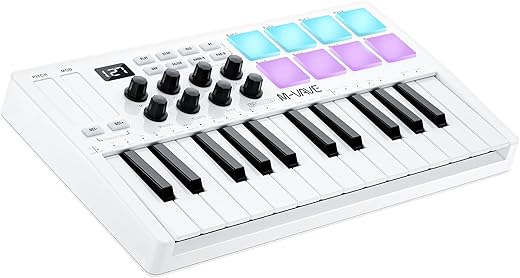
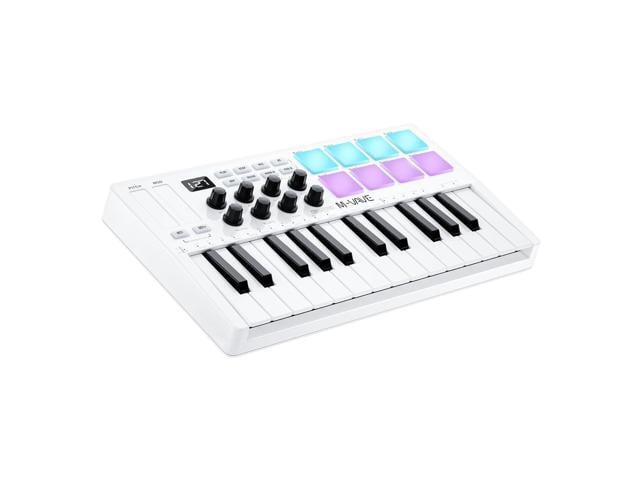
M-Wave 25 Key USB MIDI Keyboard Controller
 Zzounds.com
  Walmart.com
  Wayfair.com
  Poshmark.com
  Newegg.com
Original price was: $89.99.$79.99Current price is: $79.99.
M-Wave 25 Key USB MIDI Keyboard Controller Price comparison









- All prices mentioned above are in United States dollar.
- This product is available at zZounds, Walmart.com, Amazon.com, Wayfair North America, Poshmark, Newegg.
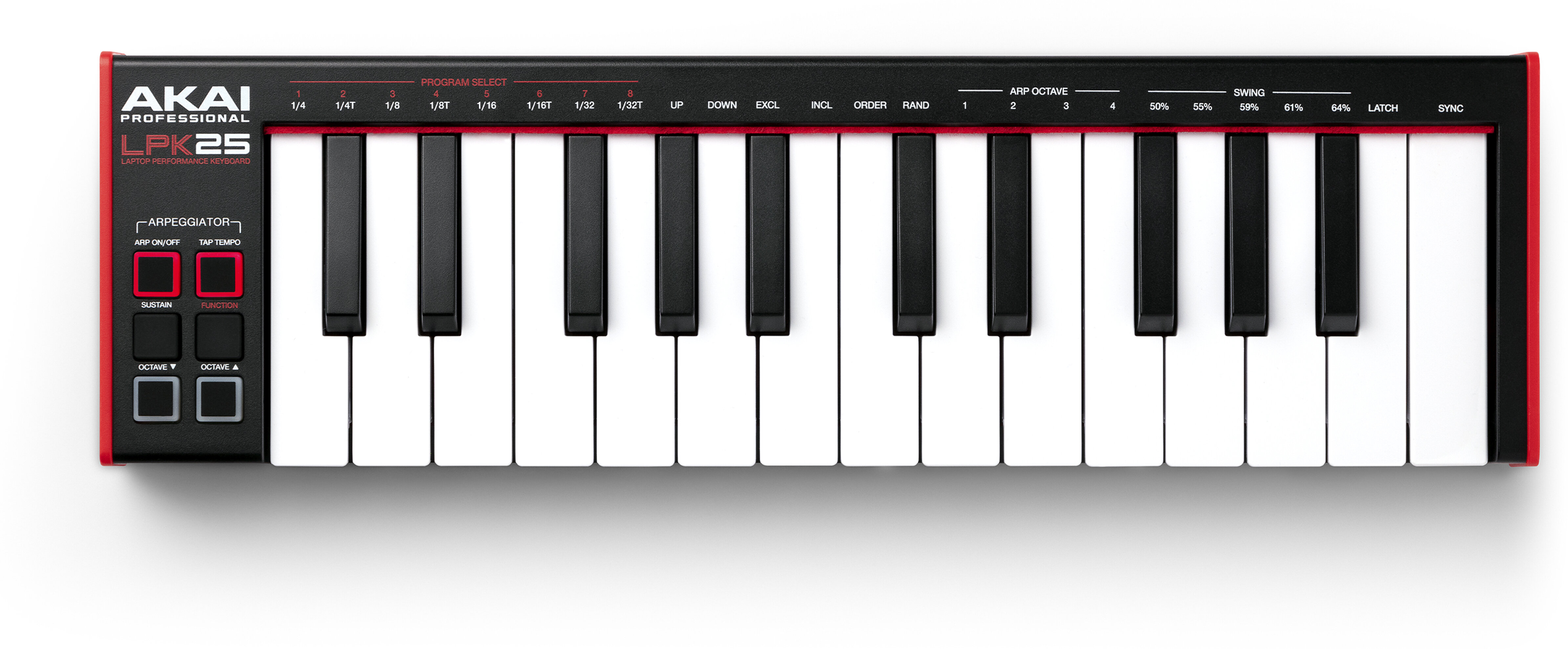
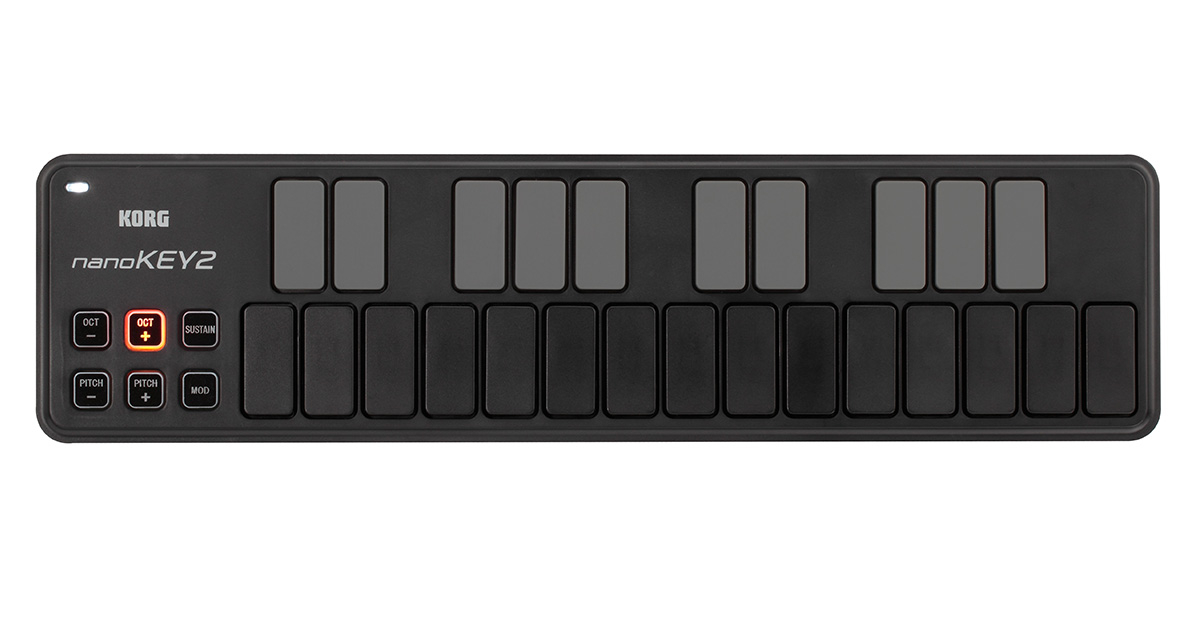
- At zzounds.com you can purchase M Audio Keystation Mini 32 MK3 Keyboard Controller for only $58.68 , which is 55% less than the cost in Walmart.com ($129.99).
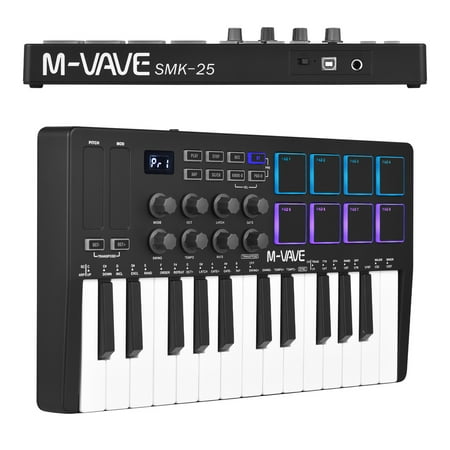
- The lowest price of Novation Launchkey Mini 25 MK4 USB MIDI Keyboard Controller (25 Mini Keys) was obtained on October 22, 2026 18:15.
M-Wave 25 Key USB MIDI Keyboard Controller Price History
M-Wave 25 Key USB MIDI Keyboard Controller Description
M-Wave 25 Key USB MIDI Keyboard Controller: Your Perfect Music Creation Companion
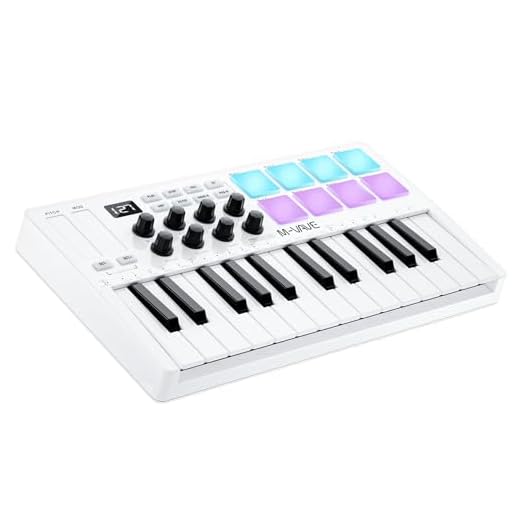
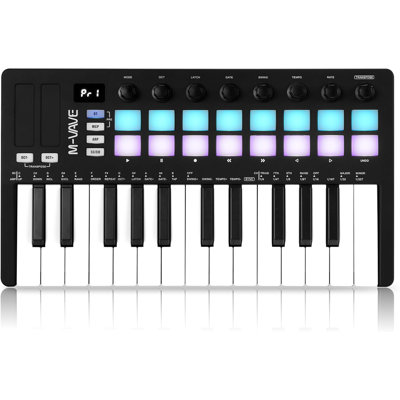
The M-Wave 25 Key USB MIDI Keyboard Controller is an exceptional tool designed for music enthusiasts and professionals alike. With its compact design and versatile features, this keyboard makes music creation intuitive and enjoyable. Whether you’re producing electronic beats or playing delicate melodies, the M-Wave controller delivers unbeatable performance and reliability.
Key Features and Benefits of the M-Wave 25 Key MIDI Keyboard
- Compact and Lightweight Design: Weighing only 2.33 pounds, the M-Wave keyboard measures 7 x 12.5 x 2 inches. This makes it perfect for musicians on the go, fitting easily into a bag or backpack.
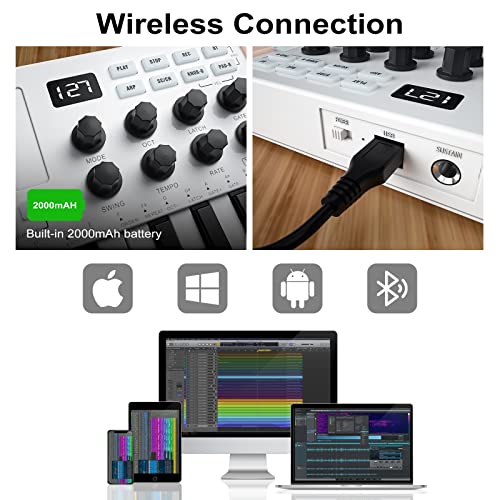
- Wide Compatibility: Designed with flexibility in mind, the M-Wave keyboard is compatible with Windows, Mac OS, iOS, and Android devices. This allows musicians to create music across various platforms seamlessly.
- Diverse Connection Options: Equipped with Bluetooth and 1/4-Inch Stereo connectors, the keyboard enables a hassle-free connection to a range of devices. The USB hardware interface provides additional versatility for live performances and studio work.
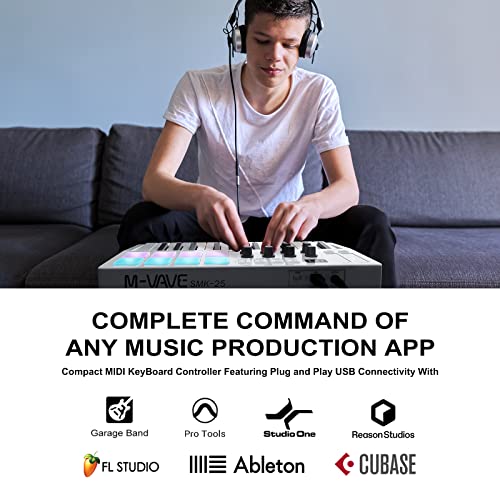
- Software Support: The M-Wave keyboard supports popular software like Ableton Live, FL Studio, Cubase, and GarageBand. With this controller, you can explore a variety of musical styles and workflows.
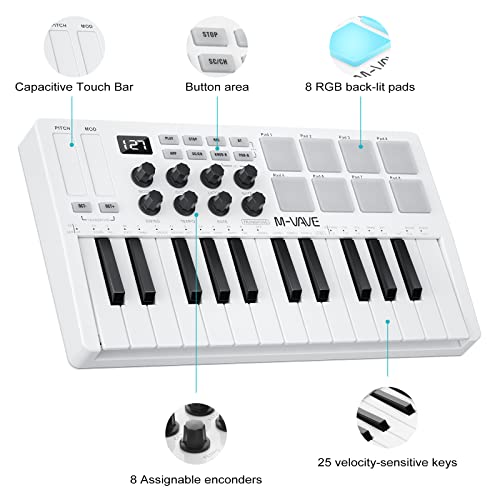
- 25 Velocity-Sensitive Keys: The keyboard features 25 velocity-sensitive keys, allowing for expressive performance. The keys respond dynamically to your touch, making it easier to convey emotion in every note.
- Long-lasting Battery: The device requires 1 Lithium Polymer battery to operate, ensuring reliable performance during your music sessions.
Price Comparison Across Suppliers
Finding the best deal on the M-Wave 25 Key USB MIDI Keyboard Controller has never been easier. Prices for this product vary widely across various suppliers. Utilizing our price comparison feature, you can find current prices, ensuring you get the best value. Products may range in price, and our platform tracks these variations for you, so you can always compare prices in real-time.
Notable Trends from the 6-Month Price History Chart
Our 6-month price history chart for the M-Wave 25 Key MIDI Keyboard shows some fascinating trends. Over the past months, the price has fluctuated slightly, indicating that this popular item often experiences sales or discounts at different times. Monitoring these trends can help you decide the best moment to purchase, ensuring you lock in the lowest price.
Customer Reviews: What Users Are Saying
Customer feedback on the M-Wave 25 Key USB MIDI Keyboard Controller reveals a mix of positive and constructive aspects. Users appreciate the keyboard’s lightweight nature and compact size, which make it travel-friendly. Many have praised its easy setup and compatibility with various music software, enhancing creative possibilities.
On the flip side, some users noted that the keyboard might be too small for those accustomed to full-sized pianos. A few reviews also mentioned that the build quality could be improved for more rugged use. Overall, the M-Wave 25 Key MIDI Keyboard is well-regarded for its affordability and functionality, making it an excellent choice for beginners and seasoned musicians alike.
Dive Deeper with Unboxing and Review Videos
For those looking to explore more about the M-Wave 25 Key MIDI Keyboard, several unboxing and review videos are available on YouTube. These videos provide an in-depth look at the product and showcase its features in action. Watching these reviews can help you understand how it operates and see real-world examples of its capabilities.
In conclusion, the M-Wave 25 Key USB MIDI Keyboard Controller stands out as an exceptional option for musicians seeking a portable, versatile, and affordable MIDI controller. From its lightweight design to its broad compatibility, this keyboard is made for the modern musician. With a price comparison feature, you can ensure you’re getting the best deal available.
Ready to enhance your music production experience? Compare prices now!
M-Wave 25 Key USB MIDI Keyboard Controller Specification
Specification: M-Wave 25 Key USB MIDI Keyboard Controller
|
M-Wave 25 Key USB MIDI Keyboard Controller Reviews (10)
10 reviews for M-Wave 25 Key USB MIDI Keyboard Controller
Only logged in customers who have purchased this product may leave a review.
Related Products

Victor Marczyk –
It feels very solid considering the price. The buttons feel very tactile and satisfying and the knobs move with ease. I had no issues connecting it to ableton and it came with a full charge. The keys are a little small but comparable to big brands. Overall, this product is great for beginners who want to get their feet wet in production
omar –
I meant to be helpful and link to the resources that finally got things working, but that was a while ago, and I can’t remember everything I did. I had to search reviews, and reddit, and youtube videos and I finally got things working with bluetooth (direct usb was easier). I’m pretty sure that one of the programs is mentioned on sites related to the company (bt midi connector), but I believe I had to download it from a different site under a different name, and then when it installs it’s called that.
In any case, if this all sounds confusing, that’s my entire point.
Then in FL Studio, I don’t remember the exact issue but something with midi, and the solution I got from a youtube video that worked was pressing two buttons at the same time, and then pressing a certain key or something. The instructions have something about the two buttons, but it’s for a different feature. And again it wasn’t straightforward.
Anyway, all that aside, once you finally do get it working, it’s a great little device. Does what you expect it to. Not gonna blow you away with build quality, but it works. If I had just been able to plug it in, and have it working within 5 minutes, or even just without needing to look anywhere but the company’s own resources, I would have given 4 or 5 stars at this price.
Enrique Raphael Page Pérez –
Adiós Akai, adiós Novation, adiós Arturia…
Ninguno de esos controlcitos de 2000-3500 pesos le llegan si quiera a los talones a este; PERO HAY QUE TENER CUIDADO… lo malo de los productos de este tipo (creo que “Chino” o bueno, de uno de los “dragones” pues), es que muy seguido vienen pésimamente documentados y encontrar dicha documentación es prácticamente imposible (porque los venden con 50 nombres distintos jajajaja).
En fin, existe en estas opiniones un comentario sumamente extenso que da prácticamente todos los tips que necesitas para darte cuenta de que SÍ, es MUCHO MEJOR aparto que cualquiera de las otras marcas.
Además de lo obvio (tiene Bluetooth, tiene batería… y los “pros” no tienen nada en comparación a esto), es el ÚNICO control que conozco que tiene una aplicación en iOS para realizar la modificación de la configuración de perfiles.
Por si esto fuese poco, a diferencia de “los pros”, las perillas de este control SÍ son verdaderamente “infinitas”:
Muy seguido (HMMM AKAI ARTURIA?) le ponen “knobs” infinitos (perillas), pero el maldito software no los utiliza 😂 —> es decir que las perillas en hardware giran infinitamente pero los midi CC que envían son “capeados” y no “relativos”. Es decir que cuando uno los mueve izquierda o derecha “cambian de 0 a 127” de manera continua en vez de dar simplemente un mensaje de “incremento” o “decremento” (que es como deberían de funcionar las perillas infinitas).
Gracias a esto, puedo asignar un canal midi a cada “preset” del control, cambiar mis perillas al modo CW en vez de CC (SUMAMENTE IMPORTANTE SINO TUS PERILLAS ACTUARÁN COMO LAS TONTERÍAS QUE OFRECEN “los pros”), y con estas perillas relativas controlar hasta 8 parámetros distintos POR SYNTH! Y puedo controlar 8 synths en paralelo (dado el número de presets).
En fin, estuve apunto de devolverlo y quejarme de esto de las perillas “infinitas” que según yo este aparato TAMPOCO tenía (arturia y Akai las tienen físicamente, repito, pero en términos de hardware el controlador midi no las utiliza como tal 😂), pero gracias al comentario que recomendó la aplicación esta “CubeSuite”, ahora tengo el mejor controlador de todos (especialmente porque además es Bluetooth y todo ese rollo previamente mencionado antes de la belleza de las perillas y el software asociado a este controlador).
Toda una joya -> mi pianito favorito y tengo / he probado MUCHOS.
Timothy –
I bought this because I wanted a battery powered wireless controller with bluetooth midi. Basically, something I can stuff in my backpack along with a few other battery powered synths/grooveboxes and have a nice small keyboard on the go. This was one of the few options I found and it is by far the smallest (unless you get into devices that don’t have actual keybeds). Shockingly, it’s also one of the lowest cost.
It is pretty powerful right off the bat, connecting immediately to my other bluetooth midi devices (CME adapters) with no effort. It worked immediately. I got a bit frustrated at first because the manual is terrible and there was no obvious way to switch MIDI channels — I was stuck on channel 1. Well, I did some research online and found that there is a companion software “MidiSuite.” The M-VAVE website doesn’t support SSL (in the year 2024) so it looks sketchy as hell, but it’s fine. And it’s powerful. You can reconfigure every single aspect of the entire device. Every pad, knob, and button can be reconfigured in any way you want, on any midi channel you want. You can then store these configurations in 8 presets on the device, or any number more on your computer. So there you can see there’s a potential issue. You could use 8 presets and set up 8 different MIDI channels if you just assign them all to the same channel. But then the other 8 you can’t do anything with (if you need to). Well, if this was a more expensive controller, I’d be more upset, but it’s cheap. So it’s fine.
So basically, if you think the configuration options are lacking, download the companion software, it will unlock a lot more.
This is at its heard a bluetooth midi controller and it connects, as I stated earlier, effortlessly to other class compliant bluetooth midi devices. But you may want to use this controller in other ways. You can connect the USB to the computer (it has a USB 1.0/2.0 USB-B connector type — the old “printer” connectors — instead of a more modern USB-C, but whatever). When connected to the computer, it will act as any other MIDI device and can be easily routed into your DAW. It also has a way to use the footswitch jack as MIDI out. I don’t completely understand how that works because, again, the manual is terrible. But I’m guessing it’s similar to the 3.5mm MIDI standard, just coming out of a 1/4″ jack size. So that would mean you’d need a 1/4″ to 3.5mm (1/8″) adapter, which are easy to come by. Again, I’m just guessing, I haven’t tried it yet. Also, in this mode you lose the footswitch, but it does allow MIDI out without having to use wireless or USB.
Hardware wise, the keybed is alright. Not the best, not the worst. Just fine for the price. Velocity sensitive (and you can configure curves and upper/lower limits in the software). The pads feel great and have velocity and aftertouch. The touchpad pitch and mod “wheels” feel terrific. They are perfectly sensitive and accurate. They feel just as good as my Arturia and ASM keyboard touchpads. The knobs are endless encoders, so there is no “jump” when you switch patches. They have a nice resistance so feel very precise when turning them. They send single CC steps unlike some other controllers that step in 2 (ahem Korg ahem). The transport buttons by default support MCP (as well as the second layer of pads), which was a bit of a surprise feature. I don’t really use MCP anywhere, but I know others that do. You can control many DAW transport functions by mapping those. I remapped them all to MIDI notes or CCs in pushbutton/toggle mode.
The display is just a 3 digit 7-segment display, like you see in a lot of Roland gear these days. Very little information is presented, but it does tell you at a glance which preset you are on, the current CC value, etc. Again, this thing is cheap so I can’t complain.
All in all, this thing is a beast for the price and rivals much more expensive options in some ways. But, don’t expect it to do *everything* a more expensive controller would do, it is a low cost option and probably will never have a software or firmware update ever and the company might disappear in a couple years (or not, M-VAVE has lasted longer than a lot of others so far).
All in all, glad I bought it.
One last thing, the Amazon listing is wrong, the company name is M-VAVE, not M-WAVE.
RD –
I expected this to be plug n play with Ableton, but I should have known better. In Ableton settings under the MIDI tab, you need to set this up as described in the instructions using “Mackie Control” as the instrument/protocol. Follow the instructions regarding Ableton settings, and it’ll work like magic in seconds. This is perfect for the impossibly large and complex solo live rig I’m currently building. Now I only need to use the mouse or Mac keyboard to load the next Ableton Live set. This takes care of all my transport, track and mix controls during actual performance, and is very easy to use with virtually no learning curve. Highly recommended.
Tim Knell –
This is exactly what I have been looking for: something small, compact and affordable with bluetooth capabtility that lets me connect to my iPad and use it with apps like GarageBand and Dorico for when I’m on the go or not at my main workstation. If you want to change the CC values, download the CubeSuite app.
Cleo –
One key not working
Cameron Buchanan –
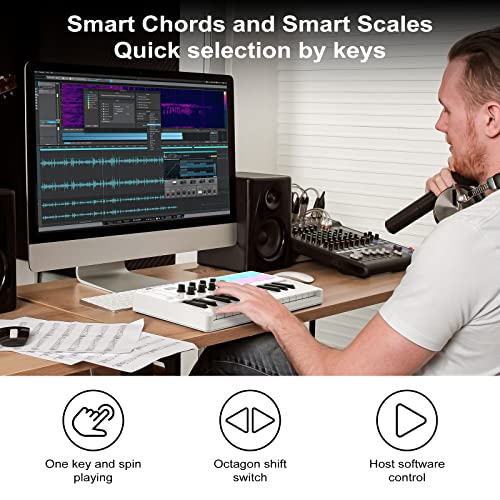
Honestly I love this thing. It feels like it is made well and all of the features work on it super well. It has smart chords too so its very beginner friendly. The only issue I have is sometimes the pads dont recognize when I hit them at a certain tempo but it could just be that im not doing it hard enough.
Ty Miles –
great mixer, very responsive, Bluetooth feature is great, install is simple as well
ajs2677 –
The M-WAVE 25 Key is a nice little MIDI controller. Bluetooth worked really well for me, both on PC and my iPad Air M2. Also flawless if you use it wired. I use FL Studio on my PC but it should work great with any DAW. And you should have control over practically everything you need with the transport controls, 8 pads, 8 knobs and 2 touch stripes (pads and keys are also velocity-sensitive!). Very portable if you need a controller on the go, large enough to be useful but small enough to stuff it in a backpack. There are some scale and chord features I haven’t tried yet but even without them this controller has more than met my expectations.