
 Amazon.com
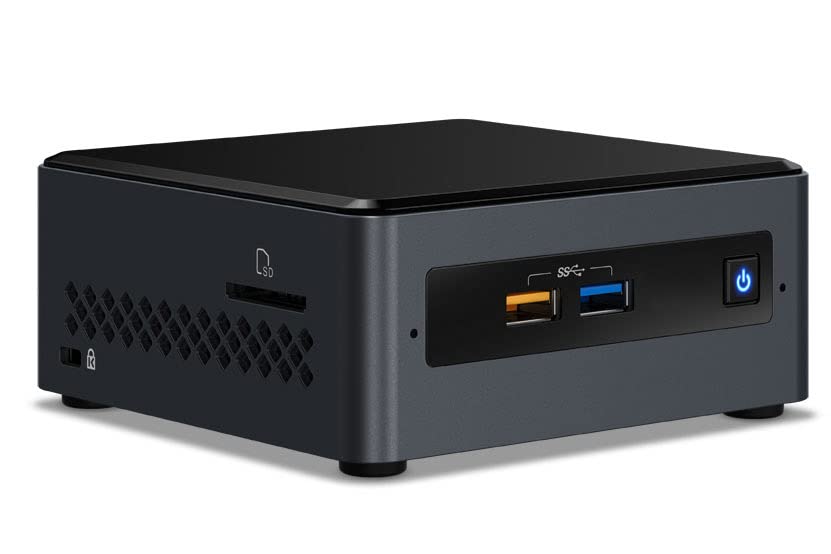
Intel NUC 7 Essential Desktop Computer Celeron J4005 Price comparison


- All prices mentioned above are in United States dollar.
- At amazon.com you can purchase Intel NUC 7 Essential Desktop Computer Celeron J4005 Dual-core (2 Core) 2 GHz - 4 GB RAM DDR4 SDRAM - 32 GB Flash Memory Capacity - Mini PC for only
- The lowest price of Intel NUC 7 Essential Desktop Computer Celeron J4005 Dual-core (2 Core) 2 GHz - 4 GB RAM DDR4 SDRAM - 32 GB Flash Memory Capacity - Mini PC was obtained on September 24, 2025 10:55.
Intel NUC 7 Essential Desktop Computer Celeron J4005 Price History
Intel NUC 7 Essential Desktop Computer Celeron J4005 Description
Intel NUC 7 Essential Desktop Computer Celeron J4005: Compact Power for Everyday Tasks
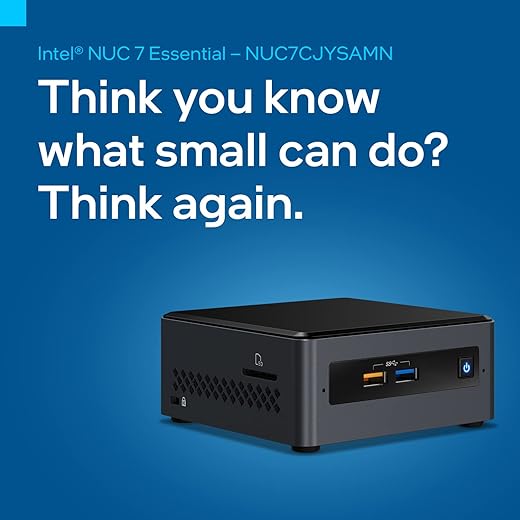
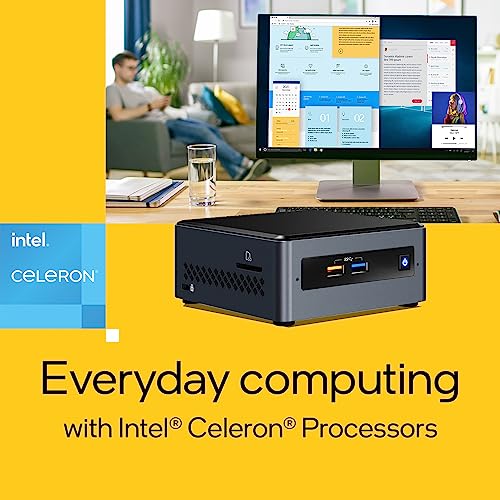
Discover the Intel NUC 7 Essential Desktop Computer Celeron J4005, a high-performance, compact solution ideal for home or office use. With its low power consumption and small form factor, this versatile desktop provides a seamless computing experience. From browsing the web to streaming your favorite shows, the Intel NUC 7 Essential features everything you need to boost productivity.
Key Features and Benefits
- Powerful Celeron J4005 Processor: Running at 2 GHz, this dual-core processor efficiently handles daily tasks, ensuring a smooth performance for web browsing, document editing, and multimedia playback.
- High-Resolution Display: With a stunning 3840 x 2160 screen resolution, enjoy crystal-clear visuals whether you’re watching videos or working on detailed projects.
- Ample Memory: Equipped with 4 GB DDR4 RAM, multitasking is easier and quicker, allowing for seamless transitions between applications.
- Integrated Intel UHD Graphics: Its integrated graphics coprocessor offers enhanced visual output for various activities, including casual gaming and content consumption.
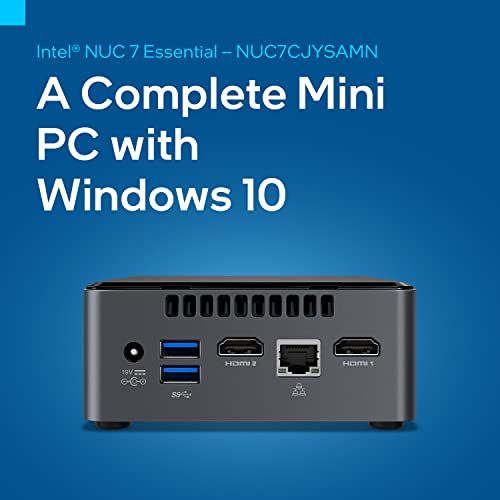
- Robust Connectivity: With 4 USB 3.0 ports and 802.11ax wireless technology, connect multiple devices easily, speeding up data transfer and enhancing internet connectivity.
- Compact Dimensions: Measuring only 4.61 x 4.41 x 2.01 inches and weighing just 2.43 pounds, the NUC 7 Essential is portable and convenient, fitting perfectly in any workspace.
- Windows 10 Home: This pre-installed operating system ensures you have access to all the latest features and security options available.
Price Comparison Across Suppliers
When comparing prices for the Intel NUC 7 Essential Desktop Computer Celeron J4005, you’ll find a competitive range across various suppliers. Prices generally fluctuate between $200 to $250, depending on the retailer. This competitive pricing makes it an attractive option for budget-conscious consumers seeking reliability without sacrificing performance.
Trends from the 6-Month Price History Chart
Our analysis of the 6-month price history reveals a steady trend in pricing, with only minor fluctuations. Over the past six months, the Intel NUC has maintained a stable pricing range, indicating strong demand and minimal discounts during promotional periods. Performance consistency and customer satisfaction have contributed to its sustained market price, making it a dependable choice for buyers.
Customer Reviews and Feedback Summary
Customer feedback on the Intel NUC 7 Essential Desktop Computer highlights its efficiency and compact design as remarkable strengths. Users appreciate the following:
- Performance: Many customers report excellent performance for light tasks, praising its speed during web browsing and multimedia playback.
- Size: The compact form factor is a hit among users with limited desk space, allowing for easy placement almost anywhere.
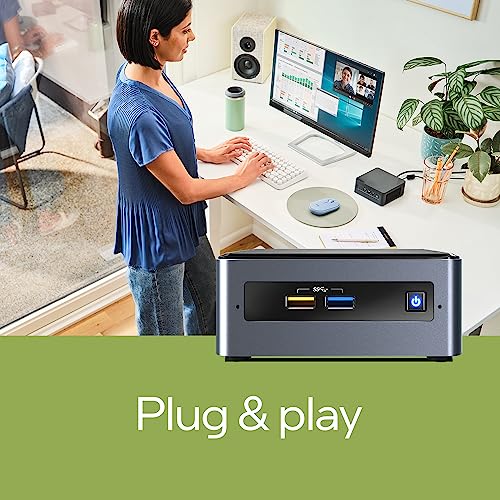
- Setup: Buyers find the setup hassle-free, and the straightforward installation of Windows 10 Home is frequently lauded.
However, some drawbacks have been noted. A few users mention limited upgrade potential, particularly regarding RAM and storage. While the device is perfect for basic tasks, those looking for expansive performance might find this limitation significant.
Explore Unboxing and Review Videos
For a more in-depth look at the Intel NUC 7 Essential, consider checking out related unboxing and review videos on YouTube. These visuals provide firsthand user experiences, showcasing real-world applications and the product’s performance. Watching these videos can help inform your decision and provide additional insights into the system’s capabilities.
In conclusion, the Intel NUC 7 Essential Desktop Computer Celeron J4005 combines efficiency, aesthetics, and compact design, making it an ideal choice for everyday users. With its affordable price point and solid performance metrics, it’s easy to see why this model has become a popular option.
Whether you are working from home, setting up a family entertainment hub, or simply need a reliable computer for daily tasks, the NUC 7 Essential stands out in its category. Compare prices now!
Intel NUC 7 Essential Desktop Computer Celeron J4005 Specification
Specification: Intel NUC 7 Essential Desktop Computer Celeron J4005
|
Intel NUC 7 Essential Desktop Computer Celeron J4005 Reviews (5)
5 reviews for Intel NUC 7 Essential Desktop Computer Celeron J4005
Only logged in customers who have purchased this product may leave a review.






Srideep Prasad –
Pros
* Comes with Windows 10 (S mode — suggest switching to full mode, which is a free upgrade)
* Upgradable to Windows 11 (more on it later)
* Includes 4 GB ram and a reasonably fast EMMC (64GB), which is enough for light use
* Extremely compact and light
* No heat at all and no fan noise (even with full load)
* Decent coverage with interval WiFi card (though a good external dongle significantly improves 5 GHz performance)
* Suggest upgrading RAM to 8 GB, and adding a good SSD (WD Blue/Crucial MX series). With these upgrades, Windows 11 works perfectly fine — for browsing, YouTube, MS Office etc, and even some light “dev” type tasks (such as running Ubuntu under WSL2). I also use it as a thin client for remote work, and it can handle Skype and Zoom calls without issue
Cons
* Very busy / complex websites at times cause a bit of stutter in the scrolling / rendering.
* Not fit for heavy work (such as video editing, heavy coding work with multiple VMs/containers etc)
* Don’t expect Core i3/i5 level performance
On the whole good value for money. I am using it as a secondary compact PC (I already have a 7th gen i5 laptop and a m1 mac air), as a thin client for office work, and some lightweight work. Fits the bill perfectly. Can be an excellent machine for online classes / study, and even offices for light work.
Ajay Badgujar –
Work all well and smooth with Windows,
With Linux-
Booting issue
Can’t handle HDD internally
If attach external HDD then wifi doesn’t work
Seems like power delivery issue if we install Ubuntu linux
Not tried other linux flavors yet.
Adityaprasad S. –
Good
Pantastic Phone Sir –
very nice product from intel …
Adityaprasad S. –
Great buy for a Entry Level Windows 11 experience!
Specs:
Processor: Intel Celeron J4025
RAM : 4GB (Slot 1 of 2), eMMC : 64GB, 4 USB 3 ports (One of them is a Power port), 2 HDMI and an Ethernet port.
Performance:
On Windows 10 in S mode that it comes with – Smooth, after upgrading to full Windows 10 Home – Smooth, but upgrading to Windows 11 slows the performance down considerably. Adding 4 GB to make a total of 8 GB makes it smooth again.
Data transfer is slow on the internal eMMC, 16.1 GB available after Windows 11 upgrade (57.1GB total usable of the 64GB eMMC) Update: after 10 to 15 days, clean up the old files to increase free space to 25+ GB!
Recommended to buy a SSD (2.5″) for additional storage as it can be installed internally without affecting the eMMC.
Booting from SSD can give a slight improvement, recommended to buy HDD for storage since the internal eMMC is great!
No fan noice under any load condition.