
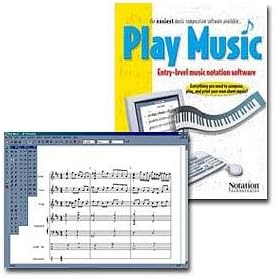
Notation Technologies Play Music Software (Windows)
 Betterworldbooks.com
  Knetbooks.com
  Walmart.com
  Samash.com
  Reverb.com
  Fullcompass.com
Notation Technologies Play Music Software (Windows) Price comparison














- All prices mentioned above are in United States dollar.
- This product is available at Walmart.com, BetterWorld.com - New, Used, Rare Books & Textbooks, Knetbooks.com.
- At walmart.com you can purchase USB to MIDI Cable Converter 2 in 1 PC to Synthesizer Music Studio Keyboard Interface Wire Plug Controller Adapter Cord 16 Channels Supports Computer Laptop Windows and Mac for only $4.99
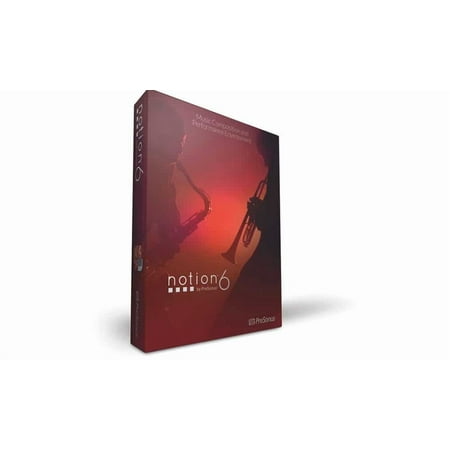
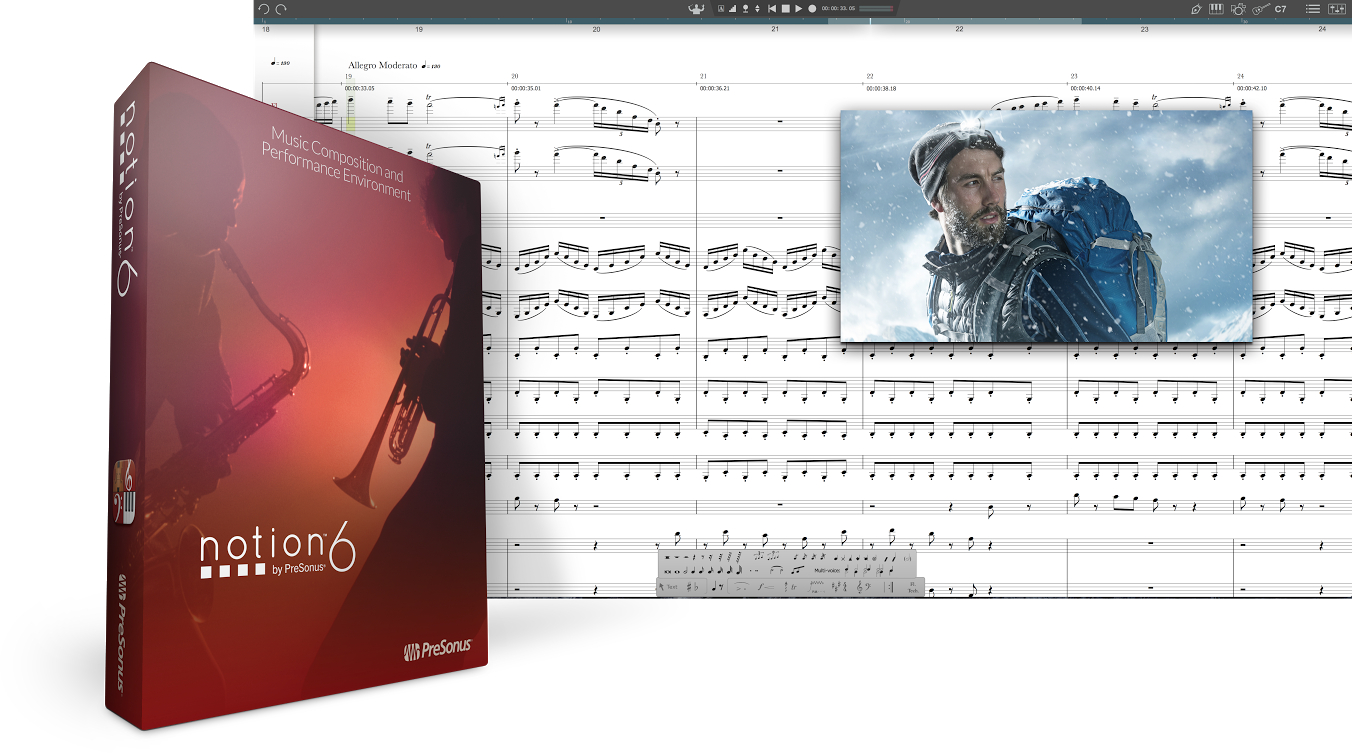
- The lowest price of Presonus Notion 6 Notation and Composition Software (Activation Card) was obtained on October 11, 2026 05:55.
Notation Technologies Play Music Software (Windows) Price History
Notation Technologies Play Music Software (Windows) Description
Notation Technologies Play Music Software (Windows) – The Ultimate Tool for Music Lovers
The Notation Technologies Play Music Software for Windows offers a powerful platform for musicians and music enthusiasts alike. With its user-friendly interface and a suite of features, this software makes it easy to play, compose, and enhance your digital music experience. Whether you’re looking for detailed notation or simply want to enjoy your favorite songs, this software has got you covered. In this description, we’ll explore its key features, benefits, and compare prices across different suppliers.
Main Features and Benefits of Notation Technologies Play Music Software
- Intuitive User Interface: The software is designed to be straightforward, allowing users to navigate and utilize the features without hassle. This makes it ideal for beginners and experts alike.
- Advanced Music Notation: It provides comprehensive music notation capabilities. You can effortlessly write and edit sheet music, ensuring professional-quality results.
- Powerful Playback Options: Experience your compositions as they come to life with high-quality MIDI playback. You can customize tempos and instrumentation to suit your style.
- Comprehensive Audio Support: Import audio files in various formats and convert them into notation. This feature is essential for transcribing music.
- Compatibility: Easily integrates with other music software and hardware. It supports various MIDI devices, enhancing your productivity.
- Exporting Capabilities: Save your compositions in multiple formats, including MIDI, PDF, and MusicXML, making sharing and publishing hassle-free.
- Discontinued But Supported: Although the software might be discontinued, ongoing support ensures you can still enjoy its features and functionality without issues.
Price Comparison Across Different Suppliers
When it comes to purchasing the Notation Technologies Play Music Software, prices can vary across different suppliers. The average price ranges between $39.99 to $59.99, depending on the vendor. Checking for discounts or special offers can save you more on your purchase.
Notable Trends from the 6-Month Price History
Based on our 6-month price history chart, prices for the Notation Technologies Play Music Software have seen slight fluctuations. The lowest recorded price was $39.99, while the highest reached $59.99. Recently, the trend indicates that prices are stabilizing, making it a good time to buy if you’re considering this software.
Customer Reviews What Users Are Saying
Overall, customer reviews for the Notation Technologies Play Music Software highlight a mix of strengths and weaknesses:
- Positive Aspects: Many users commend the software for its ease of use and comprehensive features. Musicians appreciate the playback quality and notation tools, making it an excellent choice for composing music.
- Noted Drawbacks: Some users have reported occasional glitches, particularly when handling large files. Other feedback suggests a learning curve for those unfamiliar with musical notation software.
Explore Unboxing and Review Videos
If you’re still on the fence about the Notation Technologies Play Music Software, watching unboxing and review videos can provide valuable insights. These resources showcase real user experiences, highlight functionality, and can guide you in making an informed decision.
Why Choose Notation Technologies Play Music Software?
In summary, the Notation Technologies Play Music Software stands out as a reliable and efficient tool for anyone interested in music creation. Its extensive features, combined with positive user feedback and reasonable pricing, make it an ideal choice for musicians and composers.
Ready to Take the Next Step?
Now that you have all the information about the Notation Technologies Play Music Software, why wait? Prices vary across suppliers, and watching reviews can solidify your decision. Compare prices now!
Notation Technologies Play Music Software (Windows) Specification
Specification: Notation Technologies Play Music Software (Windows)
|
Notation Technologies Play Music Software (Windows) Reviews (7)
7 reviews for Notation Technologies Play Music Software (Windows)
Only logged in customers who have purchased this product may leave a review.
Related Products
Alswords –
The program looks good, is easy to add notation and setup score once you know what you’re doing. The most serious warning I have is you can lose A LOT of time and effort with this program. The “redraw” painter button (or F5) are absolutely not help to fixing the repeated crashes I’ve experience with this program. After putting in just 20 measures of a new score, measure 5 developed some sort of bug that makes the entire program crashes if you attempt to make “ANY” change to the measure. There are no instructions as to how to fix a corruption in an individual measure and attempting to erase the measure in no good because, once again, anything you do will crash the program.
I’m not even certain I want to start over, and I had such great hopes for this program when I started; my advice is to seek out a more reliably stable program!
notester –
This is a great program and is well worth the money. I’ve written many original compositions with this software with no problems. I use the program to write and print my arraignments at church and it’s more than paid for itself. Anyone who has the need for an easy to use and stable notation program should buy this program!
Happy Musician.
Sunshine –
I haven’t been able to use it because the manual is garbage. I contacted them, with no reply. It is a waste of money if you can’t figure out how to use it!
joe leonard –
I got this demo program included with my Yamaha digital piano. I’m certainly not going to upgrade.
The user manual so called help file is very small. The web page is worse.
Their web site doesn’t have ANY information about this product at all. In fact there is only 1 archive file from September 2011 which talks about microphones.
For example, I just wanted to see the melody harmony part on the screen while I played. But all instruments display starting with drums, piano, guitar, strings, soloist, melody harmony etc. in that order. In other words, you can’t just see the melody harmony unless you scroll. When the song goes to a new screen, you have to scroll again. You can ¨eliminate¨ parts from showing but that also kills that part from the song.
Get Band-in-a-box which is much more flexible.
B. James –
I bought this program because I wanted to create professional looking scores within a budget. This software package was very affordable and fairly easy to install and operate. I would recommend printing and thoroughly reading the product operation manual (included via Adobe Reader)prior to operating this software. The only issues I had were that certain functions such as creating ties and slurs(which will take some practice to master)could have been easier to add to your score. This requires that you read the specific instructions. Other functions were very self explanatory based on the set up of the software.
Overall, if you have basic experience using Windows, need music notation software on a budget, and don’t mind working through some minor bugs, this product is a great choice.
I. Bruce –
Poor documentation. Clumsy to use on some of the finer points of music notation. I’ve lost file after file during the middle of notating music due to buggy programming corrupting the file while trying to fix musical mistakes. I guess you get what you pay for. I’m going elsewhere and will pay for a more sophisticated program this time.
Jordan McGlade –
If you’re using a guitar, I’d recommend guitar pro. Anything else, this is the program for writing songs. It only plays in piano tone, which can be somewhat limiting, but it gives you a good idea of what something sounds like. A great idea, actually.