
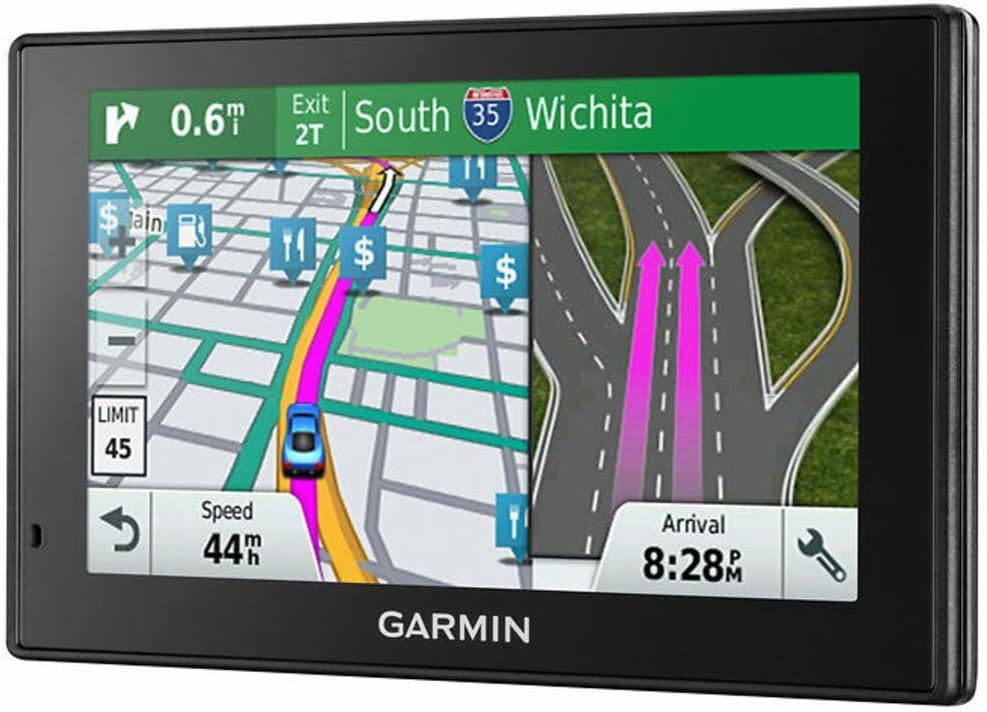
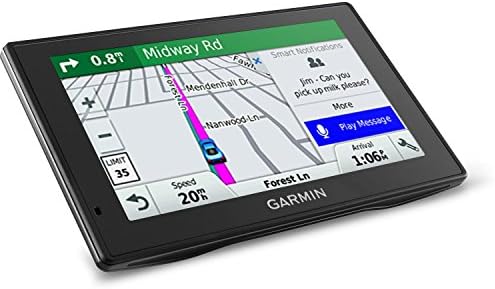
Garmin DriveSmart 50 LMT-HD Navigation System
 Zoro.com
  Bjs.com
  Abt.com
  Bestbuy.com
  Opticsplanet.com
  Walmart.com
$46.19
Garmin DriveSmart 50 LMT-HD Navigation System Price comparison





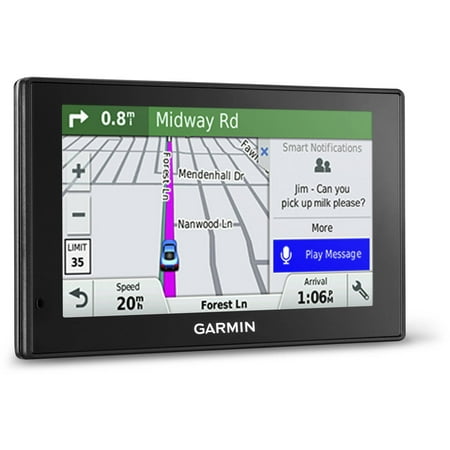

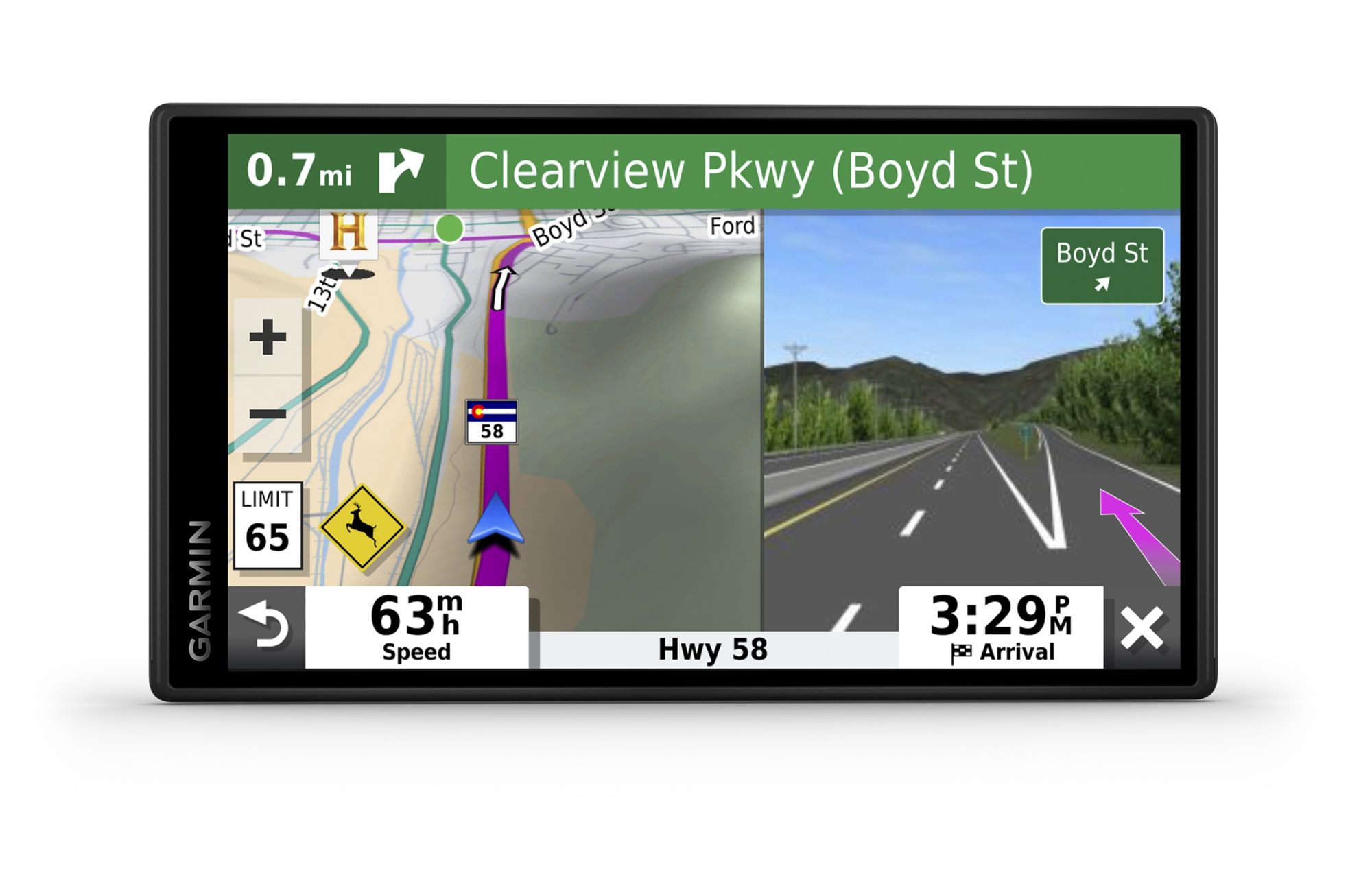




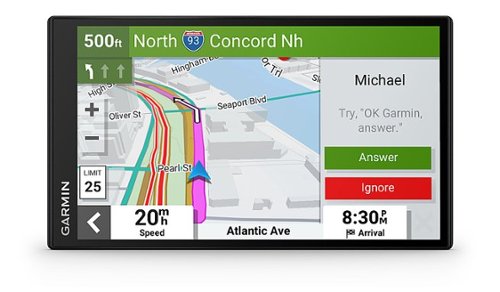


- All prices mentioned above are in United States dollar.
- This product is available at Zoro, Amazon.com, Abt Electronics, BJ's Wholesale Club, Bestbuy.
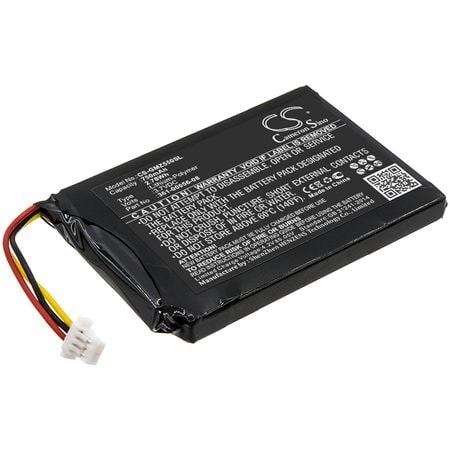
- At zoro.com you can purchase Replacement for Garmin Drivesmart 55 Battery for only $30.99 , which is 93% less than the cost in Abt Electronics ($449.99).
- The lowest price of Garmin RV 795 7" GPS Navigation System was obtained on October 23, 2026 13:31.
Garmin DriveSmart 50 LMT-HD Navigation System Price History
Garmin DriveSmart 50 LMT-HD Navigation System Description
Discover the Amazon Renewed DriveSmart 50 LMT-HD Navigation System
Looking for a reliable navigation system that keeps you on the right track? The Amazon Renewed DriveSmart 50 LMT-HD Navigation System combines advanced technology, user-friendly features, and comprehensive connectivity options to ensure that you enjoy every journey. Ideal for drivers who prioritize accuracy and efficiency, this GPS navigation system is a must-have companion for road trips and daily commutes alike.
Key Features of the DriveSmart 50 LMT-HD Navigation System
- High-Resolution Touchscreen Display: The 5-inch LCD touchscreen with a resolution of 480 x 272 offers clear and detailed maps, making navigation straightforward and intuitive.
- Bluetooth Connectivity: With built-in Bluetooth technology, you can easily pair your smartphone for hands-free calling, enabling safer driving without distractions.
- Voice Control: Utilize voice commands for easy route navigation. Just speak your destination, and let the DriveSmart 50 do the rest.
- Garmin Real Directions: This feature provides easy-to-understand directions, leading you through landmarks and turns as if a friend is guiding you.
- LMT-HD Traffic Updates: Stay informed with live traffic conditions and arrive at your destination faster with real-time alerts.
- Comprehensive Mounting Options: The package includes a secure mounting system, making installation quick and hassle-free.
Comparing Prices Across Suppliers
The pricing for the Amazon Renewed DriveSmart 50 LMT-HD Navigation System varies across different retailers. As of now, you can find it priced competitively through various suppliers, with some offering it at low introductory rates. Our price comparison tool will show you the best deals available, ensuring you get the most value for your investment without sacrificing quality.
6-Month Price History Trends
Our 6-month price history chart reveals an interesting trend for the DriveSmart 50 LMT-HD. Prices have shown a slight decrease recently, making it a great time to buy. This downward trend in price aligns with promotional offers from various retailers, enabling you to purchase this amazing navigation system at an affordable price.
Customer Reviews: What Users Are Saying
The Amazon Renewed DriveSmart 50 LMT-HD Navigation System has received numerous reviews from satisfied customers. Users frequently highlight the accuracy of the device and the convenience it offers during travels. Here’s a summary of the feedback:
- Positive Aspects: Customers love the intuitive interface and the clarity of the touchscreen. Many appreciate the Bluetooth functionality and voice control features, which enhance safety while driving.
- Noted Drawbacks: Some users mention that the battery life could be longer, especially during extended road trips. A few have experienced issues with the initial setup, but overall, the experience has been overwhelmingly positive.
Explore Unboxing and Review Videos
To see the Amazon Renewed DriveSmart 50 LMT-HD Navigation System in action, check out various unboxing and review videos available online. These visual guides can help you understand the product’s functionality better and see how it fits into real-life scenarios.
Why Choose the Amazon Renewed DriveSmart 50 LMT-HD?
This top-tier navigation system not only elevates your driving experience but also offers significant advantages over traditional GPS devices. Its combination of advanced features and modern technology ensures you stay connected and informed on the go. Whether you’re navigating through city streets or taking a road trip across the country, the DriveSmart 50 LMT-HD will guide you efficiently, helping you avoid delays and discover new routes.
In Conclusion
If you’re in the market for a reliable and feature-rich navigation system, look no further than the Amazon Renewed DriveSmart 50 LMT-HD Navigation System. With its competitive pricing and proven performance, it’s a smart choice for drivers who value accuracy and ease of use. Don’t miss out on the opportunity to enhance your travels!
Compare prices now!
Garmin DriveSmart 50 LMT-HD Navigation System Specification
Specification: Garmin DriveSmart 50 LMT-HD Navigation System
|
Garmin DriveSmart 50 LMT-HD Navigation System Reviews (11)
11 reviews for Garmin DriveSmart 50 LMT-HD Navigation System
Only logged in customers who have purchased this product may leave a review.






Al –
Feature packed GPS that looks brand new. Updating maps and software was simple and seamless. I can’t imagine finding a better value for the price.
HITESH BHATT –
Was good & Cheaper.
Lew –
Works great, I’ve had an older Garmin (1490lmt) for many years. When my fiancé’s 1525lmt got stolen, we got her a Driveluxe 50lmt, I was impressed with all the advanced features it had, and finally bit the bullet and got this unit for myself. Aside from a small blemish on the screen, it looks and works like a new machine. Lane assist is great, The screen is easy to read (have not tried in bright sunlight yet, I may get a anti glare screen protector for it) You can download and change voices and arrow icons through Garmin Express. For people new to Garmin, this is the program that updates your maps, POI’s, and Garmin software.
The biggest adjustment is the numbers are smaller and slightly harder for me to read than on my 1490. Overall though, it’s a great product, even refurbished, and will highly recommend.
Gene in MN –
Great Product. I am still discovering new features to this thing.
I didn’t know that this had Voice Command for hands free operation before I purchased it.
It is an amazing feature and I won’t own another GPS that doesn’t have it.
Mine is mounted on the center of my dash on one of the self adhesive disks that come with Garmin GPS’s so you can use the suction cup mount anywhere. The windshield is too far away to comfortably use it mounted there.
For Voice Command to work, you do have to speak up a bit and project your voice, but it does recognize the commands pretty well. If there is a hard rain that is causing other background noise, as you would expect, voice command has a harder time hearing you.
When you say “Voice Command”, it responds and shows you a list of the common commands that you can give it. Since there are just a few more commands than can fit on the display, it gives you the option to say “Down” to scroll to the next page.
The only thing that I can say negative about voice command is really an example of how well it works.
Occasionally, someone on the radio will either say either the word “Voice” or the word “Command”, and the GPS picks up on that and activates voice command mode, which switches the display away from the map.
It is easy to cancel that verbally just by saying “Exit”.
So that is not such a big deal.
You can actually change the phrase that activates voice command. I am changing it to something that is less likely to be said over the radio and cause any false activation’s.
Also, there is a really great search function that allows you to only search for options (gas stations, restaurants, etc..) along the route which you are currently following, rather than searching the surroundings in all directions. It was annoying to have the GPS display search options at the top of the list which are behind me, but when you select to search along your route, it only shows what is ahead and shows you the exits where those options are located.
It also acts as a hands free speaker phone when you link it to your phone via Bluetooth.
In the state where I live, it is against the law to drive while holding a cell phone. You will get a ticket if it just in your hand. So if you have a car that doesn’t link with you cell phone, this is a good option.
My car links to my phone so I can’t tell you how well that feature works. Sorry.
**Lastly, when playing around with my GPS to reference features for this review, I discovered that it can be upgraded with a backup camera (BC 30) that you can purchase from Garmin, which will display what is behind you, either whenever you shift into reverse – OR – you can wire it to constant power and be able to switch to backup camera view on you GPS at any time, whether the car is in gear or not.
Michael O. –
So amazon bundles this with a usb cable that doesnt work. It will flash and keep restarting. The first one I returned. The second one did the same. You need to replace the cable for it to work. The cigarette plug in does work.
GW –
Easy to use, works well
Jim –
I’ve had this for a couple of weeks now and I’m really enjoying it! The speaker phone feature works well with the bluetooth connection- callers can hear me well while I’m driving, even in my noisy old car. The route calculates quickly, and the touch screen is way better and looks sharper than the old Nuvi models did. I almost bought one with the bigger 6″ screen, but I’m glad I went with this one- it’s plenty big for a sedan. The voice recognition is the only hit-or-miss feature. Sometimes when I speak an address it’s right on, other times it’s actually comedic how badly it messes up the address I speak. But this feature is more of a novelty to me anyway, I can enter the address faster than the device can decipher speech, even when it works. Overall I can’t believe that I got this device for less than a hundred bucks, even if it is refurbished.
drp –
I have owned a Gamin GPS (nuvi 1450) since 2011 and have successfully downloaded my maps with the Garmin Express App routinely for several years using exactly the same internet connection and provider. The first thing I did was to charge the battery which took several hours. Then I began registering the product and setting it up with help from a Garmin support representative. The next thing I attempted was to update the software and maps. I made 3 attempts dealing with 2 different Garmin reps with no success. At first I was told I needed to uninstall my current express app and re-install an updated version which I did. Then I was told to temporarily disable my anti-virus software which I did. Then I was told that my transfer rate was likely too slow, and I should attach my laptop to my router with an Ethernet cable. With the Ethernet connection the transfer rate improved significantly. After attempting all these things, I was still unable to update the maps. Each time I received an “error” message. Unfortunately the folks at Garmin do not know exactly what caused this error, blaming it on the internet connection. It seemed to me that something was not working properly inside the Gamin device and tech support had no way of diagnosing the problem. Since the ability to update maps is essential to maintaining a Garmin GPS, I elected to return the device.
SUGGESTION: Perhaps it’s not a good idea to purchase a refurbished device that depends on internet connectivity for updates when it comes to GPS navigation. Although I’m disappointed in Garmin’s inability to diagnose my problem, I may consider purchasing a brand new model.
DB –
My first GPS from Garmin was purchased in 2011. It still works but the lifetime maps are no longer supported. The product is good but I was disappointed in the company support when I called them and they told me my unit was dead. It was not. But I did not know that when I purchased this immediately as I NEED a GPS for memory issues. The lifetime maps were no longer supported and I recieved a message on the website when I connected the older unit. The unit itself is excellent. I am not sure I would recommend the company as I felt deceived by the resprestative that I spoke with.
Majouranis –
Was having trouble turning it on , and connecting to the computer for update when I unboxed it, for now seems to be working fine when connecting to blue tooth although it does connect you can’t get out of the screen.
ToyBoy –
There’s a lot of features. There was a small issue that might cause a less savvy user a problem, the mini USB cable was nonfunctioning. Luckily, I have several known good cables allowing me to update the maps. Otherwise the item is impeccable and my wife loves it.