
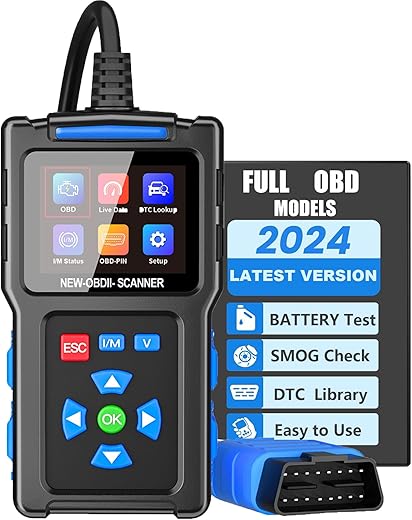
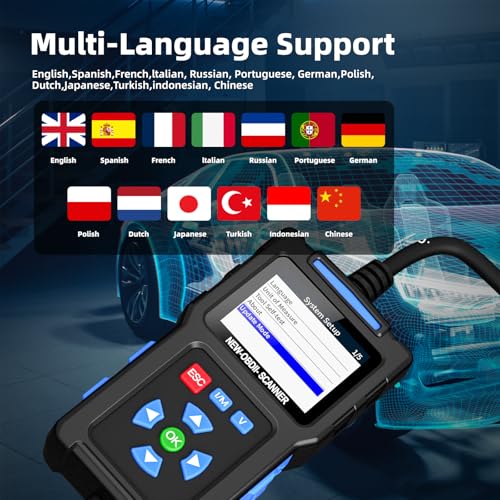
FAINSLIGO OBD2 Scanner Diagnostic Tool T200
 Shein.com
  Buyautoparts.com
  Walmart.com
  Acehardware.com
  Vevor.com
Original price was: $119.95.$25.99Current price is: $25.99.
FAINSLIGO OBD2 Scanner Diagnostic Tool T200 Price comparison









- All prices mentioned above are in United States dollar.
- This product is available at SHEIN, Walmart.com, BuyAutoParts.com.
- At shein.com you can purchase [Advanced OBD2 Scanner Tool] Upgraded MS309 OBD2 Scanner Tool - Advanced Diagnostic Car Fault Code Reader - Live Data Stream & Emissions Tests Functio for only $5.60
- The lowest price of FOXWELL NT710 OBD2 Diagnostic Tool For BMW Bi-Directional OBD2 Scanner All System Car Scanner ECU Coding 31 Reset Lifetime Free was obtained on October 15, 2026 17:09.
FAINSLIGO OBD2 Scanner Diagnostic Tool T200 Price History
FAINSLIGO OBD2 Scanner Diagnostic Tool T200 Description
FAINSLIGO OBD2 Scanner Diagnostic Tool T200: Your Ultimate Automotive Companion
The FAINSLIGO OBD2 Scanner Diagnostic Tool T200 is an essential device for any car enthusiast or automotive professional. This powerful tool offers a comprehensive diagnostic experience, helping you navigate your vehicle’s health efficiently. Whether you’re a DIY mechanic or a seasoned technician, the T200 stands out in the crowded market of OBD2 scanners. With features tailored to meet the needs of every user, it’s no wonder this scanner is gaining traction. Let’s dive into its key features and benefits!
Key Features of the FAINSLIGO OBD2 Scanner T200
- Universal Fit: The T200 is designed to work with a wide variety of automotive brands and models. Its universal fit makes it compatible with most OBD2-compliant vehicles.
- High-Resolution Display: The 480×320 resolution ensures that you can read car codes and data clearly, even in bright sunlight.
- Compact Dimensions: Measuring 6 inches in length, 1.4 inches in width, and 5 inches in height, the scanner is lightweight (10.2 ounces) and portable for easy storage and handling.
- Robust Operating System: Powered by a reliable Linux operating system, the T200 ensures smooth operation and increased durability over time.
- Real-Time Data Monitoring: The scanner allows for immediate feedback on live data for engine diagnostics, enabling swift troubleshooting.
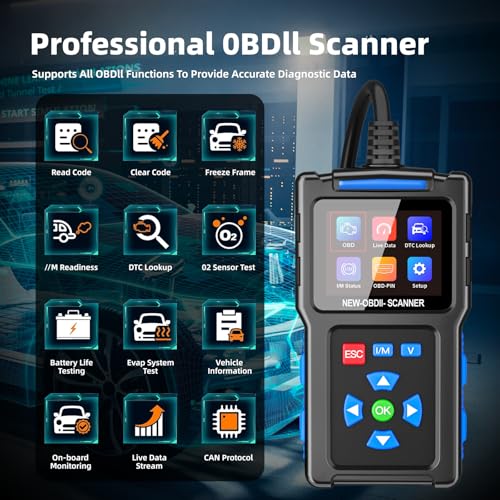
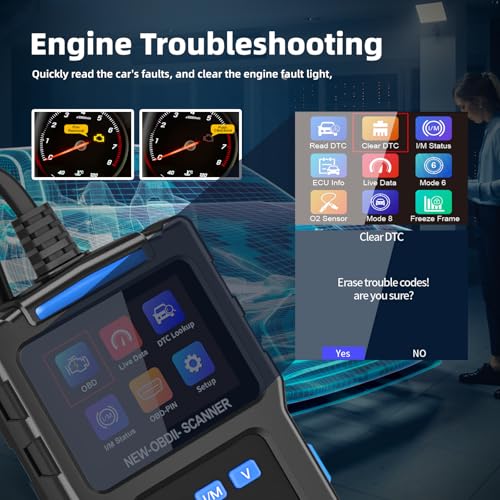
- Versatile Diagnostic Capabilities: The T200 reads and clears diagnostic trouble codes, making it perfect for both professional mechanics and home users.
Price Comparison and Trends
When it comes to purchasing the FAINSLIGO OBD2 Scanner Diagnostic Tool T200, pricing varies across different suppliers. On average, you can find the T200 priced between $49.99 and $69.99. Notably, e-commerce platforms and local auto shops may have seasonal discounts that make it an even better deal. Our 6-month price history chart reveals a steady decline in pricing, indicating increasing demand while also signifying an opportunity to buy at a more competitive rate.
Understanding Customer Feedback
Customer reviews of the FAINSLIGO OBD2 Scanner T200 highlight its effectiveness and ease of use. Many users appreciate the instant access to vehicle diagnostics, which streamlines their repair processes. Here’s a summary of the key points from user feedback:
- Positive Aspects: Users frequently mention its accuracy and fast read times, with many stating that the product has saved them both time and money in the repair process.
- Notable Drawbacks: However, some users have pointed out that while the scanner offers a substantial amount of data, a more detailed user manual would have enhanced their experience.
Overall, the favorable reviews indicate that the T200 is a reliable tool in diagnosing common vehicle issues.
Explore Unboxing and Review Videos
To see the FAINSLIGO OBD2 Scanner Diagnostic Tool T200 in action, take a look at some YouTube review and unboxing videos. These visual demonstrations not only show the scanner’s ease of use but also provide insight into its full capabilities. Watching these videos can help you make a more informed purchasing decision and may even illustrate unique troubleshooting tips.
Why Choose the FAINSLIGO OBD2 Scanner T200?
If you’re looking for a powerful tool that combines functionality, portability, and affordability, the FAINSLIGO OBD2 Scanner T200 is an excellent option. This tool’s comprehensive features make it suitable for various diagnostic needs, whether you’re checking the engine light or performing preventive maintenance.
As you consider this product, keep in mind that it checks all the boxes: universal compatibility, high-resolution display, and user-friendly interface, all while maintaining an affordable price point. The enhanced customer reviews and predictive pricing trends indicate that now is a great time to invest in your automotive toolkit.
Compare Prices Now!
Don’t miss out on the chance to get the FAINSLIGO OBD2 Scanner Diagnostic Tool T200 at a competitive price. Explore the various suppliers we feature for the best deals, and ensure you secure this reliable scanning solution for your automotive needs. Compare prices now!
FAINSLIGO OBD2 Scanner Diagnostic Tool T200 Specification
Specification: FAINSLIGO OBD2 Scanner Diagnostic Tool T200
|
FAINSLIGO OBD2 Scanner Diagnostic Tool T200 Reviews (8)
8 reviews for FAINSLIGO OBD2 Scanner Diagnostic Tool T200
Only logged in customers who have purchased this product may leave a review.
Michael A Kroon –
Easy to use. I have to go car shopping and this will assist me in a big way
color creator –
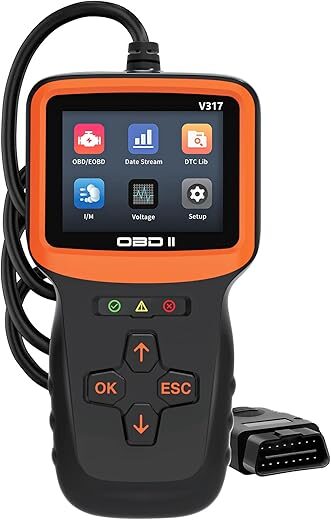
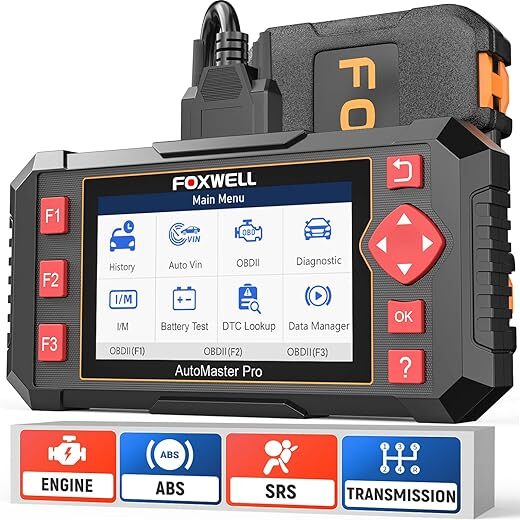
What I like most about this Fainsligo OBDII diagnostic scanner (Amazon ASIN B0DCJWGQJD) is that it does the job of reading & clearing codes but it makes the setup & debugging task easier with the long cord and ability to output real-time measurements and to save critical measurements and spit them back out in a replay file.
That will be very useful for diagnosing intermittent issues and specific emissions-related failures.
I’m going to repeat that I like the long cord because I can sit in the cockpit and comfortably hold the unit with the comfortable grip as I manipulate the buttons. I didn’t read the instructions (I almost never do unless I can’t figure it out intuitively) and this code reader passed the no-instruction test (although I’m familiar with code readers).
I read the readiness monitors and I read the set & pending diagnostic codes, and then I cleared them, and then I monitored the readiness monitors so that the instant that the cat upstream oxygen sensor was ready, I shot over to the inspection station because it doesn’t last long.
Before I pay for a test, I always scan as it’s a waste of more money than this code reader costs to run a test that you’re doomed to fail simply because the I/M monitors aren’t set (and some are rather difficult to set in some vehicles with certain failure modes).
Since I hadn’t read the instructions before using it thoroughly, I was momentarily perplexed that the OBDII reader has a “battery” test button – where I was thinking “Does this tool have a battery?” which would be unusual for such tools as they are energized by the vehicle’s OBDII connection. It was a test for the battery – which I hadn’t expected – replete with real-time voltage measurements (which is kind of nice when your battery is failing). Since it has no battery to die on you over time, you can keep it in the car all the time – although this monitor is bigger than most of its type – but that’s OK as so is my trunk.
The one superfluous feature I found was that it will actually tell you what the code means (e.g., I had a P0171 System too lean bank 1) whereas most of these inexpensive code readers just tell you it’s a P0171. For the uninitiated, that might seem to be a boon to have all the codes in a database on the tool (and I guess it is), but the reality is you can look them up on the Internet as they’ve been the same for decades and they will stay the same for a few more decades. Still – it’s a nice bell to put on the whistle.
Also you can upload the firmware from your PC – but really – are you ever going to do that? I doubt it.
But what’s MOST useful that I hadn’t expected in a OBDII tester of this price, is that it can give you not only real-time data but it can save that data and spit it back out. That’s nice for debugging.
Overall I really like this OBDII tester which will save you more money than it costs.
Brandon Holderman –
I WASNT EXPECTING THIS SCANNER TO WORK AS WELL AS IT DOES FOR THE PRICE I PAID
Scott Schippers –
All this did was trigger security. Will not connect. I was hoping for a simple scanner and this is a complete scam.
Locke –
This is a lightweight, easy to use tool to read and clear diagnostic trouble codes. I’m not a professional mechanic, so I’ve only tried it with a Toyota and BMW. It works as expected. It draws power from the OBD2 port itself, so no need for batteries.
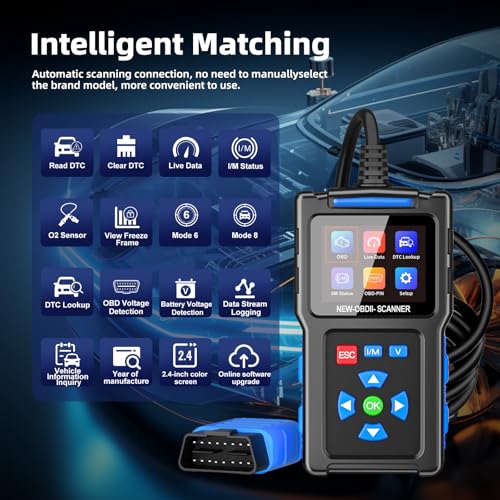
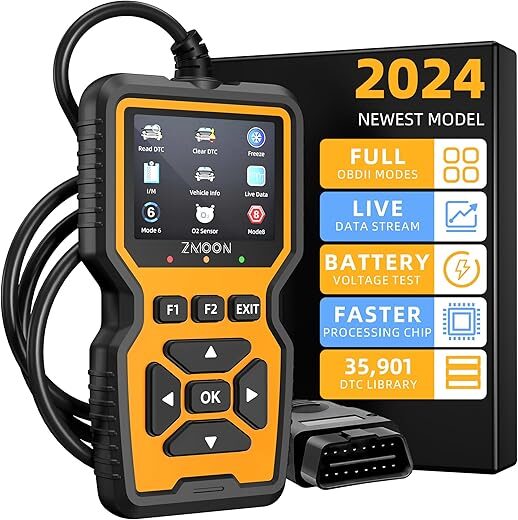
In addition to reading and clearing DTCs, the unit can check battery and electrical system voltage, perform an I/M (inspection and maintenance) readiness status check (basically a smog check), look at O2 and evaporative systems, and capture/record live data. I haven’t had an opportunity to fully exercise all the features (and hope I don’t need to!), but wanted to give the community a sense of the tool’s capabilities.
Four stars because the user interface is good, not great and the documentation is limited.
I think this is a great tool for a home mechanic.
R. Gonza –
This scanner is worth the money I paid for times 2. Easy to use.
Customer –
Here’s what you need to know.
This isn’t going to fix your car, lol. It’s tool to help you understand what is going on within your car. You do need to understand how to read it, more than just “codes”. The test functions are there for a reason, and you can’t blame the tool for something that you don’t understand what the result means or the data shows. For this tool, it does perform some basic tests and feed you data but nothing really life altering, a professional wouldn’t use this for more than a quick scan to tell you what code it has and/or clear the service light.
color creator –
Pros:
• The voltage readout is accurate; it matches my USB charger and multimeter.
• This worked fine in cold weather and buttons were easy to press wearing gloves.
Shortcomings:
• The screen is small and can be hard to read.
• Navigating the start screen is weird. It’s a grid, but you have to navigate it with the UP/DOWN buttons. The VIN lookup is on the right arrow button. It doesn’t doesn’t work on my car and takes forever when I accidentally press it. I think they decided to change the buttons at the last second to make it easier for auto buyers to use.
• The English translations of device screens and the manual are good, except for two menu items: “Mode 6” is “In-Vehicle Monitoring”, and “Mode 8” is the engine evaporative system test.
Usage notes:
• When you select a function, it tries each of 9 protocols to connect to the car. I’m including a picture of the protocols in case you want to see if your car is supported.
• This is powered by the car; you need to turn the key to II to power it up.
• Unplug when starting the car.
• “I/M Status” stands for Inspection and Maintenance readiness. It’s what you check before taking in for state emissions testing. The screen shows whether the car’s various built-in monitoring systems are functioning and have enough data to give a valid result. Note that disconnecting the battery can result in INC (Incomplete). INC can be cleared by driving the car for a day or two so your car can collect and store the data.
• “DTC Lookup” is diagnostic code lookup. I tried to trigger a code to test it, but ended up failing.
• The firmware version is 1.0.32. I couldn’t find a place to check if this is the latest. The manual says to ask the dealer.