
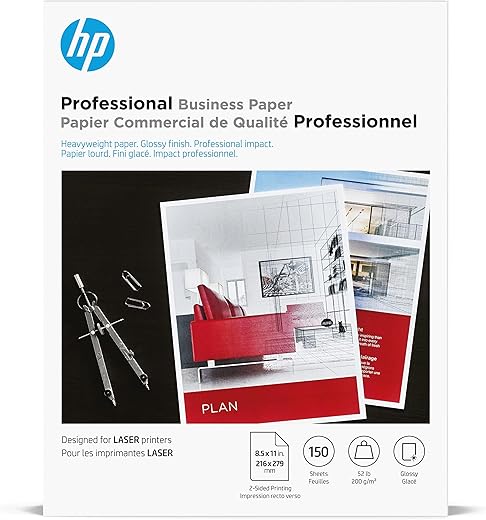
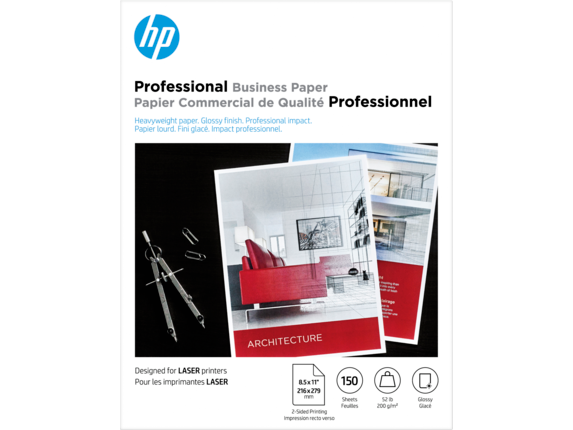
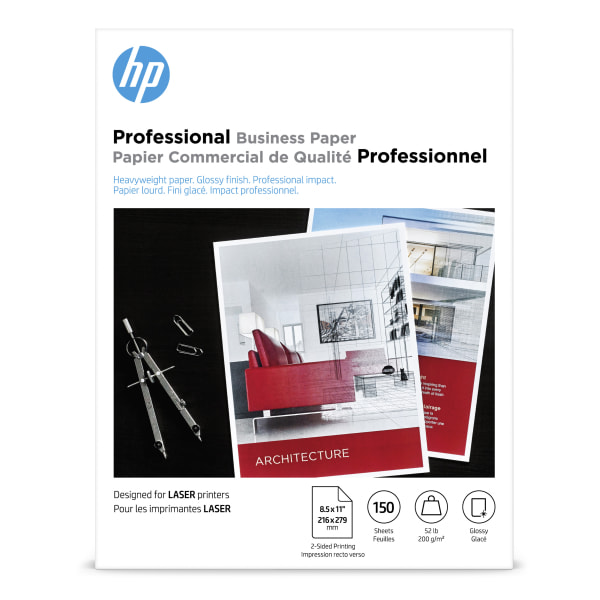
HP Glossy Business Paper, 52 lb, 4WN10A

 Neweggbusiness.com
  Amazon.com
  Flexoffers.com
  Officedepot.com
  Bestbuy.com
  Quill.com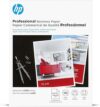
Original price was: $29.99.$27.89Current price is: $27.89.
HP Glossy Business Paper, 52 lb, 4WN10A Price comparison















- All prices mentioned above are in United States dollar.
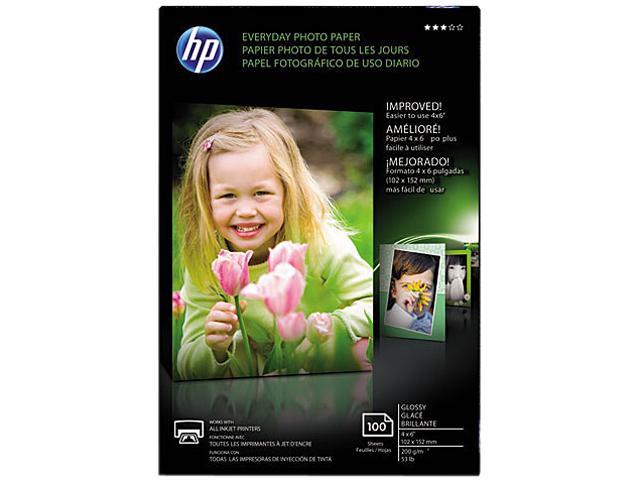
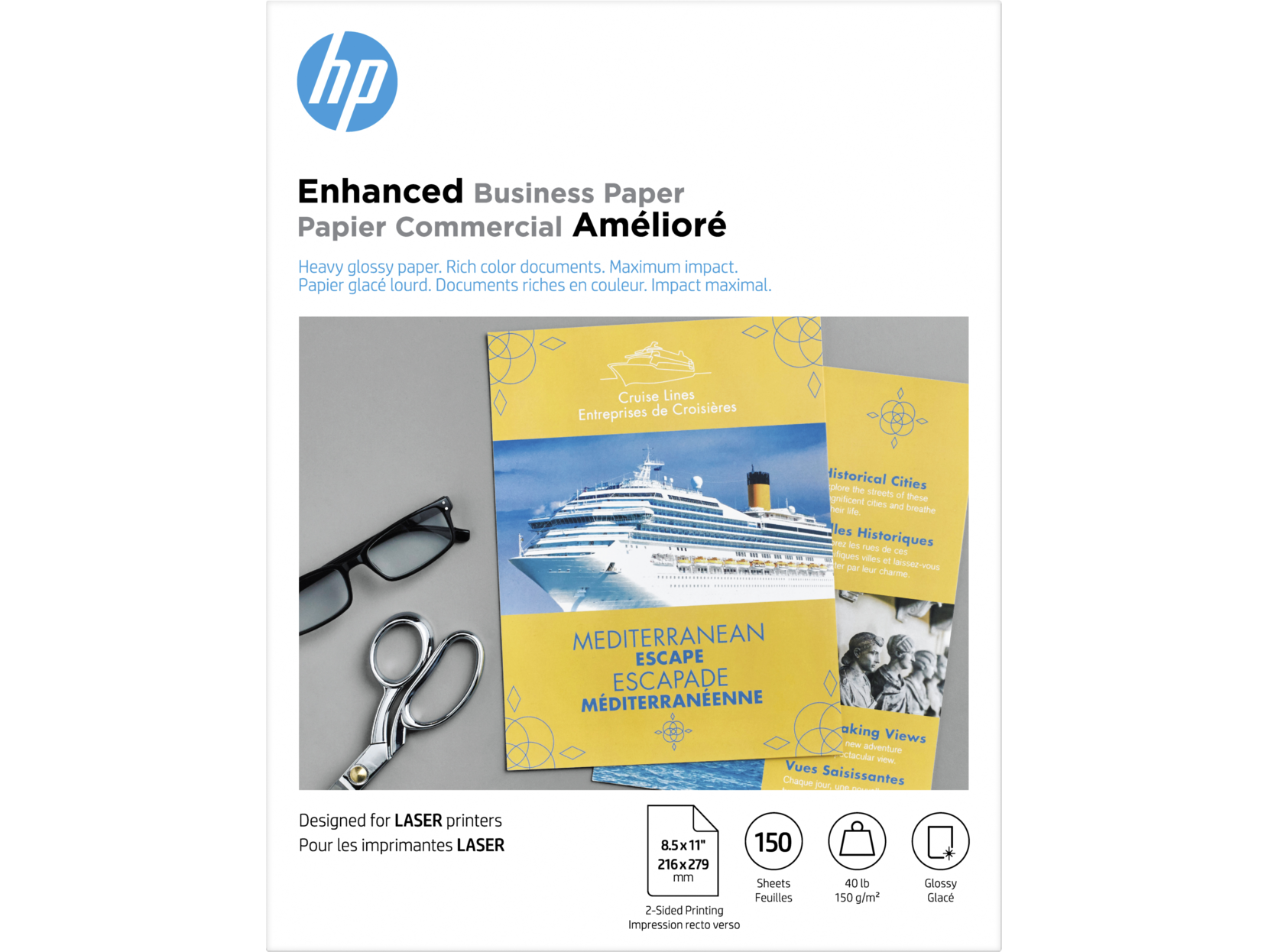
- This product is available at Bestbuy, Newegg Business, Quill, Staples, Flexoffers, Amazon.com, Office Depot and OfficeMax, Newegg.
- At bestbuy.com you can purchase HP - Sprocket 2" x 3" Premium Sticky-Backed Zink Photo Paper - White for only $9.99 , which is 91% less than the cost in Staples ($110.59).
- The lowest price of HP Professional Glossy Business Paper, 11" x 17", 150 Sheet/Pack (CG932A) was obtained on October 6, 2026 23:55.
HP Glossy Business Paper, 52 lb, 4WN10A Price History
HP Glossy Business Paper, 52 lb, 4WN10A Description
HP Glossy Business Paper, 52 lb: Elevate Your Professional Printing
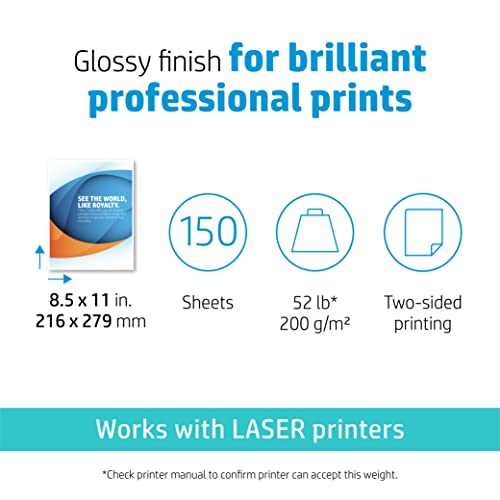
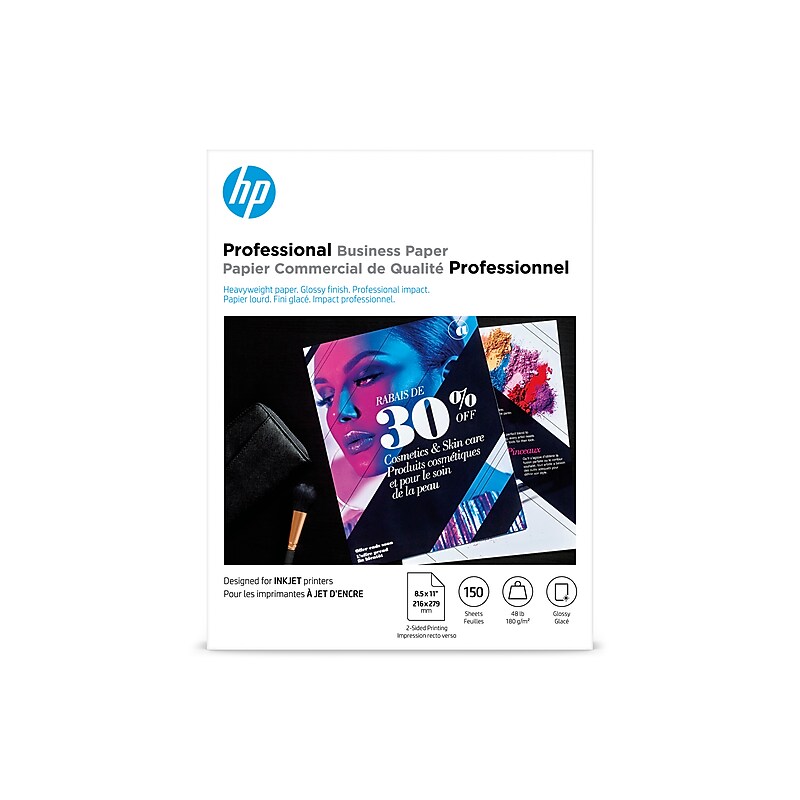
The HP Glossy Business Paper, 52 lb (4WN10A) is your go-to solution for high-quality prints that demand attention. Ideal for presentations, marketing materials, and professional documents, this glossy paper enhances color vibrancy and sharpness, ensuring your printed materials stand out. With a weight of 52 lb, this paper offers a substantial feel that complements its outstanding print quality. Discover why HP Glossy Business Paper is favored by professionals and businesses alike!
Key Features and Benefits of HP Glossy Business Paper
- High Gloss Finish: The glossy surface ensures rich color saturation and sharp contrast, making your images pop. Whether you’re printing flyers or brochures, your visuals will impress clients and stakeholders.
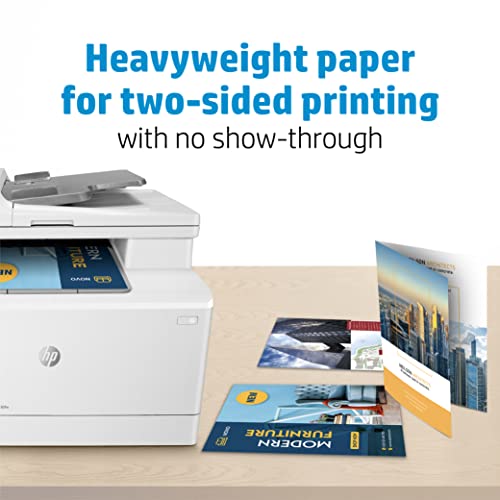
- Weight and Durability: At 52 lb, this paper strikes the perfect balance between sturdiness and flexibility, offering a premium feel while being easy to handle and print on.
- Compatibility: The HP Glossy Business Paper is designed to work flawlessly with inkjet and laser printers, making it versatile for any office setup.
- Professional Quality: Designed for business use, this paper ensures that your prints maintain a professional look and feel, making a lasting impression on your clients.
- Easy to Use: The sheets are perfect for both home and office environments. Its reliable performance ensures that you can print documents without worrying about jams or smudging.
How Does the Price Compare Across Different Suppliers?
When it comes to purchasing HP Glossy Business Paper, price comparisons reveal interesting insights. On average, this product is competitively priced across various online retailers. You can expect to find it ranging from $20 to $30 for a ream, depending on the supplier. Checking prices not only helps you save money, but it also ensures you get the best possible deal.
Insights from the 6-Month Price History Chart
The 6-month price history chart for the HP Glossy Business Paper (52 lb, 4WN10A) showcases some compelling trends. The prices tended to fluctuate slightly, with notable discounts observed during key sales events. Understanding these trends can help you make informed decisions on when to purchase. Keeping an eye on these shifts can lead to significant savings.
Customer Reviews: Strengths and Areas for Improvement
Customer feedback for HP Glossy Business Paper highlights numerous strengths. Reviewers frequently commend its professional quality and glossy finish, stating that it significantly enhances presentations and marketing materials. Many users have lauded its compatibility with various printers, noting ease of use and consistency in print quality.
However, some customers have noted a few drawbacks. A handful of users experienced occasional curling of the paper, especially in humid environments. Others mentioned the need for specific ink settings for optimal results. Despite these minor concerns, the overwhelming majority of reviews are positive, reflecting high customer satisfaction.
Explore Unboxing and Review Videos
If you want a more in-depth look at the HP Glossy Business Paper, along with insights into its performance, consider watching unboxing and review videos available on YouTube. These videos often provide real-life examples of the paper in use, showcasing its strengths and offering tips for best results. Understanding how others are utilizing this product will certainly assist you in making an informed decision.
In Summary
The HP Glossy Business Paper, 52 lb (4WN10A) is designed for professionals who cannot compromise on quality. With its superior glossy finish, durable material, and compatibility with various printers, it is ideal for a wide range of business applications.
Don’t miss out on the opportunity to improve your print quality. Compare prices now and discover how you can enhance your professional documents with HP Glossy Business Paper!
HP Glossy Business Paper, 52 lb, 4WN10A Reviews (12)
12 reviews for HP Glossy Business Paper, 52 lb, 4WN10A
Only logged in customers who have purchased this product may leave a review.
Woodsinger –
Really nice heavyweight paper with a semi glossy finish. Worked super well in a large color copier, but have not tried it in a smaller personal color laser.
L_əV_8 –
The prints are unusable, as you can see from the attached picture. We tried every setting available for the type of paper and type of file, including heavy weight glossy cardstock, even the bond material option. The prints came out smudged every time. Even text lines were smeared. The printers, a Canon and an Epson, both print fine on plain copy paper and other brand glossy paper, so we know it’s not the printers. We tried several prints before realizing this paper is probably damaging the internal print mechanism with all the smearing going on. I can’t imagine this paper only works on the namesake HP brand printers; all laser printers use toner and a thermal process to produce prints, so it’s this paper that just doesn’t cut it.
Edison S. –
This was supposed to be glossy paper. it was more satin finish. It also arrived with the package open and when I pulled the inside package out it was all ripped apart and actually looked old. Very disappointing indeed. It’s been a struggle to find glossy paper for a laser jet, seems there are only packages for inkjets.
MattG –
I needed business cards faster than a printer could make them. I figured cheap ones would be better than nothing.
These are not at all cheap-looking cards. There aren’t any bumps on the edges, which makes my cards look just as good as professionally made ones.
The template was easy to set up and printing was jamb free.
Joshua Hitsman –
First off, the package of paper arrived damaged in the corner, so there’s a dent/crease in one corner of all the pages. Luckily, I’ll be cropping the paper, so it still works for me. The paper has a decent weight to it, but it’s not glossy. I’d be stretching it by calling it semi-gloss. There’s also a bluish hue to the paper – it’s not a clean or bright white. Small and fine text seems to print well as do graphic CMYK logos/elements, but don’t even attempt to print a photographic image. The blacks print as a blob. There is no definition in the shadows and the highlights get blown out. Photos are really flat and washed out, but the best part is if you attempt to print more than one page at a time, as most people would, the top sheet completely obliterates the bottom sheet’s photo. I guess the printer has a problem with fusing the toners on multiple pages? If you’re not printing anything with a photo, I’d say this paper is OK, but I won’t be buying this again.
Rob –
I was hoping for heavier/photo quality stock for use with my laser printer. This paper did just that.
I am not terribly familiar with paper weights, thickness, etc…, but this is a bit lighter or thinner than I was hoping. Despite that, it works well with my Canon imageclass laser printer, and is thicker and glossier than what I had on hand.
Sharan –
Tried to print photos with my laser printer, but the glossy surface produced a ridiculously poor image quality. Regular paper produced better results than this, which I thought was specifically for laser printers. Also the heat from my laser printer caused this paper to curve awkwardly.
L_əV_8 –
This was quality paper. The only problem I had is it was too thick for what I needed. I still give it a 5-star rating since that was a miscalculation on my part. It also would not print well, even with the paper bypass tray due to the thickness. But it would have been a good product if it was more of what I was looking to use.
Ken L. –
High quality paper that I will buy again.
Customer –
This paper is perfect for writing certificates for Jewellery.
C. Legg –
I miss my inkjet printer for photographs; it became too expensive to operate, and the ink carts would dry up after a few months. My HP color laser (CP5225) is a nice printer, but printing on dull paper stock is the same as a glossy photo from an inkjet, so I thought I would try this paper; after all, it is from HP, so it should work great with their printers.
While it is nice paper, I would not call it glossy: it is more of a semi-gloss or matt finish. I do not believe it is worth their price, but I will most likely keep it for covers for presentations and such. I wish someone could come up with a true glossy paper for laser printers. I would not recommend this HP paper if you want true gloss prints.
Charles B –
I’m reading reviews where people are mentioning that when they print on this paper it is coming out smudgy and as though it were not printing properly onto the paper.
I had that same problem until…
1. Select a PDF you wish to print.
2. As normal, select the print option.
3. Do not print, access the printer settings.
4. Find where you can change the paper type.
5. Change paper to 200lb heavy gloss (or similar, making sure to select 200lb paper).
5a. If you are looking to print double side, be careful which 200lb option you select. A couple of these options require manual double-sided printing. Select the one that is not manual.
6. Proceed to print.
7. Enjoy perfectly printed pdfs.
You will know you’ve done it correctly when the printing speed is slower than what would be normal, printing on regular copy paper.
The reason for the smudges is mainly due to the fact that the printer is attempting to print on a less heavy paper and therefore goes through the printing process at a higher speed creating the smudges and the problems people complain about.
Hope this helps!