
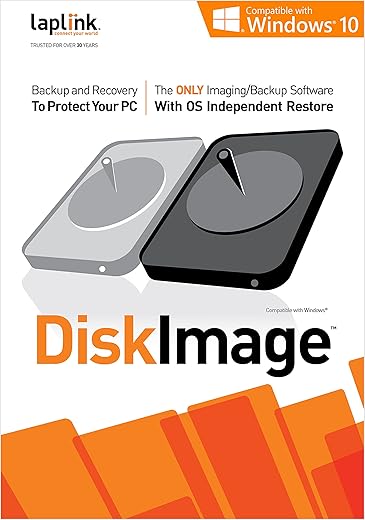
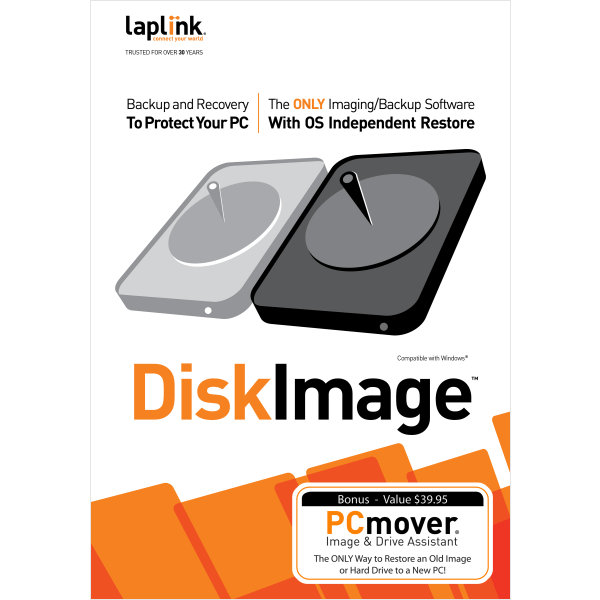
LAPLINK DiskImage Backup & Recovery Software
 Amazon.com
  Officedepot.com
  Laplink.com
  Walmart.com
  Kinguin.net
  Dell.com
$39.95
LAPLINK DiskImage Backup & Recovery Software Price comparison




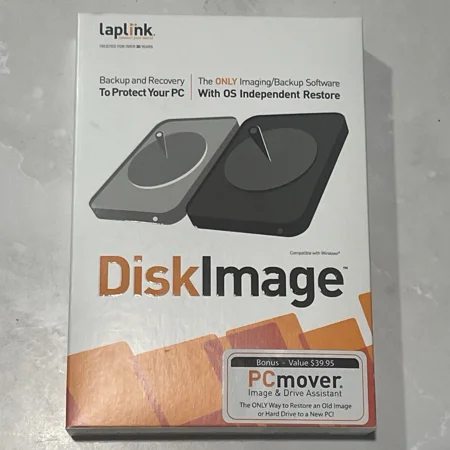



- All prices mentioned above are in United States dollar.
- This product is available at Amazon.com, Office Depot and OfficeMax, Laplink Software, Walmart.com.
- At amazon.com you can purchase Laplink DiskImage - Backup and Recovery for PC Protection - Hardware Independent - Boot CD can be created using the DiskImage application for only $39.95 , which is 78% less than the cost in Laplink Software ($180.00).
- The lowest price of Laplink DiskImage - 5 Pack Download - EN was obtained on September 24, 2025 00:06.
LAPLINK DiskImage Backup & Recovery Software Price History
LAPLINK DiskImage Backup & Recovery Software Description
LAPLINK DiskImage Backup & Recovery Software
Ensure your data is always safe with the LAPLINK DiskImage Backup & Recovery Software. This powerful and reliable solution allows users to create full disk images for backup and recovery, providing peace of mind against data loss. With its user-friendly interface and powerful features, the LAPLINK DiskImage software is designed for both everyday users and tech-savvy professionals alike.
Key Features of LAPLINK DiskImage Backup & Recovery Software
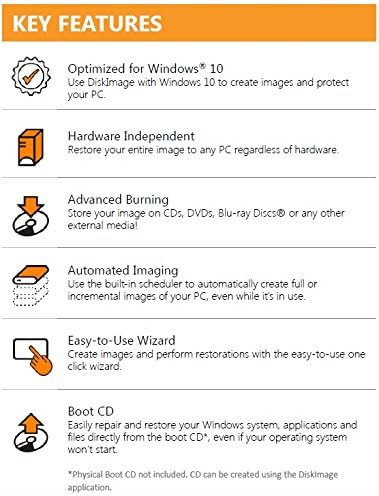
- Full Disk Imaging: Create complete disk images to preserve your operating system, applications, and settings. This ensures that you can quickly restore your computer to its original state.
- Incremental Backups: Save time and storage space with incremental backups, allowing you to back up only the changes made since your last backup.
- Easy Recovery Process: The intuitive recovery wizard simplifies restoring your data, minimizing the time it takes for you to get back on track after a data loss event.
- Scheduling Options: Automate your backups with flexible scheduling options to ensure your data is regularly saved without manual intervention.
- Compatibility: Compatible with various Windows operating systems, making it convenient for users with different setups.
Price Comparison Across Suppliers
The LAPLINK DiskImage Backup & Recovery Software is competitively priced across various online platforms. While prices may vary, frequent monitoring can help you find the best deals available. Compare prices from major suppliers to ensure you’re getting the most value for your investment. As of now, many retailers have special promotions that could yield significant savings if you’re looking to make a purchase soon.
Price History Insights
Examining the 6-month price history of the LAPLINK DiskImage Software reveals notable trends. The price has shown stability with slight fluctuations, which suggests that while the product is popular, there are opportunities to catch it at a lower price during sales events or special promotions.
Customer Reviews Overview
Users have provided mixed feedback regarding the LAPLINK DiskImage Backup & Recovery Software. Here’s a summary based on Amazon reviews and other platforms:
- Positive Aspects: Many customers praise its reliable performance and ease of use. The ability to perform incremental backups is particularly well-received, as it saves time and storage.
- Drawbacks Noted: Some users have experienced issues with installation and occasional glitches during recovery. However, these instances are not widespread and often resolved with customer support.
Explore Unboxing & Review Videos
If you’re curious about how the LAPLINK DiskImage Backup & Recovery Software works or want to see it in action, there are several unboxing and review videos available on YouTube. These videos provide valuable insights into the product, showcasing its features and real-world use cases. They can help you make an informed decision while considering your purchase.
Why Choose LAPLINK DiskImage Backup & Recovery Software?
In a digital world where data loss can be devastating, the LAPLINK DiskImage Backup & Recovery Software stands out as a trustworthy choice. The combination of full disk imaging, incremental backups, and a streamlined recovery process empowers users to protect their valuable data effectively. Whether for personal use or business purposes, this software is designed to meet the demands of modern data management.
To summarize, the LAPLINK DiskImage Backup & Recovery Software offers excellent features that cater to both novice and experienced users. With its competitive pricing and positive user feedback, it’s certainly worth considering for your data protection needs.
Compare prices now!
LAPLINK DiskImage Backup & Recovery Software Specification
Specification: LAPLINK DiskImage Backup & Recovery Software
|
LAPLINK DiskImage Backup & Recovery Software Reviews (10)
10 reviews for LAPLINK DiskImage Backup & Recovery Software
Only logged in customers who have purchased this product may leave a review.



BillT –
After installing and creating the one Basic Image and a months worth of multiple Incrementals, thought it might be wise to generate a new BaseImage from which future Incrementals would be based.
DiskImage provides two options:
Merge the Incrementals to produce a new BaseImage – which does not seem to be wise?
Produce a Base image from scratch. However, that proved to be difficult.
A Help search didn’t provide a solution.
Laplink Chat suggested:
Start Page->Imaging-> but the source drives could not be selected (grayed out) because they were in use.
Restart/boot from the DiscImage install CD – which did produce a new Base Image, not a viable PRODUCTION solution?
ONCE on initial launch of DiskImage from StartPage->One-Click Image got a dialog box with an option to create a BaseImage – but since have not been able to re-produce that.
If you are able to produce a new BaseImage, you need to delete then create a New Job, being sure to specify the location of the new BaseImage and Incremental files.
The Report XML file are huge (good for developer debugging – but not great for Production software) which slows down everything, and have not found a way to delete the older Report XML files.
All in all believe the underlying software is sound BUT the GUI is a challenge!
J. Goshorn –
Works great, have used product many times in the past. This newer version works equally well.
Richard Pelletier –
The Systems Requirements panel on the box says that it runs on Windows 8, but when I opened the box, I saw an insert that read that I needed the upgraded version 7 of DiskImage for “full Windows 8 compatibility”. For that reason, I did not install this version. I went to the link that was on that insert/ It had a message that read, “We’re sorry, but DiskImage 7 is not available yet. Please check back at a later time.” Checking the company’s web site for more information, I find that the version that I have is not Windows 8 compatible even though it says so on the box.
I used Norton’s Ghost over a decade, but with Windows 8, even Norton’s Ghost has some problems. That is why I purchased this alternative, but it looks like this is also not ready.
I am just waiting for either Symantec Norton’s Ghost or LapLink DiskImage to be fully Windows 8 compatible. I prefer disk imaging software for backups.
Kindle Customer –
Unable to load it in Windows 11 or stand-alone.
MJW here –
does image at drive & disk levels but can’t restore at file level, only drive & disk levels – also advertised version 5 & immediately wanted an upgrade to version 9 with another sales charge
Alan D –
I thought this would be ideal for me as the write up led me to believe that it was easy to use.
I had no success using it as it is way beyond the average computer user. Leave it to the pros !!!
G.Goodier –
OK
tristen –
There’s a ton of free programs available that have better versions of these tools. Don’t waste your money
Epiousios –
Do not waste your money on this software. I’ve tried it to clone drives and create / restore its images using Windows 10. It has never been successful and only errors out in both modes with multiple settings tried and getting the same result. I was hoping to find an alternative to Acronis for cloning Windows 10 drives, but this Laplink software certainly isn’t it.
MikeS –
Did a full backup/image of my C: drive, then some time later, for the hell of it, decided to try and restore a file. Just to see if it worked. It didn’t. The image file it created, on an external drive, was unreadable, and I had it verify the file after it created it and it came back as OK.