
 Bestbuy.com
$329.99
FOXWELL NT710 GM Diagnostic Scan Tool Price comparison



- All prices mentioned above are in United States dollar.
- This product is available at Bestbuy, Amazon.com.
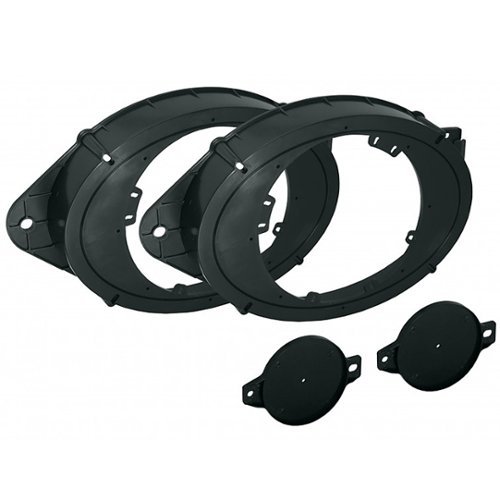
- At bestbuy.com you can purchase Metra - Battery Side Post Extender for Most GM Vehicles - Silver for only $7.99 , which is 98% less than the cost in Amazon.com ($329.00).
- The lowest price of FOXWELL NT710 for GM OBD2 Scanner, Bi-Directional All System Scan Tool was obtained on October 6, 2026 21:38.
FOXWELL NT710 GM Diagnostic Scan Tool Price History
FOXWELL NT710 GM Diagnostic Scan Tool Description
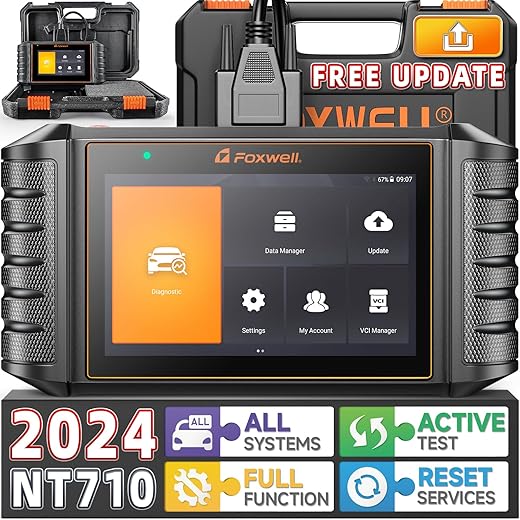
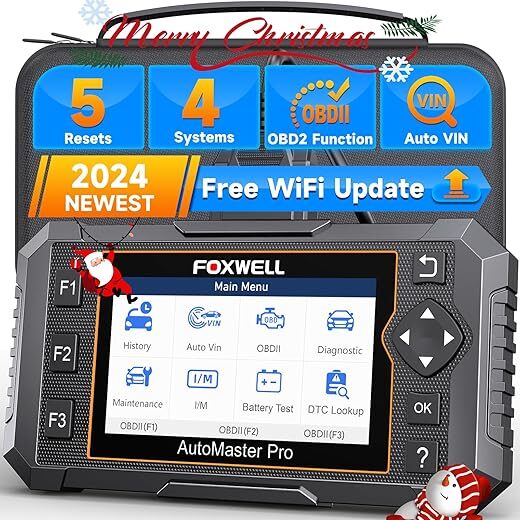
Introducing the FOXWELL NT710 GM Diagnostic Scan Tool
If you’re looking for a reliable and efficient diagnostic tool for your GM vehicles, the FOXWELL NT710 GM Diagnostic Scan Tool is your perfect solution. This advanced car scanner combines state-of-the-art technology with user-friendly features, making it an essential addition to any automotive toolbox.
Key Features and Benefits
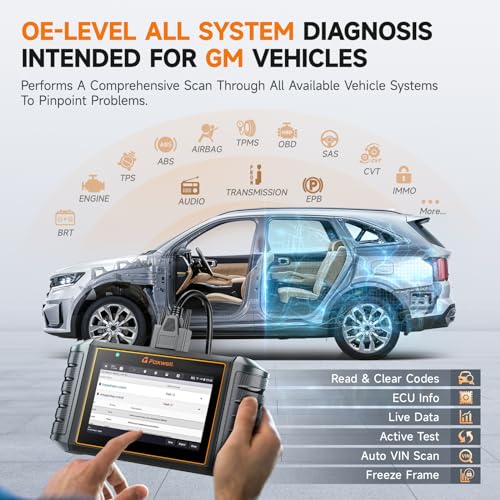
- Full-System Coverage: The FOXWELL NT710 specializes in GM vehicles, providing comprehensive scanning capabilities across all vehicle systems. This means you can easily diagnose issues with the engine, transmission, brakes, and more.
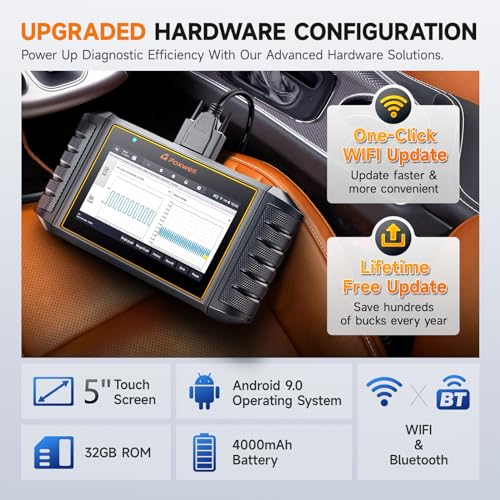
- High-Resolution Display: Featuring a 1280×800 resolution, this display ensures clarity and convenience. You can read codes and data live without straining, making diagnostics straightforward.
- Portable Design: With dimensions of just 9.3″L x 1.5″W x 4.9″H and weighing only 3.47 pounds, this tool is compact enough to carry wherever necessary yet robust for everyday use.
- Android 9.0 Operating System: The advanced Android OS provides a seamless user interface, offering enhanced performance for a smooth experience whether you’re diagnosing problems or reviewing results.
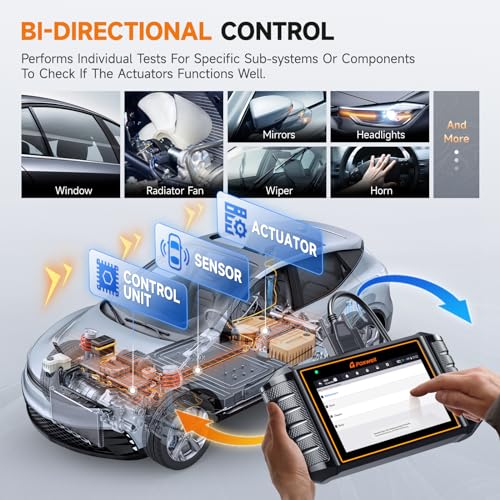
- Quick Access to Troubleshooting: The NT710 allows you to perform advanced functions like reading/clearing fault codes, viewing live data, and performing active tests. This feature drastically reduces diagnostic time and helps find solutions faster.
- Battery Included: The tool operates on a Lithium Polymer battery, ensuring that you’re ready to diagnose your vehicle straight out of the box without needing additional purchases.
Price Comparisons Across Suppliers
The FOXWELL NT710 GM Diagnostic Scan Tool is competitively priced across various suppliers. As of now, prices for this diagnostic scanner range from approximately $200 to $299. It’s essential to regularly check the price comparison on our site to ensure you get the best deal possible. With fluctuating prices, keeping an eye on our 6-month price history can help you make an informed purchasing decision.
6-Month Price History Trends
Over the past six months, the price of the FOXWELL NT710 has shown a steady decline from its initial market release price. Currently, it’s evident that several suppliers are featuring promotions and discounts, making now an ideal time to consider purchasing this tool. Keeping track of these patterns helps you better understand when to buy.
Customer Reviews Overview
Customer feedback is instrumental in evaluating the effectiveness of the FOXWELL NT710 GM Diagnostic Scan Tool. Overall reviews highlight numerous positive aspects:
- Many users appreciate the user-friendly interface, making it accessible for both professionals and DIY enthusiasts.
- Customers have noted its robust performance, enabling quick diagnostics on various GM vehicles without hassle.
- The high-resolution display is frequently praised, particularly for its clarity when viewing data and codes.
However, some users mentioned drawbacks. A few found the initial setup process challenging and recommended watching online unboxing or review videos for guidance. Additionally, there are occasional mentions of the tool feeling slightly bulky, although most agree that its performance outweighs this concern.
Related Unboxing and Review Videos
For a better understanding of the FOXWELL NT710 in action, we encourage you to explore related unboxing and review videos available on platforms like YouTube. These visual demonstrations can help potential buyers visualize the product’s capabilities, user interface, and overall performance in real-time diagnostics.
Why Choose the FOXWELL NT710?
Choosing the FOXWELL NT710 GM Diagnostic Scan Tool means investing in a solution tailored for GM vehicles. It offers extensive features, from full-system diagnostics to live data checking, making it invaluable for anyone looking to troubleshoot efficiently. With a balance of performance, portability, and price, it stands out in the diagnostic tools market.
Don’t miss the opportunity to elevate your automotive diagnostics today! Take advantage of current pricing trends to secure the FOXWELL NT710 at an excellent rate. Compare prices now!
FOXWELL NT710 GM Diagnostic Scan Tool Specification
Specification: FOXWELL NT710 GM Diagnostic Scan Tool
|
FOXWELL NT710 GM Diagnostic Scan Tool Reviews (8)
8 reviews for FOXWELL NT710 GM Diagnostic Scan Tool
Only logged in customers who have purchased this product may leave a review.
Stephen Ricket –
First let me qualify that I used this on a Chevy Silverado with KNOWN wire harness chafing issues. This product works but the time to startup and identify the vehicle is very long. The menus are poorly designed and it could have much more vital information on display than it currently does. Items that you should be able to ENABLE/DISABLE, things that cause failures should be in red or flashing. This can be one of the best products on the market. It does work but could jump leagues (compete with the shop pro tools) with some minor changes.
Cons: Time to startup, load a vehicle, run tests, short cables (power and reader), confusing design to menus, and limited control over what is enabled or disabled. Depending upon the state of the vehicle the unit may not be able to perform some functions extending diagnosis and repair times. There are no hangars to hood over steering wheel, to dash, or hang from mirror.
Pros: This unit does almost everything. It does the TPMS, the Key FOBS, and most of the diagnostics. The screen is well lit and a good overall size. With software updates, hangars, and longer cables this unit would rank much higher.
Chris Ray –
The biggest thing I did NOT like was that I had to go online and register this scan tool. Once I got past that, everything was pretty much wonderful, lol. Touch screen. Lifetime free updates. GM only. This tool accessed I think about every option I could find for my 2003 2500HD Duramax. You can record and save live data. I really like how I could check and record my injector balance rates before and after I installed my FASS lift pump. I think my lift pump combined with fuel additive really cleaned up my injectors. My worst injector was -3.70, and after about 200 miles +/-, I checked the balance rates (can show 4 on screen at once), and my worst balance rate was now -1.70. So, I was very happy to know that I didn’t need to spend about $2500 plus labor replacing injectors (for now). I paid about $300 for this scanner, and it was worth every penny. Do so at your own risk, but I will recommend you get a usb cigarette lighter plug and keep the scan tool plugged in while your vehicle is RUNNING. It does pull a lot of juice, and if you use it for a long time, you will need to recharge almost every day. I sat there in my truck with the usb plugged in charging and the OBD2 plugged in for over an hour just looking at all the stats for powertrain, fuel system, transmission, etc, and the truck charged the tool up to 100% while in use. Again, this is for GM vehicles only. 5 stars for now
Peter S –
Bought for my 2016 Escalade to diagnose a misfire and worked perfectly.
Displeased and Frustrated –
I received the NT710 today and spent 3+ hours simply trying to get tool to connect to my WiFi so I could register and update the product – WiFi access kept going into ‘failed’ and ‘disconnected’ state but there was NO information presented or visible to identify what was blocking the connection. I even monitored connection attempts and logging on my WiFi router – it wasn’t even noticing an attempt to connect from the NT710. (Note: I am a 40 year senior IT technology architect and am very well versed in WiFi operational troubleshooting, configuration and setup.) I am completely unaware of whatever invisible hurdle existed, but the product finally connected to WiFi. My Next Hurdle: I couldn’t register it thru built-in registration interface on the product or even using my PC Web Browser and Foxwell’s Web Page. The registration system in both processes reported it sent a verification code to me via email, but it never arrived in any of my email inboxes. I tried 3 different emails and followed to directions as stated about 20 times for each email (yes, I am highly persistent). I carefully examined my typing to ensure everything was entered correctly – made certain there were no fat-fingered errors. I checked the junk mail each time as well. Nothing arrived in my inbox. It could be geo-blocked by my email services as an untrusted Chinese source. I could not find a US phone number for support – only an international number for the Foxwell China business office. No US Tech Support, No Chat Line Support. I called the Amazon Prime support, spent another 1+ hours only to find out this was also a non-starter as all they could do for me is try to call the international business number. They did, but as expected due to time difference, there was no answer, not even a voice response unit. I exhausted all available embedded and online help, including using the Universal Support Tool (Google). I could not find anything useful or helpful for this product. I scheduled a return pickup for refund of the product tomorrow.
KyB –
Diagnostics worked very well on the L18 in my Workhorse W24. Could 2-way communicate with the ECM and TCM.
The Datalogging feature was useless, cannot scroll though the time series, cannot export the data in a functional way as it is encrypted. Useless for troubleshooting.
I returned this product for that reason.
Ethecarguy –
This scanner has to be the best scanner I ever owned. I can’t see my life without it, going under the hood has just become so easy know exactly what your looking for. So many dealer functions theres nothing I haven’t been able to reset
craigster –
Works as expected, does not require a great deal of expertise
vincent –
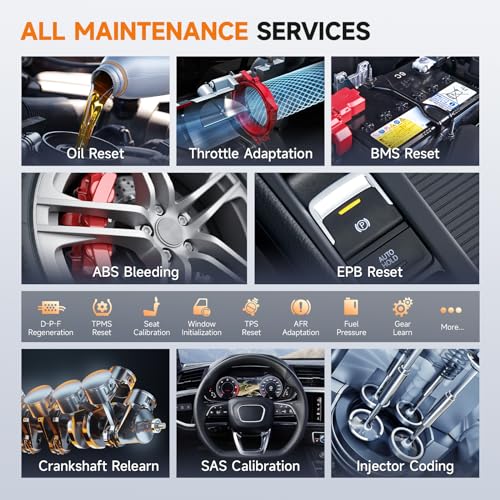
The Foxwell NT710 is the best tool I have ever used. It is dealer-quality. I removed the engine light but needed to relearn the crankshaft. This tool is easy to understand, and I follow the instructions.