
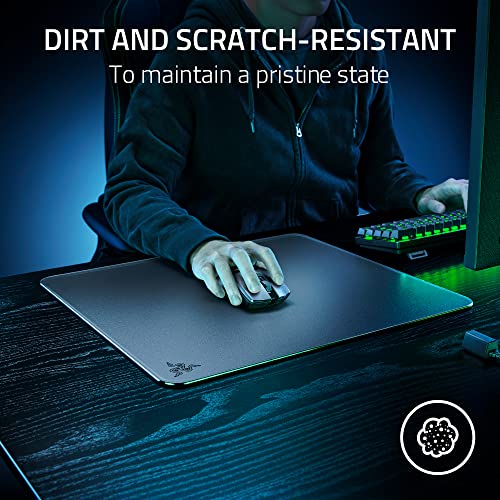
 Amazon.com
$323.76
Razer Atlas Glass Mouse Mat – Black Price comparison


- All prices mentioned above are in United States dollar.
- This product is available at Amazon.com.
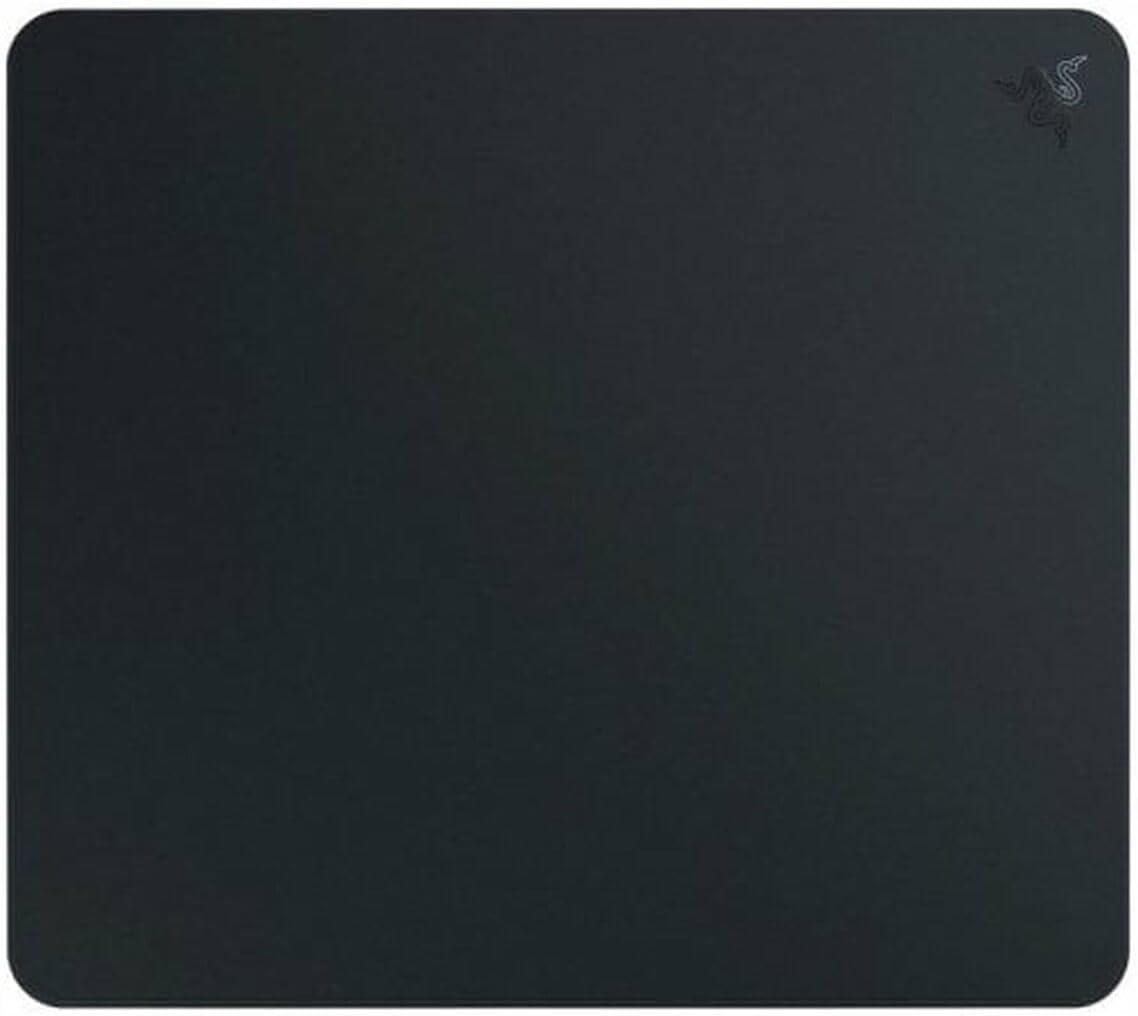
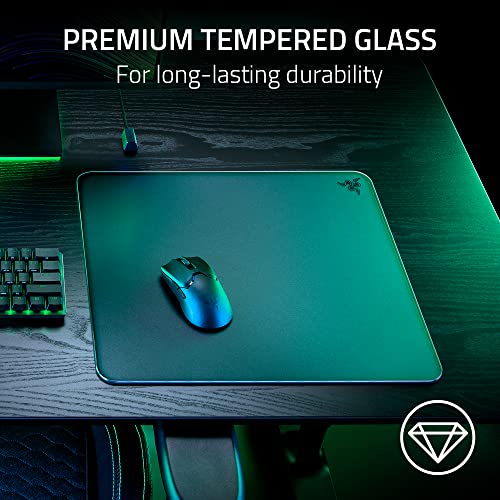
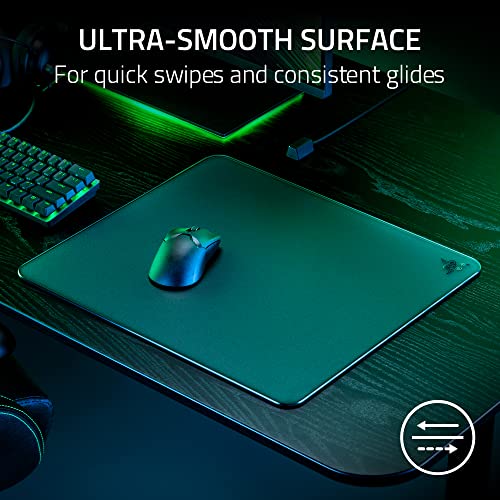
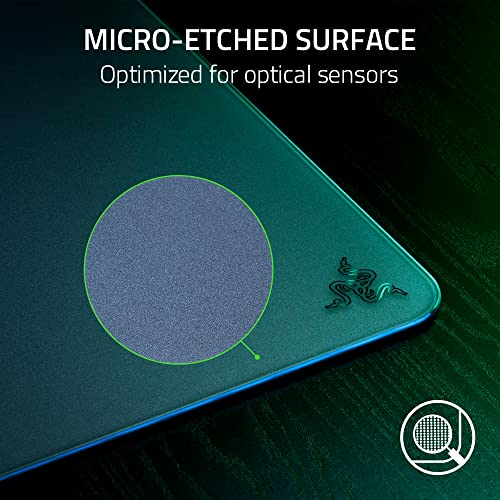
- At amazon.com you can purchase Razer Atlas - Glass Mouse Mat (Premium Tempered Glass, Ultra-Smooth Surface, Micro-Etched Surface, Dirt and Scratch-Resistant, Quieter Mouse Movements, Anti-Slip Rubber Base) Black for only $323.76
- The lowest price of Razer Atlas - Glass Mouse Mat (Premium Tempered Glass, Ultra-Smooth Surface, Micro-Etched Surface, Dirt and Scratch-Resistant, Quieter Mouse Movements, Anti-Slip Rubber Base) Black was obtained on September 24, 2025 07:09.
Razer Atlas Glass Mouse Mat – Black Price History
Razer Atlas Glass Mouse Mat – Black Description
Razer Atlas Glass Mouse Mat – Black: Elevate Your Gaming Experience
The Razer Atlas Glass Mouse Mat – Black stands as a pinnacle of performance and style, designed meticulously for gamers and professionals alike. This extended mouse pad delivers unparalleled precision and a sleek aesthetic, making it a must-have accessory for any gaming setup or work desk. With its premium glass surface, the Razer Atlas offers a unique blend of stability and speed, ensuring you never miss a beat in your gaming or productivity tasks.
Key Features of the Razer Atlas Glass Mouse Mat
- Premium Glass Surface: The smooth glass surface enables minimal friction for swift movements, providing accurate tracking for all types of mice.
- Extended Size: Measuring 0.19 x 17.72 x 15.75 inches, this mouse mat offers ample space for both your mouse and keyboard, enhancing your gaming or work experience.
- Robust and Durable: Weighing 4.41 pounds, the Razer Atlas is sturdy enough to withstand vigorous gaming sessions while preventing slipping or sliding.
- Sleek, Minimalist Design: The elegant black finish fits seamlessly into any setup, adding sophistication without overwhelming your space.
- Easy to Clean: The glass construction allows for effortless maintenance, ensuring that your workspace always looks pristine.
How Does the Razer Atlas Compare in Price?
When shopping for the Razer Atlas Glass Mouse Mat, you’ll find competitive pricing across various retailers. Our price comparison tool enables you to effortlessly spot the best deals, ensuring you get the most value for your money. Prices vary based on sales and promotions, so it’s wise to check back regularly. The average market price for the Atlas typically ranges around $49.99, but it sometimes drops during special sales events.
Understanding the 6-Month Price Trend
Reviewing the price history for the Razer Atlas reveals interesting trends. Over the past six months, the price has shown some fluctuation, with the lowest recorded price being around $42.99 and the typical retail price settling at $49.99. Notably, certain periods saw brief increases during major sales events like Black Friday and Cyber Monday, followed by returns to the standard pricing. Staying informed can help you make a savvy purchasing decision.
Customer Review Insights for the Razer Atlas
Customers have praised the Razer Atlas Glass Mouse Mat for its smooth surface and stylish appearance. Reviewers appreciate how it enhances their gaming experience, providing precise control and responsiveness. Many users have highlighted the durability of the glass material, noting that it remains scratch-free and visually appealing even after prolonged use.
However, some customers mentioned the weight of the mat as a drawback, as its heavier construction might not be suitable for individuals who prefer portable options. Additionally, a few users reported concerns regarding potential slippage on certain surfaces, suggesting that it performs best on a flat, stable desk.
Explore Unboxing and Review Videos
Dive deeper into the user experience by checking out unboxing and review videos of the Razer Atlas Glass Mouse Mat. Many content creators showcase the mat’s features, demonstrating its performance in real-time gaming scenarios. These videos can provide valuable insights into the product’s functionality and design, helping you visualize its fit within your own setup.
Why Choose the Razer Atlas Glass Mouse Mat?
Investing in the Razer Atlas Glass Mouse Mat isn’t just about functionality; it’s also about enhancing your entire workspace. With its high-quality design, the Atlas promises an unmatched experience for gamers and professionals looking to boost their performance. The combination of aesthetic appeal and practical benefits makes it a worthy addition to any digital environment.
Final Thoughts: Is the Razer Atlas Right for You?
Overall, the Razer Atlas Glass Mouse Mat – Black stands out as a top contender in the market, offering impressive features and a sleek design. Whether you’re an avid gamer or someone seeking a high-performance workspace, this mouse pad is sure to impress. With the dual benefits of an expansive workspace and precise tracking, it caters effectively to all your needs.
Are you ready to elevate your gaming or working experience? Don’t wait—compare prices now on our site to find the best deal on the Razer Atlas Glass Mouse Mat, and make the smart choice for your setup!
Razer Atlas Glass Mouse Mat – Black Specification
Specification: Razer Atlas Glass Mouse Mat – Black
|
Razer Atlas Glass Mouse Mat – Black Reviews (5)
5 reviews for Razer Atlas Glass Mouse Mat – Black
Only logged in customers who have purchased this product may leave a review.
Drecksackblase –
+sauber verarbeitet; ich kann absolut gar keine Makel feststellen
+super Gleiteigenschaften; hakt nicht und die Maus gleitet, wie vom Hersteller beschrieben, konstant gleichmäßig über das Pad
+sieht gut aus und ist relativ bequem, obwohl es hart ist
+sehr pflegeleicht
-viel Geld, für ein Mauspad
-ein Mikrofasertuch ist Plicht. Man muss eigentlich täglich, vor jedem Gebrauch, einmal kurz drüberwischen, da man gefühlt jedes Staubkorn spürt
ISM –
Bought this as a gift and the feedback I received is that it’s great, especially for gaming. Also, it looks better than other types of mouse mats and it’s easier to clean.
Antonio –
Es increíble queda genial en el setup es grande y pesada si la cuidas imposible que se rompa, se siente como una buena alfombrilla cuando es nueva pero con echar limpia cristales o un poco de agua y pasar un papel queda como el primer día, puntos negativos creo que no es compatible con todos los ratones tengo un razer y perfecto pero al ser testado con productos razer es posible que algún ratón no vaya bien, hace mucho ruido al deslizar al ser una superficie dura pero la sensacion es muy buena, suabe.
Recomiendo usar una manga para que no tenga fricción con el brazo.
Serkan kaymaz –
Razerin bir çok farklı mousepadini kullandım, son olarak gigantusV2 kullanıyordum, cam mousepadi denemek için atlas aldım,
El bileği ve kolunuz serin kalıyor bu yüzden terleme olmuyor, yüzeyi yeterince kaygan ve kontrol zorluğuda olmuyor, sert zemin sorun değilse masada yeterince yer varsa tercih edilebilir. Razer Mouse varsa kalibre etmek isterseniz synapse de Atlas yok bilginiz olsun.
Vardøger –
I wasn’t expecting to actually use this. I have a desk made of scaffold boards and wanted a flat surface to lay my cloth mouse mat on. This was the same size. I thought it would be fun to try in a few games. Wow. It felt so good. I mainly play tactical shooters and the received wisdom is that you need a slow cloth mat for these. But having the consistency and speed of glass actually works really well once you get used to it. And it didn’t take long before I was getting headshots in CS2 faster than usual. Disclaimer: I used to play Quake on a hard plastic (!) Razer mat in my youth, so maybe it’d take others longer. But the weird thing is how good it felt to have that freedom of movement, not to fight inertia and then overshoot because of the friction of my cloth mat. I quickly decided that even if my performance dropped, playing with this mat felt so good that I’d continue using it. It didn’t drop, quite the reverse I think. It’s great for tracking, micro-corrections, quick flicks. And I’m sure there are more gains to be realised as I get more experience with this mat. It’s been a couple of months of moderate gaming <10 hours a week.
One thing I really like that’s specific to the Razer Atlas is you don’t need to use a sleeve with it. Especially if you want a little extra friction. Maybe it’s the microetching, or my skin, but my hand has not stuck to it so far. Maybe as we get into summer it will but I’ve seen others say the same thing. You can use a sleeve with this mat, but you don’t have to. That’s a huge benefit.
Games I’ve played with this include Hunt: Showdown (main), Halo, XDefiant, Kovaaks, CS2.