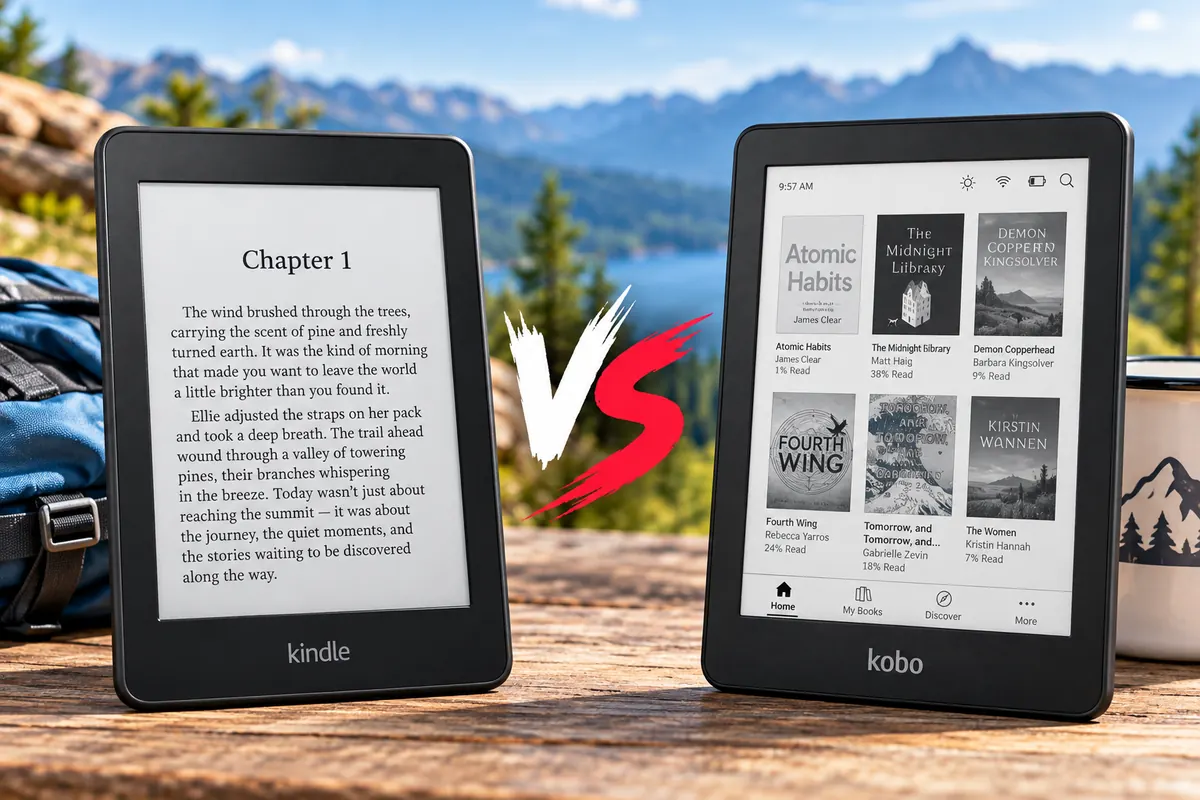
Kindle vs Kobo 2026: Which E-Reader Is Better?
Kindle vs Kobo is one of the most important comparisons when buying an e-reader. Both brands offer comfortable E Ink screens, long battery life, and dedicated reading features. However, they differ significantly in ebook compatibility, library borrowing, physical controls, note-taking, and long-term ownership.
Our recommendation is straightforward. Choose Amazon Kindle if you already own Kindle books and want a simple, integrated reading experience. Choose Rakuten Kobo if you value EPUB support, flexible file management, physical page-turn buttons, or handwritten annotations.
Amazon’s newly redesigned Kindle lineup makes the decision more interesting. The latest Kindle Paperwhite offers a larger black-and-white screen, while Kindle Colorsoft brings improved color E Ink technology. Meanwhile, Kobo Libra Colour combines a seven-inch color screen with physical buttons, 32GB storage, and optional stylus support.
For readers on a budget, Kobo Clara BW and Clara Colour are attractive alternatives to the standard Kindle. However, your existing ebook collection may matter more than the price of the device itself.
In this Kindle vs Kobo 2026 comparison, we examine six current e-readers, their reading ecosystems, display technology, library support, subscriptions, and overall value.
Quick Answer: Kindle vs Kobo
Best for Amazon Readers: Kindle Paperwhite — a seven-inch monochrome e-reader with adjustable warm lighting, waterproofing, and convenient access to Kindle books.
Best Color Feature Value: Kobo Libra Colour — a seven-inch color e-reader with 32GB storage, physical page-turn buttons, EPUB support, and optional handwritten annotations.
Best Color Kindle: Kindle Colorsoft — Amazon’s seven-inch color reader for illustrated books, graphic novels, and an existing Kindle ebook collection.
Best Compact Monochrome Reader: Kobo Clara BW — a six-inch Carta 1300 screen, waterproofing, adjustable warm light, and direct EPUB support.
Best Affordable Color E-Reader: Kobo Clara Colour — a compact six-inch color model that offers waterproofing and warm lighting without premium pricing.
The standard Kindle remains the most affordable entry point into Amazon’s latest e-reader family. However, it lacks the waterproof construction and adjustable warm lighting found in several Kobo alternatives.
How We Compared Kindle and Kobo
We evaluated six current devices using manufacturer specifications, U.S. pricing, ecosystem documentation, and independent e-reader reviews.
Our comparison considers screen size, color technology, storage, battery claims, physical controls, file compatibility, public-library borrowing, and note-taking features.
We also considered the cost of accessories and subscriptions.
For example, Kobo Libra Colour supports handwriting, but its compatible stylus costs extra. Likewise, Amazon offers new page-turn accessories, although compatibility differs between Kindle models.
Independent reviews from WIRED and TechRadar helped inform our assessment of Kobo’s current reading experience.
However, Amazon’s newly refreshed Paperwhite and Colorsoft models are still in their preorder period at the time of this research. Their published specifications are confirmed, but direct long-term performance comparisons require post-release testing.
Discompare did not conduct its own hands-on screen, battery, or performance testing for this article.
Kindle vs Kobo: E-Readers Compared
| E-Reader | Display | Storage | U.S. Price | Standout Feature |
|---|---|---|---|---|
| Kindle Colorsoft (new generation) | 7″ Color E Ink | 16GB | $289.99 | Amazon color reading ecosystem |
| Kobo Libra Colour | 7″ Kaleido 3 Color | 32GB | $259.99 | Physical buttons and optional stylus |
| Kindle Paperwhite (new generation) | 7″ Black-and-White | 16GB | $199.99 | Large monochrome reading display |
| Kobo Clara BW | 6″ Carta 1300 | 16GB | $159.99 | Compact text-focused reading |
| Kindle (new generation) | 6″ Black-and-White | 16GB | $149.99 | Affordable Amazon integration |
| Kobo Clara Colour | 6″ Kaleido 3 Color | 16GB | $179.99 | Compact color reading |
Prices reflect manufacturer-listed U.S. starting prices during research. Retailer discounts, package options, and model availability may change.
Compare Current Kindle and Kobo Prices
When comparing Kindle vs Kobo prices, pay attention to the exact generation, storage capacity, and included accessories.
The new Kindle Colorsoft 16GB is not the same product as the older Colorsoft or the 32GB Signature Edition.
Likewise, a Kobo Libra Colour bundled with a stylus should not be compared directly against a device-only listing.
Check current retailer offers for the selected configurations before purchasing.
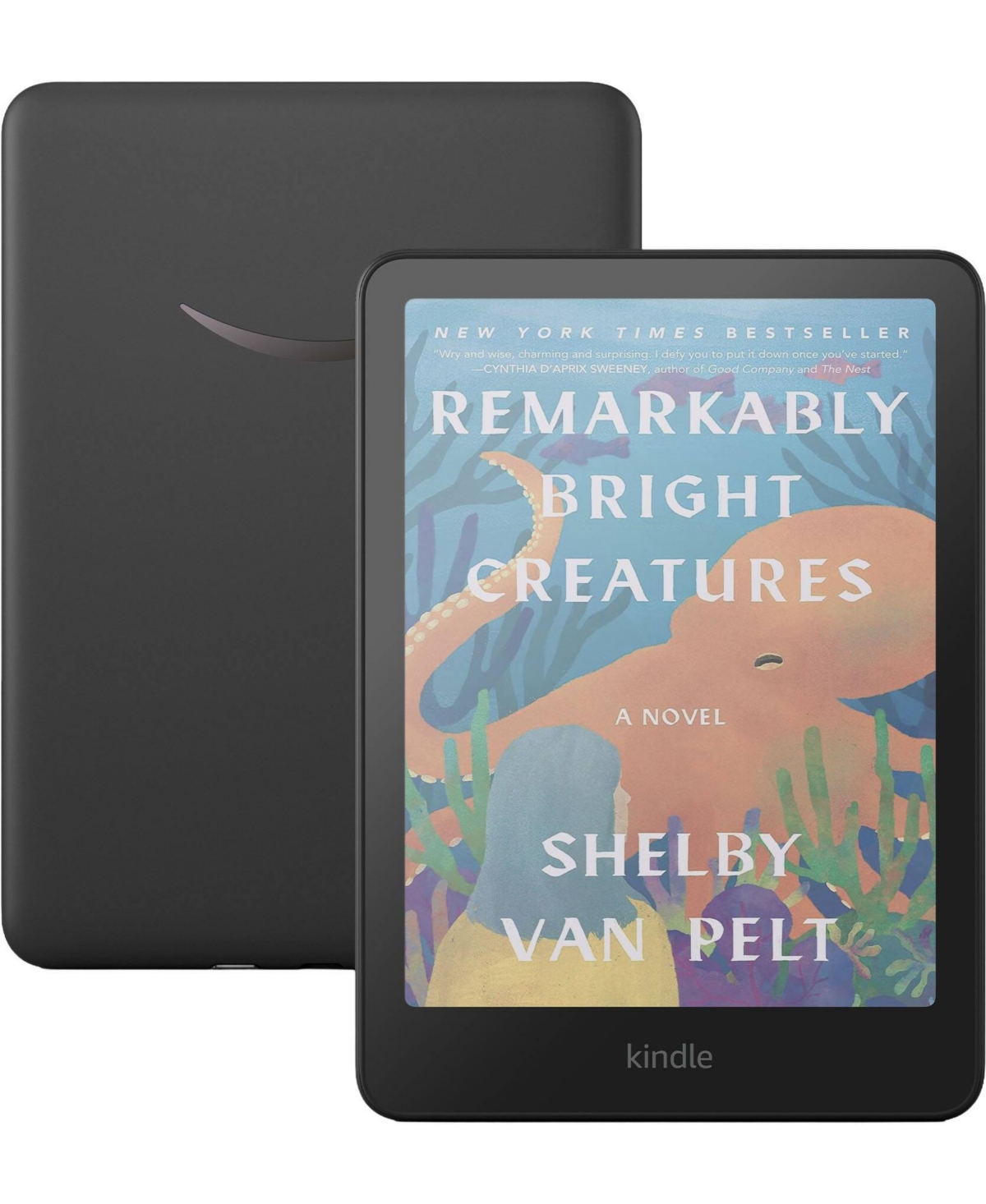
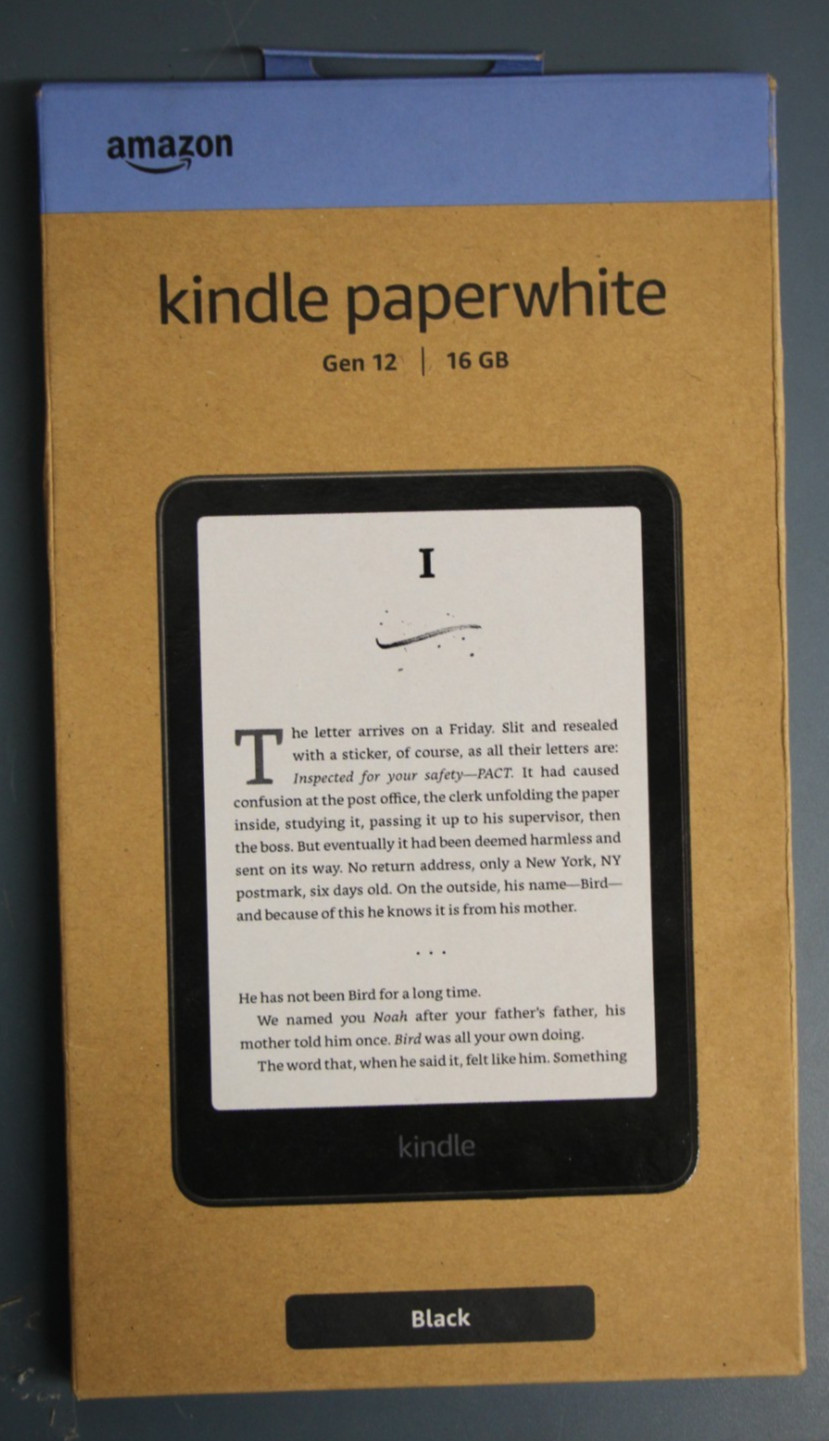

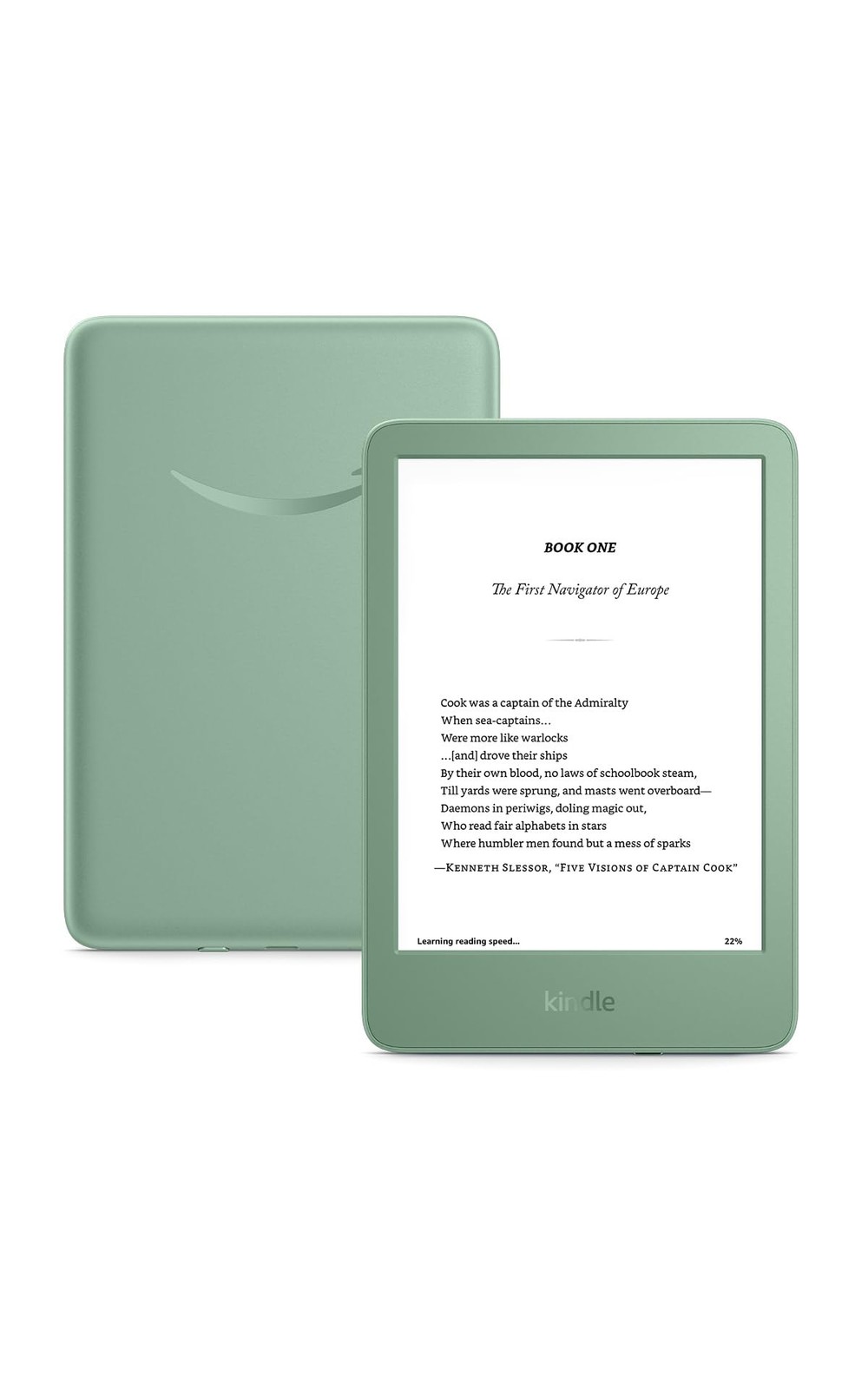
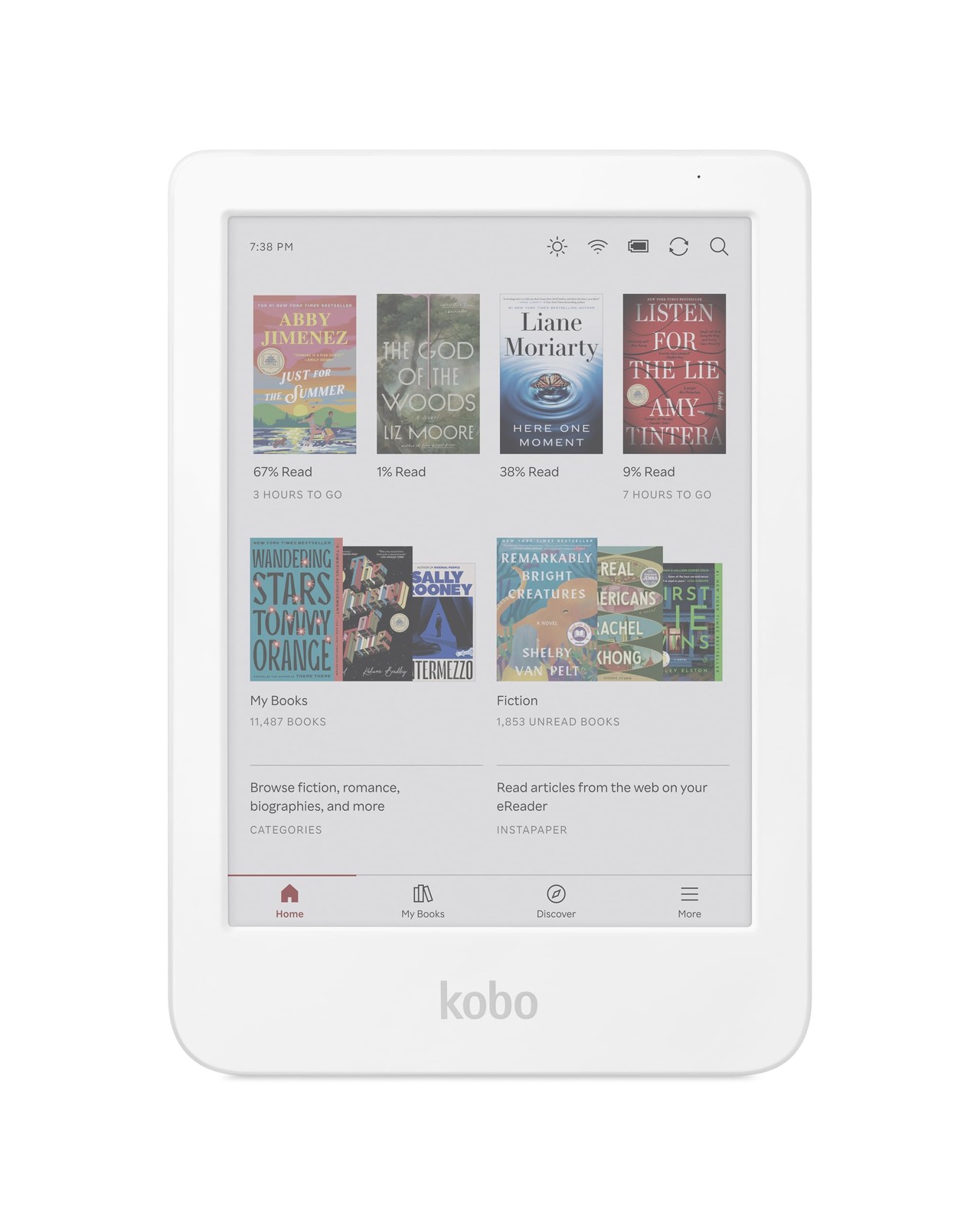

Kindle Colorsoft vs Kobo Libra Colour: Best Color E-Reader
The most interesting Kindle vs Kobo comparison is between their seven-inch color e-readers.
Both aim to make covers, illustrations, travel guides, and graphic novels more engaging than on a black-and-white device.
However, their features and reading ecosystems differ considerably.
1. Amazon Kindle Colorsoft — Best for Amazon Color Reading
Best For: Readers who already purchase Kindle books and want a color E Ink display without leaving Amazon’s ecosystem.
The latest Kindle Colorsoft features a seven-inch color E Ink display with a redesigned screen stack.
Amazon uses an oxide backplane, a specialized front-light system, and optical coatings designed to improve contrast, clarity, and color appearance.
That makes Colorsoft suitable for illustrated nonfiction, comics, colorful book covers, and travel guides.
The new standard model starts at $289.99 with 16GB of storage.
Colorsoft Reading Experience
Amazon’s Kindle interface integrates ebook purchasing, downloading, highlights, and reading progress.
Existing Kindle customers can access eligible books from their Amazon library after signing into the device.
Colorsoft also supports color highlighting, which makes it easier to organize marked passages visually.
However, color highlighting is not the same as handwritten annotation.
The standard Colorsoft does not support a writing stylus or the advanced notebook functions available on Kindle Scribe.
Battery and Design
The current Colorsoft is designed for extended reading sessions, waterproof use, and adjustable warm front lighting.
Amazon advertises up to eight weeks of battery life under its specified conditions.
Actual endurance depends on front-light brightness, wireless use, and reading habits.
The newly refreshed model is available for preorder during this research period. Therefore, its final real-world screen performance should be checked against independent reviews after release.
Pros
✅ Seven-inch color E Ink display
✅ Integrated Amazon ebook ecosystem
✅ Color highlights
✅ Waterproof construction
✅ Adjustable warm front light
Cons
❌ Higher starting price than Kobo Libra Colour
❌ No stylus handwriting support
❌ New-generation long-term testing is still limited
Who should skip it: Readers who primarily use EPUB files, require physical page-turn buttons, or want handwritten annotations.
Alternative: Kobo Libra Colour offers more flexible controls and optional stylus support at a lower device price.
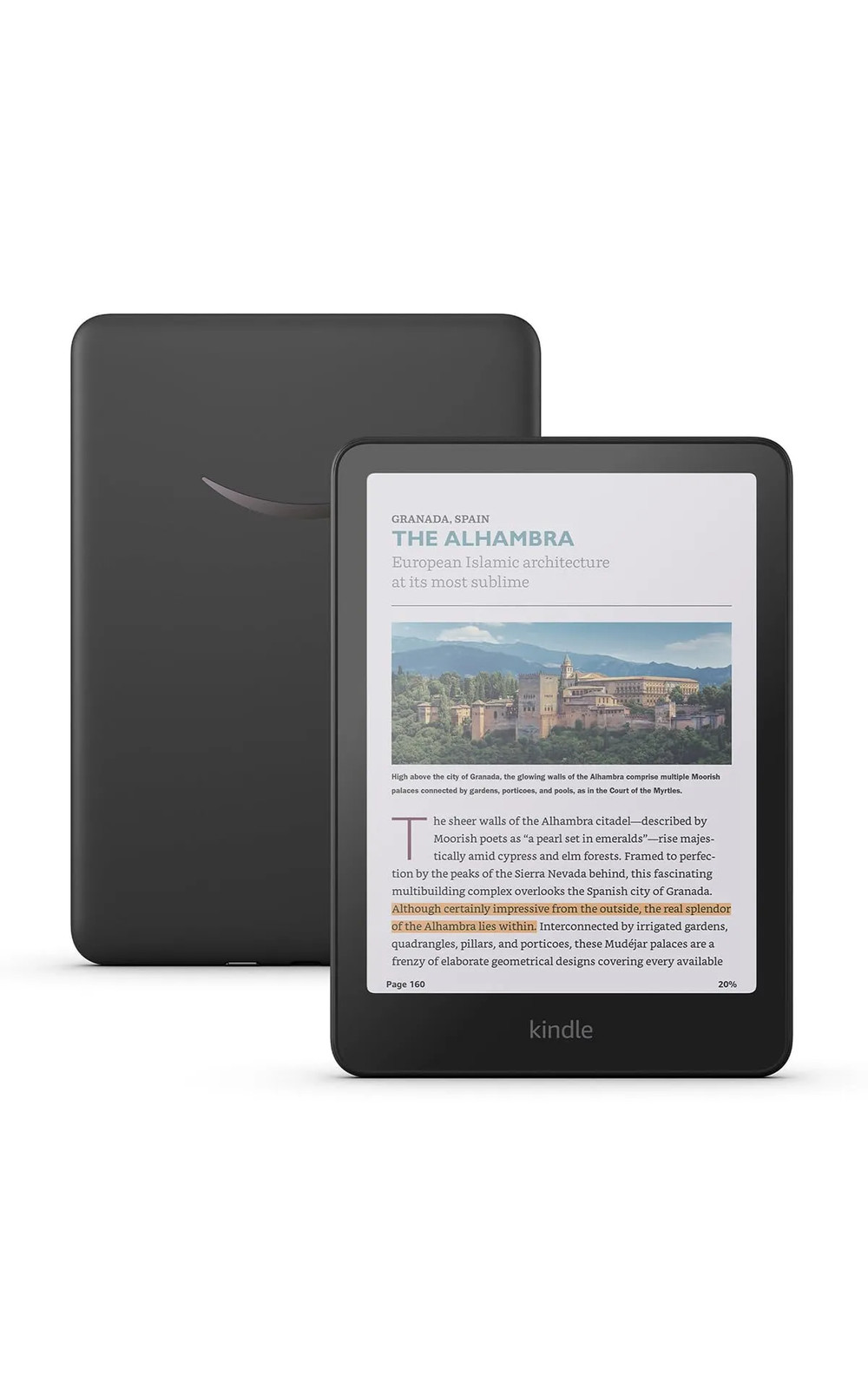
2. Kobo Libra Colour — Best Color E-Reader Feature Value
Best For: Readers who value physical page-turn buttons, flexible ebook formats, library borrowing, and optional handwritten notes.
The Kobo Libra Colour is our preferred feature-value choice in the seven-inch color category.
It uses an E Ink Kaleido 3 display with 300 pixels per inch for black-and-white content and 150 pixels per inch for color.
Its 32GB storage is double the capacity of the standard Kindle Colorsoft.
Kobo currently lists the Libra Colour at $259.99 in the United States.
Physical Page-Turn Buttons
The Libra Colour has an asymmetrical design with dedicated physical page-turn buttons.
These controls can make one-handed reading more comfortable, particularly when holding the device for long periods.
They also provide a tactile alternative to tapping or swiping the screen.
The device supports portrait and landscape reading orientations, giving readers additional flexibility.
Note-Taking and EPUB Support
Libra Colour supports Kobo Stylus 2 for handwriting, highlighting, and note-taking.
However, the stylus is sold separately.
Kobo also supports EPUB, PDF, CBZ, CBR, and several other formats directly.
This makes Libra Colour appealing to readers with compatible ebooks obtained from different sources.
However, DRM-protected purchases still require compatible authorization. EPUB support does not remove all ebook restrictions.
Waterproofing and Battery Life
Kobo rates the Libra Colour at IPX8 for freshwater immersion under specified test conditions.
The manufacturer also advertises up to 40 days of battery life using its defined reading settings.
As with Kindle, actual battery life depends on brightness, wireless use, and reading frequency.
Pros
✅ Seven-inch Kaleido 3 color screen
✅ 32GB storage
✅ Physical page-turn buttons
✅ EPUB and other file formats
✅ Optional handwriting support
Cons
❌ Stylus costs extra
❌ Color E Ink is less vibrant than a tablet display
❌ Amazon DRM-protected purchases cannot simply be transferred
Who should skip it: Readers with extensive Kindle-only libraries who do not want to manage purchases across different ecosystems.
Alternative: Kindle Colorsoft is more convenient for readers who want color while keeping their Kindle library and purchasing workflow.

Kindle Paperwhite vs Kobo Clara BW: Best for Reading Books
If you mainly read novels, biographies, nonfiction, and other text-heavy books, a black-and-white e-reader is often the more practical choice.
Both Kindle Paperwhite and Kobo Clara BW offer dedicated monochrome displays. However, they differ in size, price, and ebook management.
3. Kindle Paperwhite — Best for Amazon Book Readers
Best For: Readers who want a larger black-and-white display and easy access to their existing Kindle ebook library.
The refreshed Kindle Paperwhite starts at $199.99 with 16GB of storage.
It features a seven-inch monochrome E Ink display designed for sharp text and strong contrast.
Amazon also redesigned the device to be thinner and lighter than the previous generation.
Display and Reading Comfort
The Paperwhite’s larger screen allows more text to appear on each page than on a typical six-inch reader at similar settings.
This can be useful for readers who prefer larger fonts or want fewer page turns.
Its adjustable warm front light also makes evening reading more comfortable.
The device includes waterproof construction and supports Amazon’s integrated reading features.
Battery Life and Software
Amazon advertises up to 12 weeks of battery life under specified usage conditions.
However, that figure is not directly comparable to another manufacturer’s maximum unless the test conditions are identical.
The main advantage remains convenience for readers who already use Kindle.
Purchased books, compatible personal documents, highlights, and reading progress can work together within Amazon’s ecosystem.
However, Paperwhite does not offer color reading or handwriting support.
Pros
✅ Large seven-inch monochrome display
✅ Adjustable warm lighting
✅ Waterproof design
✅ Convenient Kindle library integration
Cons
❌ Costs more than Kobo Clara BW
❌ No color display
❌ No stylus handwriting features
Who should skip it: Readers who specifically want a smaller six-inch device or prefer direct EPUB file management.
Alternative: Kobo Clara BW costs less and provides a compact monochrome reading experience.
4. Kobo Clara BW — Best Compact Black-and-White E-Reader
Best For: Readers who primarily enjoy text-heavy books and want a compact, waterproof device with flexible ebook support.
Kobo Clara BW uses a six-inch E Ink Carta 1300 display.
The screen emphasizes sharp monochrome text rather than color illustrations.
Kobo includes 16GB storage, ComfortLight PRO, and waterproof construction.
The current U.S. price is $159.99.
Compact Reading Experience
The smaller six-inch design makes Clara BW convenient for commuting, travel, and reading while holding the device in one hand.
Its adjustable front light and color-temperature controls support different lighting preferences.
Unlike the basic Kindle, Clara BW also includes waterproofing.
Library and File Flexibility
Clara BW supports direct EPUB reading and other compatible document formats.
It also supports built-in library borrowing through eligible OverDrive and Libby services.
These features are attractive for readers who obtain books from public libraries or maintain personal collections of compatible files.
However, not every library title is available on Kobo. DRM compatibility and regional restrictions still matter.
Pros
✅ Six-inch Carta 1300 display
✅ Compact design
✅ Waterproofing and warm light
✅ EPUB and supported library borrowing
Cons
❌ Smaller reading screen than Paperwhite
❌ No color illustrations
❌ No stylus handwriting
Who should skip it: Readers who want a larger screen or have an established Kindle ebook collection.
Alternative: Kindle Paperwhite offers a larger monochrome display and a straightforward Amazon reading experience.
Kindle vs Kobo for Budget E-Readers
Budget e-readers often provide everything necessary for novels and everyday reading.
The main choice is whether to prioritize Amazon integration, waterproofing, or affordable color.
5. Amazon Kindle — Best Entry-Level Kindle
Best For: Readers who want the lowest-cost current Kindle and already prefer Amazon’s ebook store.
The redesigned six-inch Kindle starts at $149.99.
It includes 16GB storage and a compact, flush-front design.
Amazon says the new version opens books faster than its predecessor and provides up to six weeks of battery life under specified conditions.
Everyday Reading Features
The standard Kindle offers the essential reading experience without premium hardware.
You can adjust text settings, purchase compatible Kindle books, and synchronize reading progress across supported Kindle devices and apps.
However, the regular Kindle lacks adjustable warm lighting and manufacturer-rated waterproofing.
It also uses a monochrome display.
That makes it better for straightforward book reading than colorful comics or detailed illustrations.
Pros
✅ Lowest-priced current Kindle
✅ Compact six-inch design
✅ 16GB storage
✅ Integrated Kindle Store
Cons
❌ No waterproof rating
❌ No adjustable warm light
❌ Black-and-white display only
Who should skip it: Readers who need waterproofing or prefer warmer front lighting for evening sessions.
Alternative: Kobo Clara BW includes both features at a modest additional cost.
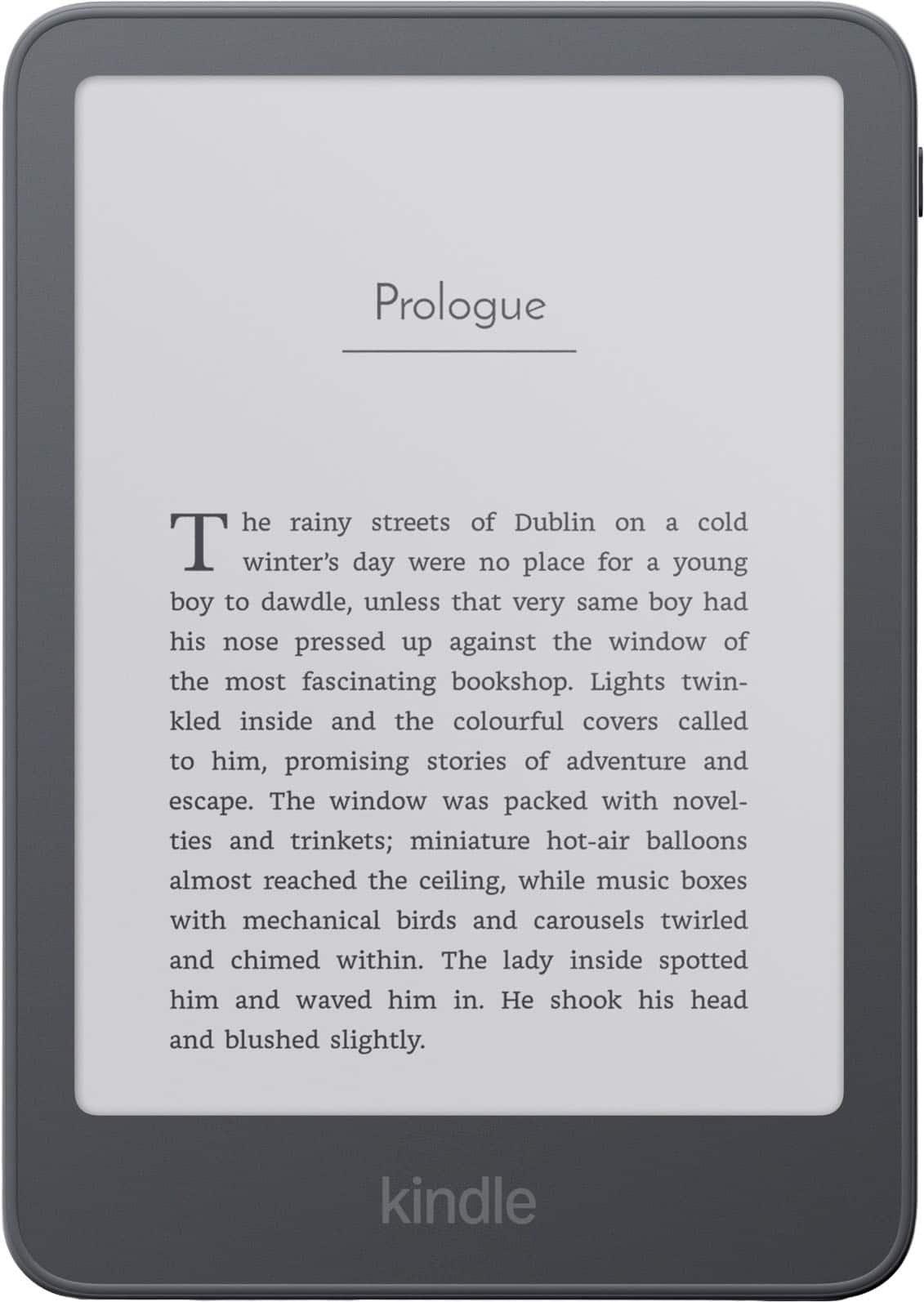
6. Kobo Clara Colour — Best Affordable Color E-Reader
Best For: Readers who want color E Ink without spending the price of a seven-inch premium device.
Kobo Clara Colour provides a six-inch Kaleido 3 color display for $179.99.
It includes 16GB storage, waterproofing, ComfortLight PRO, and support for multiple ebook formats.
Color Reading on a Budget
Clara Colour is appealing for illustrated books, color highlights, and colorful ebook covers.
However, its six-inch screen is less spacious than Kobo Libra Colour or Kindle Colorsoft.
That may make detailed graphic novels and full-page illustrations more difficult to view comfortably.
Color E Ink also has a different appearance from the vivid LCD or OLED panels used in conventional tablets.
What You Give Up
Clara Colour does not support Kobo Stylus handwriting.
It also lacks the dedicated physical page-turn buttons found on Libra Colour.
Still, it provides useful color functionality at a substantially lower price than the larger premium models.
Pros
✅ Affordable color E Ink
✅ Compact six-inch construction
✅ Waterproofing and warm light
✅ EPUB and other format support
Cons
❌ Smaller color display
❌ No handwriting stylus support
❌ No physical page-turn buttons
Who should skip it: Readers who frequently use large illustrated documents or need handwriting and page-turn buttons.
Alternative: Kobo Libra Colour provides a larger screen and more advanced reading features.
Kindle vs Kobo: Display Quality and Color E Ink
Display technology is one of the most important factors in choosing an e-reader.
Black-and-white E Ink remains attractive for readers who primarily enjoy text-heavy books.
Color E Ink adds illustrations and colorful highlights but involves different compromises.
Black-and-White E Ink
Monochrome screens are particularly suitable for novels, biographies, and text-focused nonfiction.
They offer sharp text and are designed for comfortable long-form reading.
Kindle Paperwhite and Kobo Clara BW both focus on this experience.
Color E Ink
Kindle Colorsoft, Kobo Libra Colour, and Kobo Clara Colour add color to supported content.
However, color e-paper is not equivalent to a modern tablet display.
Colors appear more muted, and some color-display technologies use lower effective color resolution than monochrome text resolution.
For example, Kobo Libra Colour delivers 300 PPI for black-and-white content and 150 PPI for color.
What About Comics and PDFs?
Color e-readers can improve the appearance of illustrated content.
However, screen size remains important.
Detailed PDF pages, large comics, and complex documents may be more comfortable on a bigger tablet.
For readers who also need apps, streaming, and extensive document annotation, our best tablets for work and entertainment guide explores more versatile devices.
Kindle vs Kobo: EPUB, DRM, and Ebook Ownership
File compatibility is one of Kobo’s strongest advantages.
However, the situation is more nuanced than simply saying Kobo supports EPUB and Kindle does not.
Kobo File Compatibility
Kobo directly supports EPUB, EPUB3, PDF, CBZ, CBR, MOBI, and several additional formats.
That makes it convenient to transfer compatible personal ebook collections from different sources.
Kobo also supports certain Adobe DRM workflows through Adobe Digital Editions.
However, the correct DRM authorization may still be necessary to open protected content.
Kindle EPUB Compatibility
Amazon supports EPUB through its Send to Kindle service.
Compatible EPUB documents can be uploaded for processing and delivery to a Kindle library.
However, that is different from direct native EPUB sideloading.
DRM-protected files may not transfer through this method.
Can You Move Kindle Purchases to Kobo?
Not automatically.
Amazon DRM-protected Kindle books generally remain restricted to authorized Kindle devices and applications.
However, Amazon introduced downloadable EPUB and PDF options for eligible DRM-free purchases in January 2026.
That improves flexibility for qualifying titles, although it does not make every purchased Kindle book transferable.
Our recommendation: Review your existing library before changing brands. The cost and availability of your books may matter more than a $30 difference in hardware.
Kindle vs Kobo for Public Library Books
Both brands can support public-library ebooks in the United States, but the borrowing experience differs.
Kindle and Libby
Many eligible U.S. public-library ebooks can be borrowed through Libby and delivered to Kindle.
Readers normally borrow through Libby and select the Kindle reading option when available.
The process then continues through Amazon.
However, not every library title supports Kindle delivery.
Kobo and OverDrive
Compatible Kobo devices integrate supported public-library borrowing through OverDrive and Libby.
Readers can browse eligible library collections, place holds, and borrow supported titles directly through their device.
However, library availability and catalog matching vary by location.
Some borrowed ebooks require additional Adobe Digital Editions steps.
Which Is Better?
Kobo offers a convenient integrated borrowing workflow for eligible libraries.
Kindle remains useful for U.S. Libby borrowers when Kindle delivery is available.
Before buying either device, check which ebook formats your local library supports.
Kindle Unlimited vs Kobo Plus
Subscription availability can influence the long-term value of an e-reader.
Amazon offers Kindle Unlimited, while Rakuten Kobo provides Kobo Plus.
However, their catalogs are not identical.
| Feature | Kindle Unlimited | Kobo Plus |
|---|---|---|
| Platform | Amazon Kindle | Rakuten Kobo |
| Ebook plan | $11.99/month reference | $7.99/month |
| Combined ebook/audiobook plan | Eligible audiobooks within subscription | $9.99/month Read & Listen |
| All bookstore titles included? | No | No |
The Kindle Unlimited price is a previously published standard U.S. reference and should be rechecked before purchase. Kobo Plus pricing is based on current U.S. subscription listings.
Neither subscription guarantees access to every ebook sold in its respective store.
Before subscribing, search for the authors and series you actually read.
The right catalog can provide more value than the service with the largest advertised selection.
Kindle vs Kobo for Note-Taking and Handwriting
Not every e-reader with highlighting supports handwritten notes.
This distinction is particularly important for students and readers who annotate books.
Kobo Libra Colour
Kobo Libra Colour supports Kobo Stylus 2.
The stylus allows handwritten notes, color highlighting, and compatible notebook functions.
It currently costs $69.99 separately.
Therefore, the device and stylus together have a $329.98 reference price before tax.
Kindle Colorsoft
The standard Kindle Colorsoft allows conventional text notes and color highlights.
However, it is not designed for stylus-based handwriting.
For handwritten notebooks and more advanced document annotation, Amazon offers Kindle Scribe devices.
What About Larger Writing Devices?
Kobo Elipsa 2E and Kindle Scribe serve readers who need larger displays and writing-oriented features.
However, those products belong to a different buying category than compact six- and seven-inch e-readers.
If you need full tablet applications, document editing, and advanced stylus software, consider a general-purpose tablet instead.
Our Apple iPad A16 review covers one accessible alternative for reading, notes, and everyday applications.
Reading Comfort: Buttons, Lighting, and Portability
Small physical differences can influence how comfortable an e-reader feels after several hours.
Physical Page-Turn Buttons
Kobo Libra Colour includes dedicated physical buttons.
Amazon’s regular Kindle models primarily rely on touchscreen controls.
However, Amazon now offers a Bluetooth Kindle Click remote for compatible devices.
It also offers an optional Page-Turn Cover with physical buttons for selected Signature Edition models.
These accessories add cost and do not make every Kindle equivalent to Libra Colour’s integrated buttons.
Warm Lighting
Adjustable warm lighting is available on Kindle Paperwhite, Kindle Colorsoft, and Kobo’s selected Clara and Libra devices.
The basic Kindle lacks this adjustment.
Warm lighting is a preference feature, not a guarantee of improved sleep or medical eye health.
Six-Inch vs Seven-Inch Displays
Six-inch readers are compact and convenient for travel.
Seven-inch models display more content at a given font setting and may suit readers who prefer larger text.
However, a larger screen also creates a somewhat larger device.
Choose according to how you hold and transport your e-reader.
Battery Life and Long-Term Ownership
Both Kindle and Kobo advertise battery life measured in weeks rather than hours.
However, manufacturers use different testing assumptions.
Amazon rates the new Paperwhite for up to 12 weeks, while the standard Kindle is rated for up to six weeks.
Kobo advertises up to 40 days for Libra Colour under a defined daily reading scenario.
These figures should not be treated as equivalent laboratory results.
Storage Requirements
For most text-based ebooks, 16GB provides substantial storage.
Readers with extensive comics, illustrated books, or documents may benefit from 32GB.
However, available storage is reduced by system software and may vary with the size of individual files.
Repairability and Accessories
Kobo offers selected replacement parts and repair guidance for some current models.
Amazon’s latest hardware also introduces changes related to battery servicing.
However, repair availability depends on the model, region, warranty, and available parts.
Consider a protective cover, manufacturer support, and how long you expect to retain the device.
Also remember that ebook ecosystem compatibility can be a more significant ownership issue than hardware durability alone.
When Should You Choose Kindle?
Choose Kindle when you value Amazon’s integrated bookstore and already have a substantial Kindle collection.
The latest Kindle Paperwhite is our preferred option for conventional reading.
Its seven-inch display, warm lighting, waterproofing, and familiar software make it a straightforward purchase for existing Kindle users.
Kindle Colorsoft is more appropriate when color illustrations matter and you want to remain inside Amazon’s ecosystem.
The standard Kindle is sufficient for basic reading when price and compactness are the main priorities.
However, Kindle is less attractive when direct EPUB file management and integrated stylus support are essential.
When Should You Choose Kobo?
Choose Kobo when you value EPUB compatibility, supported library borrowing, or more flexible reading controls.
Kobo Libra Colour is our strongest all-round Kobo recommendation for readers who want color, physical buttons, and optional handwriting.
Kobo Clara BW is better for compact, text-focused reading.
Kobo Clara Colour is the more affordable option when you want color E Ink without paying for a larger premium device.
However, switching from Kindle to Kobo may involve additional effort if many of your purchased ebooks use Amazon DRM.
Check your existing library before committing to a new ecosystem.
Kindle vs Kobo: Best E-Reader by Use Case
| Your Priority | Recommended E-Reader | Why |
|---|---|---|
| Existing Kindle books | Kindle Paperwhite | Amazon ecosystem integration |
| Seven-inch color and annotations | Kobo Libra Colour | Stylus support and physical buttons |
| Color within Kindle | Kindle Colorsoft | Integrated Amazon color library |
| Compact monochrome reading | Kobo Clara BW | Carta 1300 and EPUB support |
| Lowest-cost current Kindle | Amazon Kindle | Affordable Amazon entry point |
| Affordable color reading | Kobo Clara Colour | Color E Ink at a lower price |
Frequently Asked Questions
Is Kindle or Kobo better in 2026?
Kindle is better suited to readers already invested in Amazon books. Kobo is particularly attractive for EPUB compatibility, supported library borrowing, physical page-turn controls, and optional handwriting. The best choice depends on your reading habits and existing purchases.
Is Kobo Libra Colour better than Kindle Colorsoft?
Kobo Libra Colour offers more storage, physical buttons, and optional stylus support at a lower starting price. Kindle Colorsoft is more convenient for people who prefer Amazon’s ebook ecosystem. Direct testing of the refreshed Colorsoft is still important.
Can Kindle read EPUB files?
Yes, Kindle supports compatible EPUB documents through Send to Kindle, which processes them for Kindle reading. However, DRM-protected files may not transfer, and the process differs from Kobo’s direct EPUB support.
Can I transfer Kindle books to Kobo?
Some eligible DRM-free Kindle purchases can be downloaded in transferable formats. However, Amazon DRM-protected books generally cannot be moved directly to Kobo. Check each title’s download and licensing options.
Which e-reader is better for library books?
Kobo offers integrated borrowing through supported OverDrive and Libby libraries. Kindle can receive many eligible U.S. library ebooks through Libby and Amazon. Availability varies by library, country, and title.
Is a color e-reader worth buying?
Color E Ink is worthwhile when you read illustrated books, comics, or use color highlights. If you mainly read ordinary novels, a monochrome e-reader may provide better value for your needs.
Which Kindle or Kobo supports handwritten notes?
Kobo Libra Colour supports handwriting with the separately sold Kobo Stylus 2. Standard Kindle Colorsoft and Paperwhite do not support stylus handwriting. Amazon’s Kindle Scribe devices provide dedicated writing features.
Should I buy Kindle Paperwhite or Kobo Clara BW?
Choose Paperwhite if you want a larger seven-inch screen and Amazon library integration. Choose Clara BW if you prefer a smaller six-inch device, lower price, direct EPUB support, and compatible public-library features.
Final Verdict: Kindle vs Kobo — Which Should You Buy?
There is no universal winner in the Kindle vs Kobo comparison.
Kindle remains a strong choice for readers already invested in Amazon’s ecosystem. Its bookstore integration and familiar reading workflow make it particularly convenient for existing Kindle owners.
The refreshed Kindle Paperwhite is our preferred Kindle for ordinary books. Kindle Colorsoft is the more specialized choice for people who want color without leaving Amazon.
However, Kobo offers compelling alternatives.
Kobo Libra Colour delivers excellent hardware value with a seven-inch color display, physical page-turn buttons, 32GB storage, and optional stylus handwriting.
Kobo Clara BW is a compact and capable monochrome reader, while Clara Colour offers an affordable entry into color E Ink.
For long-term ownership, consider more than the device price.
Check whether your existing ebook purchases can move between platforms, whether your public library supports your preferred reading method, and whether you actually need color or handwriting.
Our recommendation: Choose Kindle for an established Amazon library. Choose Kobo for reading flexibility, physical controls, and optional handwritten annotation. For seven-inch color feature value, Kobo Libra Colour is our preferred choice.
Best for Amazon Readers: Kindle Paperwhite
Best Color Feature Value: Kobo Libra Colour
Best Color Kindle: Kindle Colorsoft
Best Compact Monochrome: Kobo Clara BW
Best Entry-Level Kindle: Amazon Kindle
Best Budget Color: Kobo Clara Colour
Overall Verdict: Choose the ecosystem that matches your existing books and reading habits.
Sources
- Amazon — Amazon Introduces a Completely Redesigned Kindle Family.
- Rakuten Kobo — Compare Current Kobo E-Readers and Product Specifications.
- Rakuten Kobo Help — Supported Ebook Formats and Adobe DRM.
- Rakuten Kobo Help — Borrow Ebooks From Public Libraries.
- Libby Help — Reading Kindle Books on a Kindle E-Reader.
- WIRED — Best E-Readers and Kindle Hardware Coverage.
- TechRadar — Kobo Libra Colour Review and E-Reader Buying Guide.
How we research: Discompare compares current manufacturer specifications, U.S. prices, independent reviews, file-format documentation, public-library support, subscriptions, and practical ownership considerations. We did not conduct original screen, battery, or performance testing for this guide. Newly announced products may require further testing after release. Prices, ebook catalogs, subscription terms, regional features, and retailer availability can change. Discompare may earn a commission from eligible retailer or price-comparison links.
Product Groups: Amazon Kindle Colorsoft 2026 16GB, Kobo Libra Colour 32GB, Amazon Kindle Paperwhite 2026 16GB, Kobo Clara BW 16GB, Amazon Kindle 2026 16GB, Kobo Clara Colour 16GB