Best Tablets for Work & Entertainment in 2026
The Apple iPad Air 11-inch M4 is our best tablet for work and entertainment because it combines desktop-class performance, a mature app ecosystem, excellent portability and strong accessory support without reaching iPad Pro pricing. For Android users, the OnePlus Pad 3 is the more entertainment-focused alternative thanks to its large 13.2-inch 144Hz display, eight-speaker system and large battery.
Not everyone needs the same type of tablet. The Microsoft Surface Pro 11 is a better choice when work means running full Windows applications. The Samsung Galaxy Tab S11 stands out for handwritten notes, its included S Pen, AMOLED display and DeX multitasking. At the premium end, the iPad Pro M5 offers more performance and a 120Hz OLED display, while the regular iPad with A16 remains the sensible lower-cost option for browsing, streaming, schoolwork and everyday apps.
The best choice depends less on benchmark scores than on the software you need, how often you multitask, whether you want a keyboard or stylus, and how important movies, games and speakers are when the workday ends.
Quick Answer: Best Tablets for Work & Entertainment
Best Overall: Apple iPad Air 11-inch M4 — powerful enough for serious work and creative apps while remaining lighter and less expensive than a flagship iPad Pro.
Best Android Tablet: OnePlus Pad 3 — a large 3.4K 144Hz screen, Snapdragon 8 Elite, eight speakers and a 12,140mAh battery make it particularly strong for multitasking and entertainment.
Best for Serious Work: Microsoft Surface Pro 11 — Windows 11 and desktop applications make it the strongest laptop-replacement option in this group.
Best for Notes & Samsung Users: Galaxy Tab S11 — the included S Pen, 120Hz AMOLED display, DeX and expandable storage create an unusually complete productivity package.
Best Affordable All-Rounder: Apple iPad with A16 — enough performance for everyday work, classes, streaming and casual gaming without premium-tablet pricing.
How We Chose the Best Tablets
We evaluated these tablets as complete work-and-entertainment devices rather than ranking them only by processor speed. The main criteria were multitasking capability, app support, display quality, speakers, battery and charging, keyboard and stylus options, storage, portability and overall value.
We also separated different definitions of “work.” A tablet used for email, documents and video calls has different requirements from one expected to run full Windows software or professional creative apps. Likewise, a large high-refresh display and strong speakers can matter more for entertainment than an extra benchmark advantage.
Discompare did not conduct hands-on laboratory testing for this article. The recommendations combine current manufacturer specifications, U.S. product availability and recent independent testing and buying-guide evidence.
Best Tablets Compared
| Tablet | Best For | Display | Processor | Memory | Stylus | OS | Main Trade-Off |
|---|---|---|---|---|---|---|---|
| iPad Air 11-inch M4 | Best overall | 11-inch Liquid Retina | Apple M4 | 12GB unified memory | Apple Pencil Pro optional | iPadOS | Display lacks ProMotion |
| OnePlus Pad 3 | Android work + entertainment | 13.2-inch 3.4K up to 144Hz | Snapdragon 8 Elite | 12GB on selected U.S. configuration | Stylo 2 optional | Android / OxygenOS | Large footprint |
| Surface Pro 11 13-inch | Desktop-class work | 13-inch LCD or OLED up to 120Hz | Snapdragon X Plus / X Elite | 16GB+ configurations | Surface Slim Pen optional | Windows 11 | Keyboard normally costs extra |
| Galaxy Tab S11 | Notes and Samsung ecosystem | 11-inch Dynamic AMOLED 2X | Dimensity 9400+ | 12GB | S Pen included | Android / One UI | Premium price |
| iPad Pro 11-inch M5 | Creators and power users | 11-inch Ultra Retina XDR OLED, ProMotion | Apple M5 | 12GB+ depending storage | Apple Pencil Pro optional | iPadOS | Expensive for ordinary use |
| iPad 11th Gen A16 | Affordable everyday use | 11-inch Liquid Retina | Apple A16 | Everyday-use configuration | Apple Pencil USB-C / 1st gen support | iPadOS | No Apple Intelligence |
Compare Current Tablet Prices
Tablet pricing changes frequently, especially when storage, keyboards, styluses and retailer promotions are involved. Compare the live offers below, then check whether the accessory you need is included or sold separately before deciding which tablet provides the better total value.




1. Apple iPad Air 11-inch M4 — Best Overall
Best for: buyers who want one tablet for productivity, creative work, gaming, school and entertainment without paying iPad Pro prices.
The iPad Air M4 earns the top spot because its performance ceiling is far higher than most general-purpose tablet users need, yet the device remains thin, light and easy to carry. Apple’s M4 generation brings 12GB of unified memory, Wi-Fi 7 and a large performance increase over previous Air models while preserving support for Apple Pencil Pro and Magic Keyboard.
For work, iPadOS now handles windowed multitasking, external displays, file management and background tasks far better than older versions did. The strongest advantage is still the app ecosystem: note-taking, illustration, music, photo editing and video-production tools are unusually mature on iPad.
Entertainment is equally strong. The display is sharp, speakers are good for such a thin device and M4 provides substantial gaming headroom. The main compromise is that the Air still does not include the 120Hz ProMotion OLED display found on the Pro.
Pros
✅ Extremely strong M4 performance
✅ 12GB unified memory
✅ Strong productivity and creative app ecosystem
✅ Apple Pencil Pro and Magic Keyboard support
✅ Lightweight enough for daily travel
Cons
❌ No 120Hz ProMotion display
❌ Pencil and keyboard are separate purchases
❌ Fixed internal storage with no microSD expansion
Who should skip it: buyers who need full Windows desktop applications or who primarily want the largest possible screen for streaming.
Alternative: OnePlus Pad 3 for a much larger high-refresh Android display, or Surface Pro 11 if desktop Windows software is mandatory.
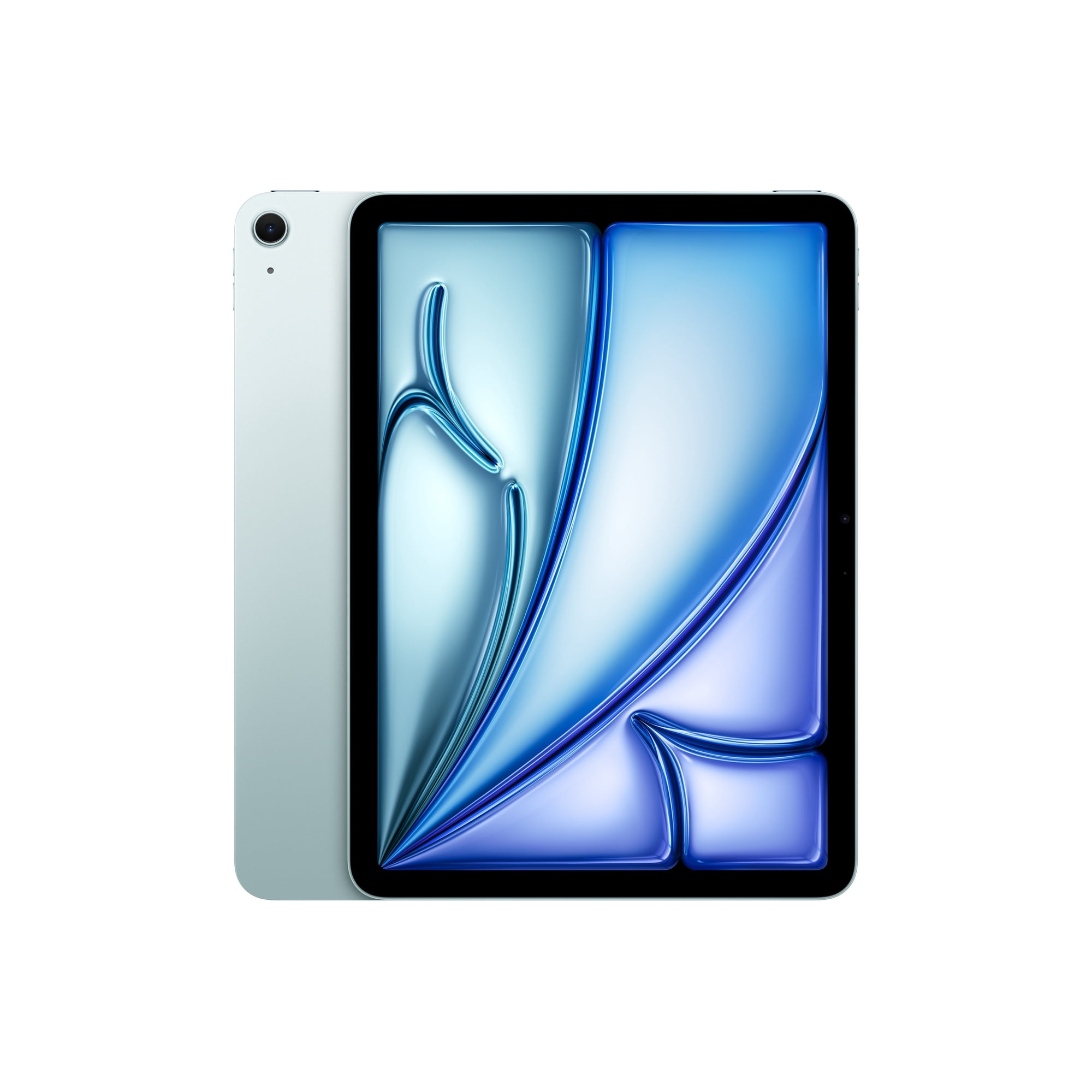
Upgrade to the new iPad Air, now supercharged by the Apple M4 chip for powerful everyday performance. Enjoy a stunning Liquid Retina display, 12MP Center Stage front camera, iPadOS, and blazing-fast Wi‑Fi 7 in a sleek blue finish. Order yours today and experience Apple Intelligence in a powerful, affordable package.
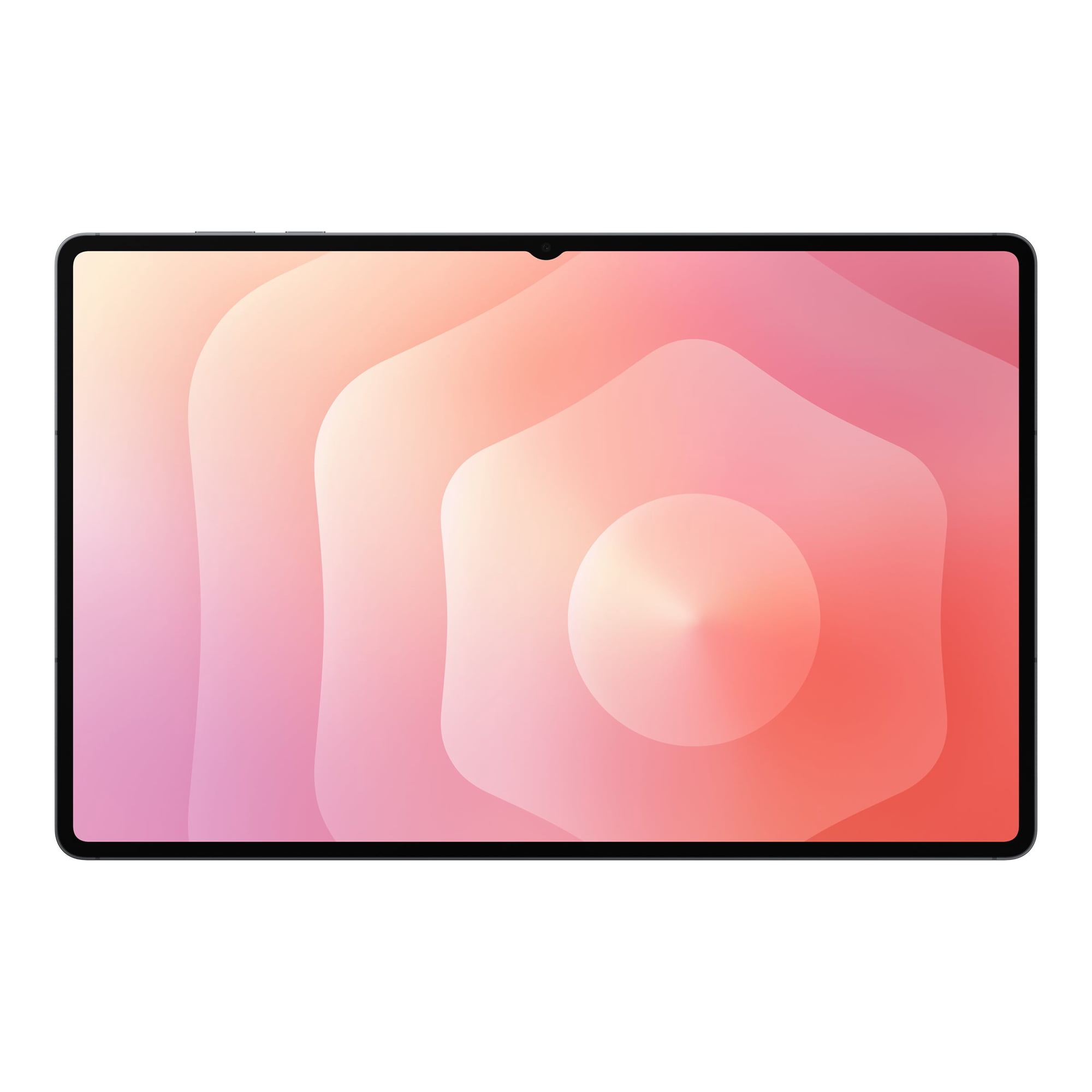
2. OnePlus Pad 3 — Best Android Tablet for Work & Entertainment
Best for: Android users who want a large screen for split-screen productivity, movies and gaming.
The OnePlus Pad 3 is unusually well matched to this article’s combination of work and entertainment. Its 13.2-inch 3.4K LCD can refresh at up to 144Hz in supported apps, while Snapdragon 8 Elite and 12GB of RAM provide enough performance for demanding Android multitasking.
OnePlus’ Open Canvas interface can display multiple apps at once, which makes the larger 7:5 screen useful for research, messaging and documents. The optional Smart Keyboard and Stylo 2 extend that productivity role, although neither is bundled by default.
Entertainment is where the Pad 3 becomes especially compelling. It combines the large high-refresh screen with eight speakers, Dolby Vision support and a 12,140mAh battery. OnePlus also supports up to 80W charging with compatible hardware, reducing the inconvenience of refilling such a large battery.
The main concern is size. At 13.2 inches and roughly 675g, the Pad 3 is much closer to a thin laptop screen than a compact tablet. That is excellent on a sofa or desk but less convenient for standing, reading or one-handed use.
Pros
✅ Large 13.2-inch 3.4K display
✅ Up to 144Hz refresh rate in supported apps
✅ Snapdragon 8 Elite performance
✅ Eight-speaker audio system
✅ 12,140mAh battery
✅ Up to 80W charging support
Cons
❌ Large size reduces handheld portability
❌ Keyboard and stylus are optional
❌ Some Android tablet apps remain less optimized than their iPad equivalents
Who should skip it: users looking for a compact travel tablet or anyone dependent on iPad-only or Windows-only professional software.
Alternative: Galaxy Tab S11 for a more compact Android option with AMOLED, S Pen and DeX.
Experience stunning clarity on a 13.2-inch 2400×3392 IPS display and blistering performance from the Snapdragon 8 Elite with 12GB RAM and 256GB storage. Whether you're streaming, creating, or multitasking on Android 15 with ColorOS 15, the OnePlus Pad 3 keeps everything smooth and responsive. Upgrade now — order your OnePlus Pad 3 today and elevate your tablet experience.
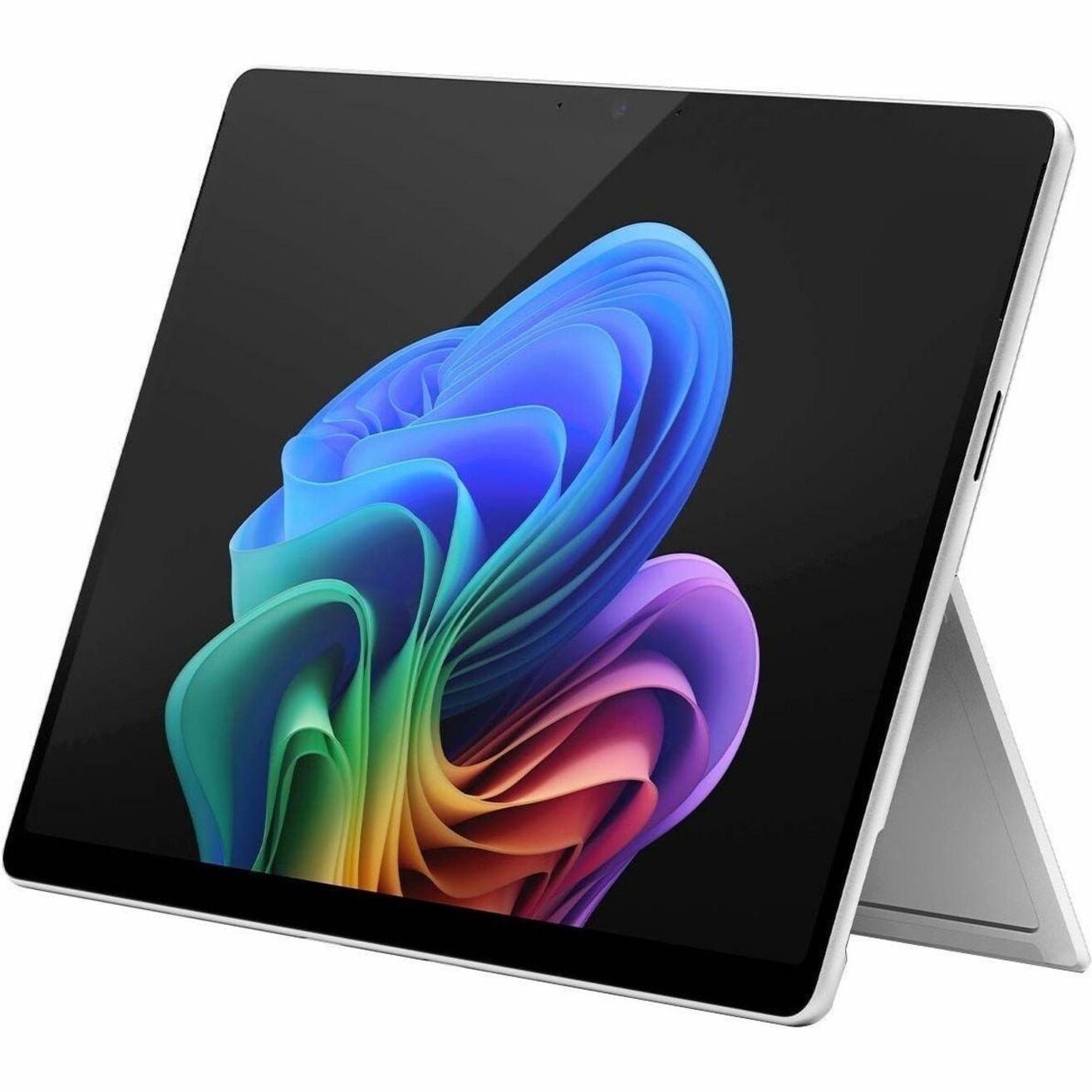
3. Microsoft Surface Pro 11 13-inch — Best Tablet for Serious Work
Best for: professionals who want tablet hardware but still require Windows 11, desktop-class browsers, Office applications and traditional PC workflows.
Surface Pro 11 occupies a different category from iPad and Android tablets because it runs full Windows. The 13-inch model is available with Snapdragon X Plus or X Elite processors, 16GB or more of memory on common configurations and removable SSD options up to 1TB.
Its 13-inch PixelSense Flow display is available in LCD and OLED versions, both with refresh rates up to 120Hz. The built-in kickstand is another practical advantage: the tablet can stand independently without requiring the keyboard accessory.
The main reason to buy it is software. If work involves full desktop Excel, specialist Windows applications, browser extensions, local file workflows or conventional mouse-and-keyboard multitasking, Surface Pro is much closer to a laptop replacement than the other tablets here.
The trade-off is that the tablet experience can feel more like a detachable PC than a simple mobile device. The keyboard is also typically a separate purchase, and users with older specialist Windows applications or peripherals should verify Windows-on-Arm compatibility.
If you are comparing this type of device against a conventional notebook, our MacBook Air alternatives guide covers several lightweight laptop options that may be more practical for desk-heavy work.
Pros
✅ Full Windows 11 environment
✅ Strong Snapdragon X performance
✅ 16GB+ memory configurations
✅ Up to 120Hz LCD or OLED display options
✅ Built-in adjustable kickstand
Cons
❌ Keyboard normally costs extra
❌ Heavier than conventional mobile tablets
❌ Some older Windows apps or peripherals may require compatibility checks on Arm
Who should skip it: buyers mainly interested in reading, casual apps and streaming who do not need Windows.
Alternative: iPad Air M4 for a lighter mobile-first workflow.
Experience the future of productivity with the Microsoft Surface Pro Copilot+ 13‑inch (32GB, 1TB). Accelerated performance and integrated Copilot AI let you create, collaborate, and compute faster, while all‑day battery life and an ultra‑portable design keep you moving. Order yours now and unlock a new era of AI‑powered productivity.
4. Samsung Galaxy Tab S11 — Best for Notes & Samsung Users
Best for: students, note-takers and Galaxy users who want an included stylus, an AMOLED display and stronger desktop-style Android multitasking.
Galaxy Tab S11 combines an 11-inch Dynamic AMOLED 2X display with 12GB of RAM, the Dimensity 9400+ platform and Samsung DeX. It is also one of the few premium tablets that includes its active stylus rather than treating it as a significant extra purchase.
The S Pen makes handwritten notes, PDF annotation and drawing available immediately after setup. Samsung Notes is especially useful for Galaxy phone owners, while DeX gives the tablet a more desktop-like layout when paired with a keyboard, mouse or external display.
For entertainment, the AMOLED panel and quad-speaker system are major advantages. The Tab S11 also carries IP68 dust and water resistance, and microSD support allows storage expansion up to 2TB instead of forcing the buyer into a high-capacity internal-storage configuration.
Buyers deciding specifically between this tablet and Apple’s Air should read our iPad Air M4 vs Galaxy Tab S11 comparison, which focuses on the differences in performance, display, stylus value and productivity.
Pros
✅ 120Hz Dynamic AMOLED 2X display
✅ S Pen included
✅ Samsung DeX for desktop-style multitasking
✅ microSD expansion up to 2TB
✅ IP68 dust and water resistance
Cons
❌ Premium pricing
❌ Raw processor performance trails Apple’s M-series tablets
❌ Android creative-app depth can still vary by workflow
Who should skip it: creators who need specific iPad professional apps or buyers whose main priority is maximum CPU performance.
Alternative: OnePlus Pad 3 for a larger Android screen or iPad Air M4 for stronger performance.
Ready to secure your business with the Samsung Galaxy Tab S11 11-inch 128GB (Gray)? With up to seven years of Security Maintenance Releases, a two-year product lifecycle and a three-year warranty, it’s built for enterprise reliability and continuity. Upgrade your team today — order now or contact our sales team to get a quote.
5. Apple iPad Pro 11-inch M5 — Best Premium Tablet for Creators
Best for: professional creators and power users who will actually benefit from Apple’s fastest tablet hardware and premium OLED display.
The 11-inch iPad Pro M5 moves beyond what most tablet buyers need. The current generation combines Apple’s M5 chip with the Ultra Retina XDR tandem-OLED display, ProMotion refresh rates up to 120Hz and 256GB of base storage.
That makes it particularly attractive for illustration, photo editing, video work and demanding games. The OLED panel is also the strongest entertainment display in Apple’s lineup, combining deep blacks, strong HDR capability and smooth high-refresh animation in a much lighter chassis than a conventional laptop.
Apple Pencil Pro and the Magic Keyboard turn it into an unusually capable mobile creative workstation, but both increase the total cost substantially. That is why we rank it below the Air for general buyers. Email, streaming, documents and ordinary note-taking do not justify paying for M5 and tandem OLED.
Pros
✅ Extremely powerful M5 processor
✅ Premium tandem-OLED display
✅ ProMotion up to 120Hz
✅ Excellent professional creative app support
✅ Apple Pencil Pro support
Cons
❌ Expensive
❌ Keyboard and Pencil add substantially to total cost
❌ Performance is unnecessary for most everyday tablet workloads
Who should skip it: general users who mainly browse, stream, write and use productivity apps.
Alternative: iPad Air M4 for much of the same ecosystem at a lower price.
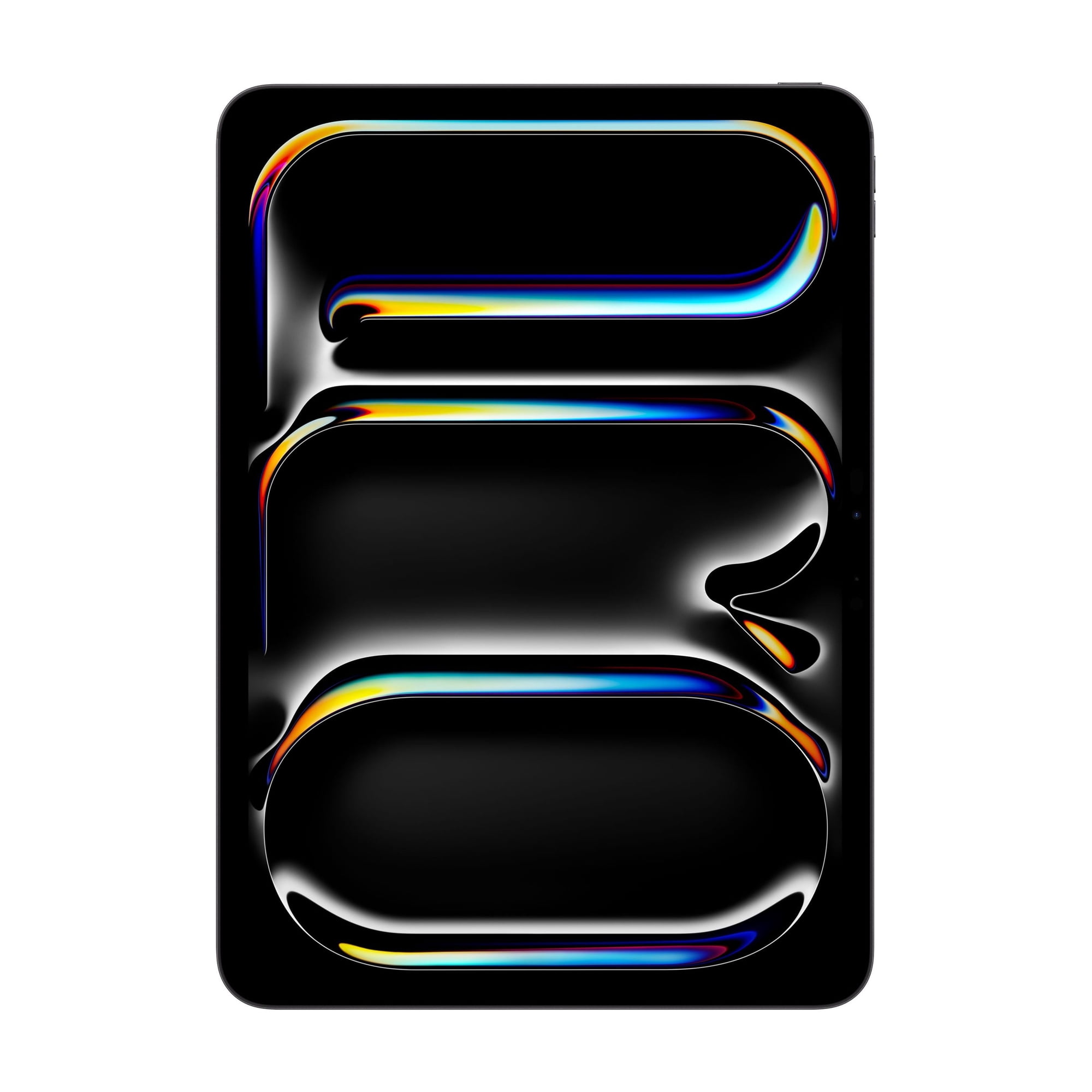
Experience Apple Intelligence with the M5 chip, Ultra Retina XDR display, Neural Accelerators, and superfast Wi‑Fi 7 — all in a compact 11‑inch design with 256GB of storage. Power through demanding apps, create with AI‑enhanced tools, and enjoy blistering performance for work and play. Ready to upgrade your toolkit? Buy the iPad Pro now and unlock a smarter, faster way to create.
6. Apple iPad 11th Gen A16 — Best Affordable All-Rounder
Best for: families, students and everyday users who want reliable performance for web browsing, schoolwork, video and casual games without buying a premium tablet.
The standard iPad is easy to underestimate because it lacks the headline features of the Air and Pro. Its A16 chip is nevertheless fast enough for normal productivity, video calls, document editing, streaming and most everyday apps.
Apple also doubled the entry storage when this generation launched, making 128GB the practical starting point. That is a much better fit for downloaded movies, games and school files than older 64GB base iPads.
Independent battery testing has also been strong, making the regular iPad an appealing travel and family tablet. The biggest limitation is future-facing software capability: unlike Apple’s M-series iPads, this model does not support Apple Intelligence, and it does not work with Apple Pencil Pro.
Students deciding between an inexpensive tablet and a complete notebook should also see our most affordable laptops for students guide before adding a keyboard case and other tablet accessories.
Pros
✅ Strong everyday A16 performance
✅ 128GB starting storage
✅ Excellent app ecosystem
✅ Good battery life
✅ Lower purchase price than premium tablets
Cons
❌ No Apple Intelligence support
❌ No Apple Pencil Pro support
❌ Less suitable for heavy professional creative work
Who should skip it: demanding creators, heavy multitaskers and buyers who expect the tablet to replace a primary work computer.
Alternative: iPad Air M4 for much stronger performance and accessory support.
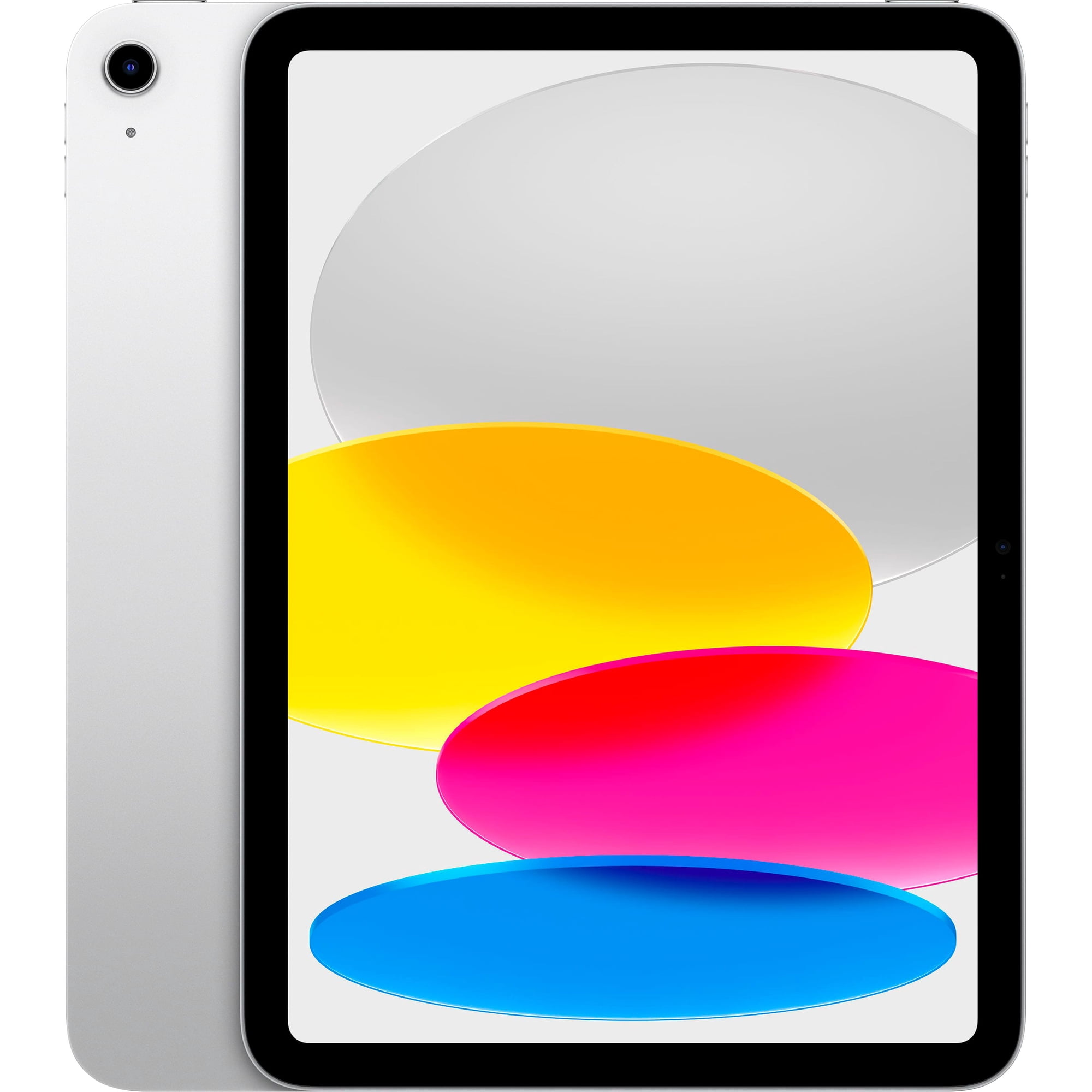
Unleash creativity and productivity with the Apple 11-inch iPad — powered by the superfast A16 chip, a vibrant Liquid Retina display, fast Wi‑Fi 6, USB‑C connectivity, and 128GB of storage in sleek Silver. Shop now and experience the speed, power, and portability you need — order yours today!
Tablets We Considered but Didn’t Pick
Samsung Galaxy Tab S10 FE+: The large display, included S Pen and strong battery life make it useful for students and media, but its performance is less competitive for gaming and heavier work than the six tablets selected above.
Google Pixel Tablet: Google’s tablet remains useful inside the Google smart-home ecosystem, but its Tensor G2 platform is now significantly older than the processors in the leading 2026 alternatives.
Motorola Moto Pad 2026: Its low price, 11-inch 2.5K display and quad speakers make it interesting for budget entertainment, but the Dimensity 6300 and U.S. carrier-focused availability reduce its appeal as a broad work recommendation.
Lenovo Yoga Tab Plus: Strong specifications and useful accessories make it a credible alternative, particularly for productivity. Lenovo’s tablet lineup currently contains closely related Yoga generations and configurations, however, so buyers should verify the exact model before comparing prices. Our planned Lenovo tablets for productivity guide will cover that lineup in more detail.
Which Tablet Is Best for Work?
The answer depends on your software.
Surface Pro 11 is the best choice when you need conventional Windows applications, desktop-class Office software, local file management and a familiar PC environment.
iPad Air M4 is better when your work fits naturally into iPad apps, browser tools, communication software and creative applications. Its hardware is more than capable enough for professional use, but iPadOS remains different from Windows.
Galaxy Tab S11 is especially attractive for Android users who want DeX, handwritten notes and an included S Pen.
Which Tablet Is Best for Entertainment?
The OnePlus Pad 3 is our entertainment pick because its 13.2-inch 3.4K display, up-to-144Hz refresh rate, eight speakers and large battery suit streaming and gaming extremely well.
The Galaxy Tab S11 is a close alternative for users who prefer OLED contrast in a smaller device. Its 120Hz Dynamic AMOLED panel is excellent for movies and games without the size of the OnePlus.
At the high end, iPad Pro M5 offers the best Apple display thanks to its tandem OLED and ProMotion technology, but its price is difficult to justify for entertainment alone.
Which Tablet Is Best for Students?
For students who mainly take handwritten notes, annotate PDFs and organize coursework, the Galaxy Tab S11 has a strong advantage because its S Pen is included.
The iPad Air M4 is the better long-term choice for students who use demanding creative apps or want access to Apple’s large tablet app ecosystem.
The standard iPad A16 is the best fit when price matters more than high-end performance. Before turning it into an expensive laptop substitute with multiple accessories, compare it with a conventional student notebook.
Which Tablet Is Best for Creators?
The iPad Pro M5 is the strongest creator tablet in this group. Its combination of M5 performance, 120Hz tandem OLED and Apple Pencil Pro support is difficult to match for illustration, video editing and other professional visual workflows.
The iPad Air M4 is the better value for creators who do not specifically need the Pro’s OLED display or maximum performance.
iPadOS vs Android vs Windows: Which Platform Is Best?
Choose iPadOS If App Quality Matters Most
iPadOS has one of the strongest tablet-specific software ecosystems. It is particularly attractive for drawing, music, photo editing, video work, note-taking and polished touch-first apps.
Choose Android for Flexibility and Hardware Choice
Android gives buyers more hardware variety. Samsung offers S Pen, DeX, AMOLED and expandable storage, while OnePlus emphasizes screen size, charging speed and entertainment hardware.
Choose Windows When You Need PC Software
Windows is the least compromised option when your job depends on desktop applications, complex browser workflows, traditional file structures or PC peripherals. The trade-off is a heavier device and a less touch-first experience.
How Much RAM and Storage Do You Need?
For basic streaming, web use and documents, raw memory specifications should not be the main buying criterion because iPadOS, Android and Windows manage memory differently.
For serious multitasking on Android or Windows, 12GB to 16GB provides useful headroom. Creative workloads and Windows desktop applications can justify even more.
For storage, 128GB is a sensible minimum for a general-purpose tablet in 2026. Buyers keeping large games, downloaded movies or video projects locally should consider 256GB or more. Galaxy Tab S11 has a major advantage here because microSD expansion can add up to 2TB.
Do You Need a Keyboard?
Buy a keyboard if you regularly write documents, email, code, manage spreadsheets or use the tablet at a desk. It can transform a tablet into a more useful work machine, but it also changes the total price substantially.
Surface Pro, iPad Air, iPad Pro, Galaxy Tab S11 and OnePlus Pad 3 all support dedicated keyboard accessories. Before purchasing, compare the combined tablet-and-keyboard cost with a full laptop rather than evaluating the tablet price alone.
Do You Need a Stylus?
A stylus is valuable for handwritten notes, annotation, drawing and photo work. It is much less important for users who mainly type, browse and watch video.
Samsung has the strongest value proposition in this group because the Galaxy Tab S11 includes its S Pen. Apple’s Pencil Pro, Microsoft’s Slim Pen and OnePlus Stylo 2 are separate purchases.
Frequently Asked Questions
What is the best tablet for work?
Surface Pro 11 is the best choice when work requires full Windows applications. For a more mobile app-based workflow, iPad Air M4 provides an excellent balance of performance, portability and software quality.
What is the best tablet for work and entertainment?
iPad Air M4 is our best overall pick because it handles demanding apps, multitasking, gaming and media while remaining light enough for everyday use. OnePlus Pad 3 is the strongest Android alternative for users who want a much larger display.
Can a tablet replace a laptop?
Yes for some workflows. Surface Pro 11 is the closest replacement because it runs Windows. iPads and Android tablets can replace a laptop for documents, communication, browser work and many creative tasks, but software requirements should be checked before switching completely.
Is iPad or Android better for work?
iPad generally has stronger tablet-optimized professional apps, while Android offers more hardware choice and features such as Samsung DeX, S Pen and expandable storage. The better platform depends on the software and ecosystem you already use.
Which tablet is best for Netflix and streaming?
OnePlus Pad 3 is particularly strong for streaming because of its large 13.2-inch 3.4K display and eight-speaker audio system. Galaxy Tab S11 is a strong smaller alternative with a 120Hz AMOLED display.
How much RAM does a tablet need for work?
Memory requirements vary by operating system. For demanding Android or Windows multitasking, 12GB to 16GB is a useful target. iPads manage memory differently, so comparing RAM numbers directly across platforms can be misleading.
What is the best affordable tablet?
The iPad with A16 is our affordable all-round pick because it combines reliable performance, 128GB of starting storage, long battery life and access to the mature iPad app ecosystem.
Which tablet is best for students?
Galaxy Tab S11 is excellent for handwritten notes because the S Pen is included. iPad Air M4 is stronger for creative students and demanding apps, while the regular iPad A16 is the more affordable option for everyday coursework.
Final Verdict: Which Tablet Should You Buy?
The Apple iPad Air M4 is the best tablet for work and entertainment for most buyers. It is powerful enough for demanding apps, light enough to carry every day and supported by a mature ecosystem of productivity, creative and entertainment software.
Choose the OnePlus Pad 3 if Android, a much larger high-refresh display and powerful speakers matter more. Choose the Surface Pro 11 when your work requires full Windows applications. The Galaxy Tab S11 is the best fit for note-taking, DeX and Samsung users, while the iPad Pro M5 is the premium choice for professional creators.
For ordinary browsing, schoolwork, streaming and casual games, the regular iPad A16 remains the most sensible way to avoid paying for performance you may never use.
Best Overall: Apple iPad Air 11-inch M4
Best Android: OnePlus Pad 3
Best for Serious Work: Microsoft Surface Pro 11
Best for Notes: Samsung Galaxy Tab S11
Best Premium Tablet: Apple iPad Pro 11-inch M5
Best Affordable All-Rounder: Apple iPad 11th Gen A16
Sources
- Apple — iPad Air with M4 and current iPad specifications
- Samsung — Galaxy Tab S11 Series specifications
- OnePlus — OnePlus Pad 3 product specifications
- Microsoft — Surface Pro 11th Edition technical specifications
- Tom’s Guide — Best Tablets to Buy in 2026
Product Groups: Apple iPad Air 11-inch M4, OnePlus Pad 3 12GB 256GB, Microsoft Surface Pro 11 13-inch, Samsung Galaxy Tab S11 11-inch, Apple iPad Pro 11-inch M5, Apple iPad 11th Gen A16