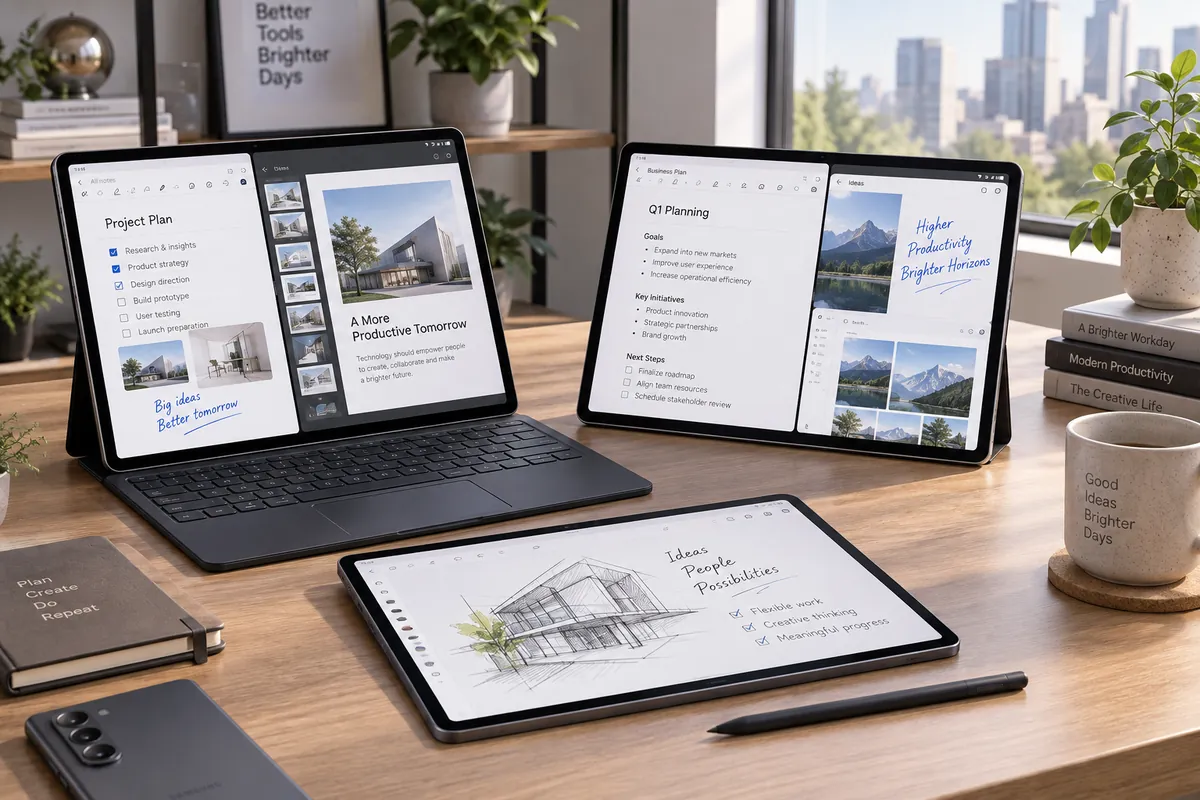
Best Samsung Galaxy Tablets for Productivity 2026
The Samsung Galaxy Tab S11 is the best Samsung Galaxy tablet for productivity for most people because it combines a portable 11-inch AMOLED display, 12GB of memory, an included S Pen, expandable storage and Samsung DeX without becoming as large or expensive as the 14.6-inch Ultra. It works particularly well for handwritten notes, PDF annotation, documents, email, research and keyboard-based Android multitasking.
The best Galaxy Tab changes with your workflow, though. The Galaxy Tab S11 Ultra gives desk-based users far more room for simultaneous apps, while the Galaxy Tab S10 FE+ provides a large 13.1-inch workspace at a lower regular price. The smaller S10 FE is easier to carry, the S10 Lite is the affordable choice when S Pen matters most, and the Galaxy Tab A11+ is unusually useful for budget keyboard-and-DeX productivity despite not supporting S Pen.
The important distinction is that S Pen support and Samsung DeX support are not the same thing. Some current Galaxy tablets provide both, some provide only limited DeX, and one of the most affordable DeX-capable tablets does not support S Pen at all.
If Samsung is not a requirement, our best tablets for work and entertainment guide compares Galaxy Tab with current iPad, Windows and other Android alternatives.
Quick Answer: Best Samsung Galaxy Tablets for Productivity
Best Overall: Galaxy Tab S11 — the best balance of portability, 12GB RAM, AMOLED, included S Pen, expandable storage and full DeX productivity.
Best Large-Screen Pick: Galaxy Tab S11 Ultra — a huge 14.6-inch AMOLED workspace with flagship performance and external-monitor DeX support.
Best Large-Screen Value: Galaxy Tab S10 FE+ — a 13.1-inch screen, included S Pen and strong on-tablet multitasking without Ultra pricing.
Best Portable Midrange: Galaxy Tab S10 FE — the same S Pen-focused FE experience in a much easier-to-carry 10.9-inch format.
Best Affordable Options: Choose Galaxy Tab S10 Lite for included S Pen and note-taking; choose Galaxy Tab A11+ when low-cost DeX and keyboard use matter more than stylus support.
How We Chose the Best Samsung Galaxy Tablets
We evaluated Samsung’s current U.S. Galaxy Tab lineup around productivity rather than entertainment or benchmark performance alone. The main factors were display size, portability, memory, storage, processor class, S Pen availability, Samsung DeX capability, external-monitor support, keyboard support, microSD expansion, battery capacity, durability and total cost after accessories.
We also separated different definitions of productivity. A student taking handwritten notes needs different hardware from a professional managing documents on an external monitor. A 14.6-inch tablet can be excellent at a desk but awkward on a train, while a smaller tablet may be much easier to carry even if it shows fewer windows at once.
Discompare did not perform hands-on laboratory testing for this guide. The rankings combine current Samsung specifications, U.S. pricing and availability with independent testing of the main productivity models.
Samsung Galaxy Tablets Compared
| Tablet | Best For | Display | RAM | S Pen | DeX | External Display | Regular Price* |
|---|---|---|---|---|---|---|---|
| Galaxy Tab S11 | Best overall | 11-inch Dynamic AMOLED 2X | 12GB | Included | Yes | Yes | $899.99 |
| Galaxy Tab S11 Ultra | Large-screen multitasking | 14.6-inch Dynamic AMOLED 2X | 12GB / 16GB | Included | Yes | Yes | $1,299.99 |
| Galaxy Tab S10 FE+ | Large-screen value | 13.1-inch LCD | 8GB / 12GB | Included | On-tablet | No HDMI / Wireless DeX | $699.99 |
| Galaxy Tab S10 FE | Portable midrange | 10.9-inch LCD | 8GB / 12GB | Included | On-tablet | No HDMI / Wireless DeX | $549.99 |
| Galaxy Tab S10 Lite | Affordable S Pen | 10.9-inch TFT LCD | 6GB / 8GB | Included | No | No | $399.99 |
| Galaxy Tab A11+ | Budget DeX | 11-inch TFT LCD | 6GB / 8GB | Not compatible | Yes | Yes | $299.99 |
Compare Current Samsung Galaxy Tablet Prices
Samsung tablet pricing changes frequently, especially during major sales and trade-in promotions. Use the live shopping block below for current offers, then compare the full setup price if you also need a keyboard cover, charger, cellular connection or additional storage.
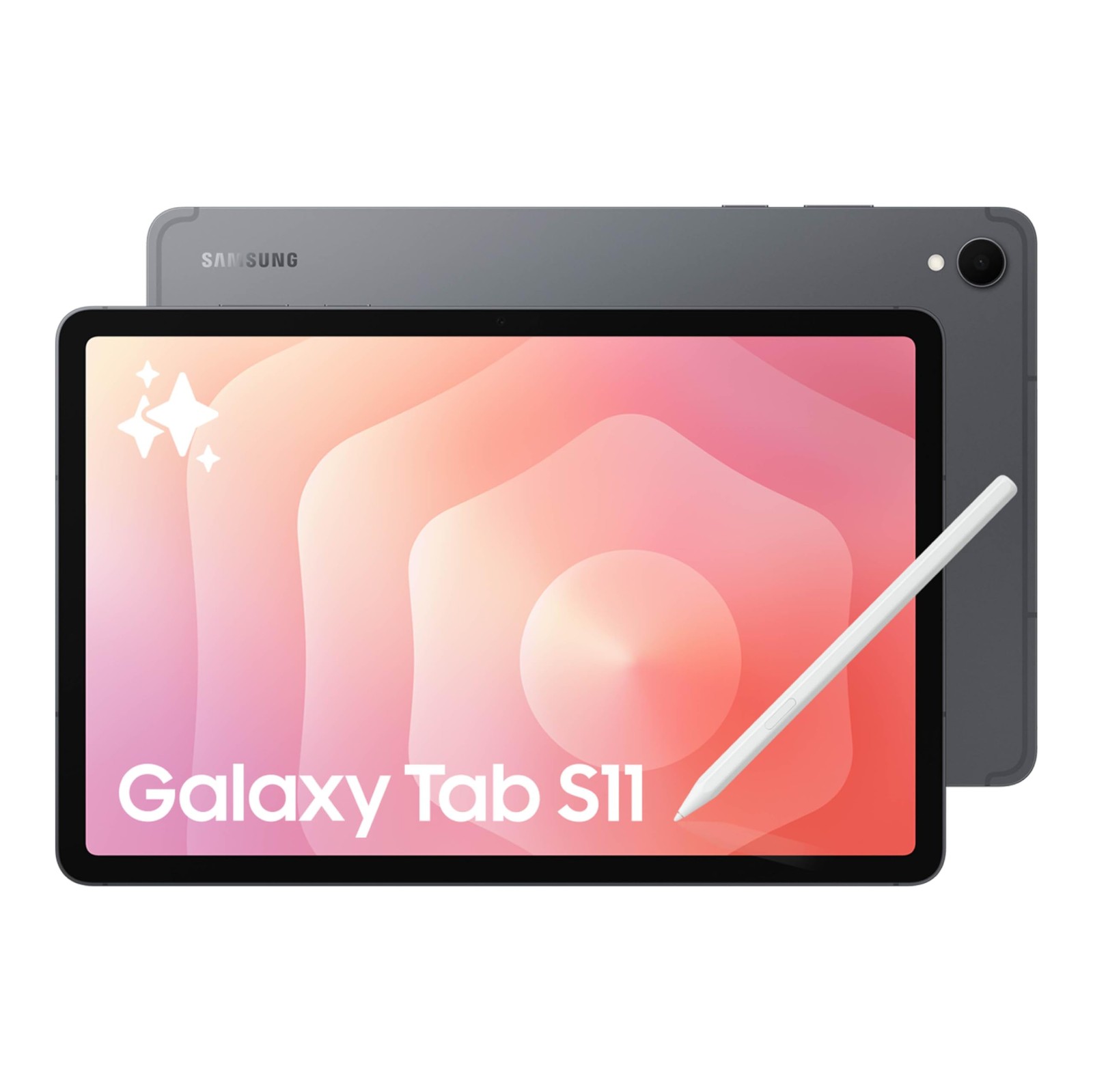
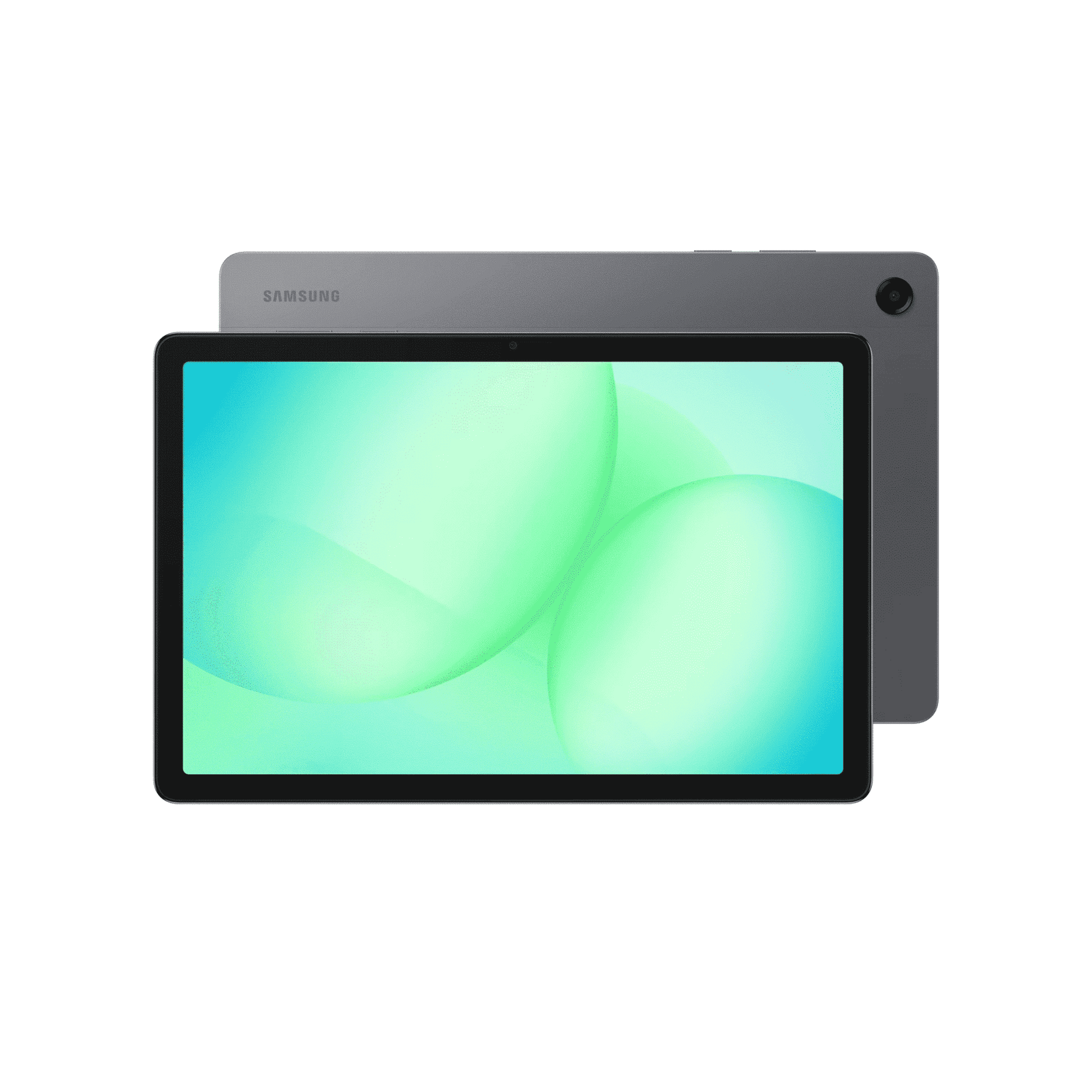

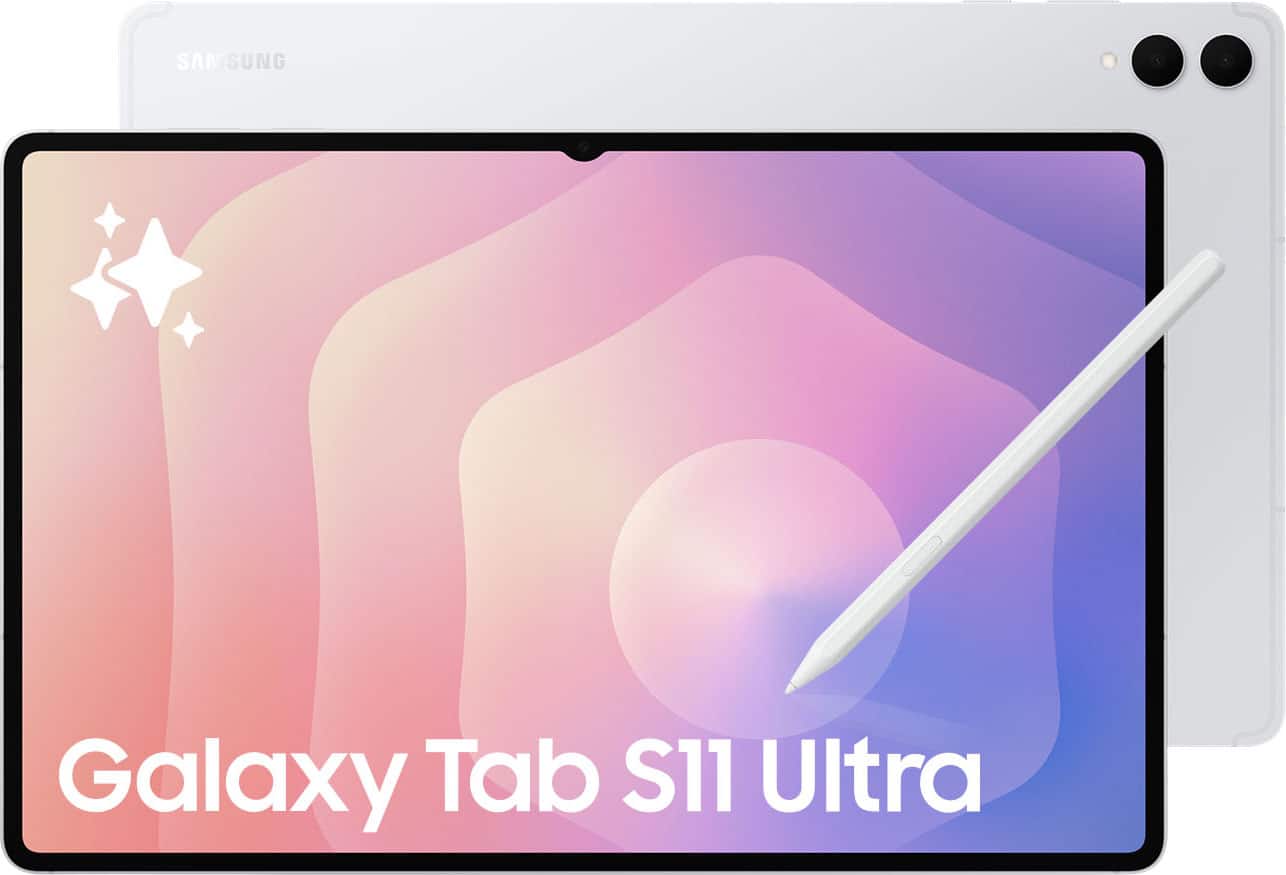
The Best Samsung Galaxy Tablets for Productivity
1. Samsung Galaxy Tab S11 — Best Overall
Best for: Professionals, students and note-takers who want the strongest balance of portability, S Pen input and full Samsung DeX productivity.
The Galaxy Tab S11 is our top productivity pick because it avoids the biggest compromise of almost every other Samsung tablet. It is powerful and fully featured without becoming physically enormous.
The current 11-inch model uses a Dynamic AMOLED 2X display, 12GB of memory and Samsung’s flagship Dimensity 9400+ platform. Storage starts at 128GB and runs through 512GB, while the microSD slot gives Samsung a flexibility advantage over many premium tablet competitors.
The redesigned S Pen is included in the box. That makes handwritten notes, Samsung Notes, PDF markup, diagrams and drawing available without another major accessory purchase. The tablet also carries IP68 dust and water resistance, which is useful for students and mobile professionals who actually carry the device outside a home office.
DeX is the bigger productivity advantage. The Tab S11 can run DeX directly on the tablet and connect to external displays, letting a keyboard-and-mouse setup behave more like a desktop workspace. Samsung also supports multi-screen workflows across the tablet and an external display.
The downside is price. The regular 128GB U.S. price is $899.99, although Samsung is currently discounting some configurations substantially. A dedicated keyboard is also separate, so the actual productivity setup costs more than the tablet alone.
If you are specifically deciding between Android and Apple, our iPad Air M4 vs Galaxy Tab S11 comparison covers performance, display, stylus value and ecosystem differences directly.
Pros
✅ 12GB RAM gives Android multitasking plenty of headroom
✅ Included S Pen adds immediate note-taking and annotation value
✅ Full Samsung DeX with external-display support
✅ microSD storage expansion
✅ AMOLED display in a more portable size than Ultra
Cons
❌ Premium $899.99 regular starting price
❌ Keyboard cover is a separate purchase
❌ Android cannot replace every Windows or macOS professional application
Who should skip it: If you mainly take notes, browse and work in simple documents, the S10 FE delivers much of the Samsung productivity experience for less.
Alternative: Galaxy Tab S11 Ultra when maximum screen area is more important than portability.
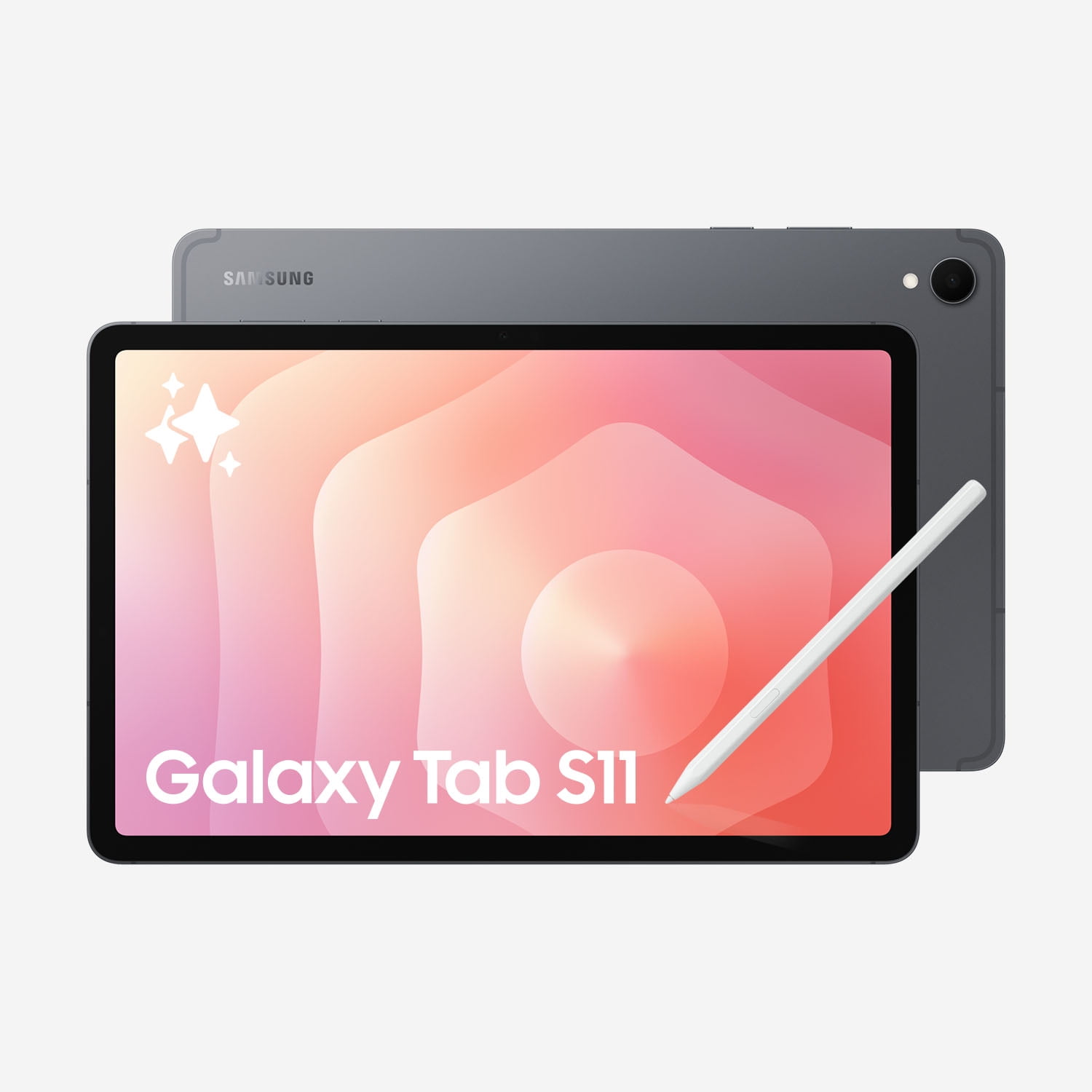
Ready to power up your productivity?
Unleash creativity and get more done with the Samsung Galaxy Tab S11 11‑inch with S Pen — featuring an ultra‑crisp display, uncompromising performance, rugged durability, and supersmart AI to streamline your day. Order yours today and take your productivity to the next level.
2. Samsung Galaxy Tab S11 Ultra — Best for Large-Screen Multitasking
Best for: Desk-heavy productivity, multiple simultaneous apps, large spreadsheets, creative work and users who want the biggest Samsung tablet workspace.
The Galaxy Tab S11 Ultra takes Samsung’s flagship productivity hardware and stretches it across a 14.6-inch Dynamic AMOLED 2X display. At that size, the tablet starts behaving more like an ultra-thin portable monitor or laptop screen than a conventional handheld tablet.
Memory options reach 16GB, while storage ranges from 256GB to 1TB before microSD expansion. Samsung also upgrades wireless connectivity to Wi-Fi 7 and uses a larger 11,600mAh battery to support the bigger screen.
The S Pen remains included, and full DeX support makes the Ultra particularly effective on a desk. With an external monitor, keyboard and mouse, Samsung can extend the workspace across multiple screens instead of simply mirroring the tablet.
That flexibility does not automatically make it a laptop replacement. Independent testing from Tom’s Guide praises the enormous OLED display, performance and battery but also points out that DeX and Android software still cannot replicate every laptop workflow. Once a premium keyboard and other accessories are added, the total setup can approach conventional laptop pricing.
The size is also a genuine tradeoff. A 14.6-inch tablet is superb while resting on a desk or stand but much less natural for reading on a sofa, holding in one hand or carrying through a crowded commute.
Pros
✅ Huge 14.6-inch AMOLED multitasking workspace
✅ Up to 16GB memory and 1TB internal storage
✅ Included S Pen
✅ Full DeX and external-monitor workflows
✅ microSD expansion and Wi-Fi 7
Cons
❌ $1,299.99 regular starting price
❌ Too large for comfortable handheld use for many people
❌ Laptop-style accessories push total cost even higher
Who should skip it: Anyone who expects to carry and hand-hold the tablet frequently will probably be happier with the standard S11.
Alternative: Galaxy Tab S10 FE+ gives you a 13.1-inch workspace at a considerably lower regular price, although with reduced performance and DeX flexibility.
Experience premium performance and generous 256 GB storage in a sleek Silver design — perfect for streaming, creativity, and productivity on the go. Ready to upgrade your tablet game? Order your Samsung Tab S11 Ultra 256GB Wi‑Fi in Silver today and enjoy next-level power and style.
3. Samsung Galaxy Tab S10 FE+ — Best Large-Screen Value
Best for: Students, research-heavy users and home-office buyers who want a large display for split-screen work but do not need flagship performance.
The Galaxy Tab S10 FE+ is one of the most interesting productivity values in Samsung’s range because most of the money goes toward a large usable workspace instead of premium processor performance.
The 13.1-inch 2880 × 1800 display provides substantially more room than a conventional 10- or 11-inch tablet. That is useful for placing Samsung Notes next to a browser, reading a PDF while taking notes or keeping a video meeting open beside a document.
The tablet uses Samsung’s Exynos 1580 platform and is available with 8GB/128GB or 12GB/256GB configurations. The S Pen is included, microSD storage is supported, and the 10,090mAh battery is sized appropriately for the large chassis.
Independent testing generally agrees on the tradeoff: the FE+ is very good for note-taking, media and mainstream multitasking, but its processor is far less compelling for heavy games or demanding professional apps than the flagship S11 family.
DeX also needs a careful explanation. The S10 FE+ can run Samsung’s desktop-style interface on the tablet itself, but Samsung specifically excludes it from HDMI output and Wireless DeX to an external monitor or TV. That makes it a large self-contained productivity tablet rather than a lower-cost S11 Ultra replacement.
Pros
✅ Large 13.1-inch screen is excellent for split-screen work
✅ S Pen included
✅ 8GB or 12GB memory configurations
✅ microSD expansion
✅ Lower regular price than S11 Ultra
Cons
❌ Exynos 1580 is not flagship-class performance
❌ LCD rather than AMOLED
❌ No HDMI or Wireless DeX external-display support
Who should skip it: Professionals intending to connect their tablet to a monitor as a desktop workstation should choose S11 or S11 Ultra.
Alternative: Galaxy Tab S10 FE offers the same basic productivity philosophy in a much more portable 10.9-inch format.
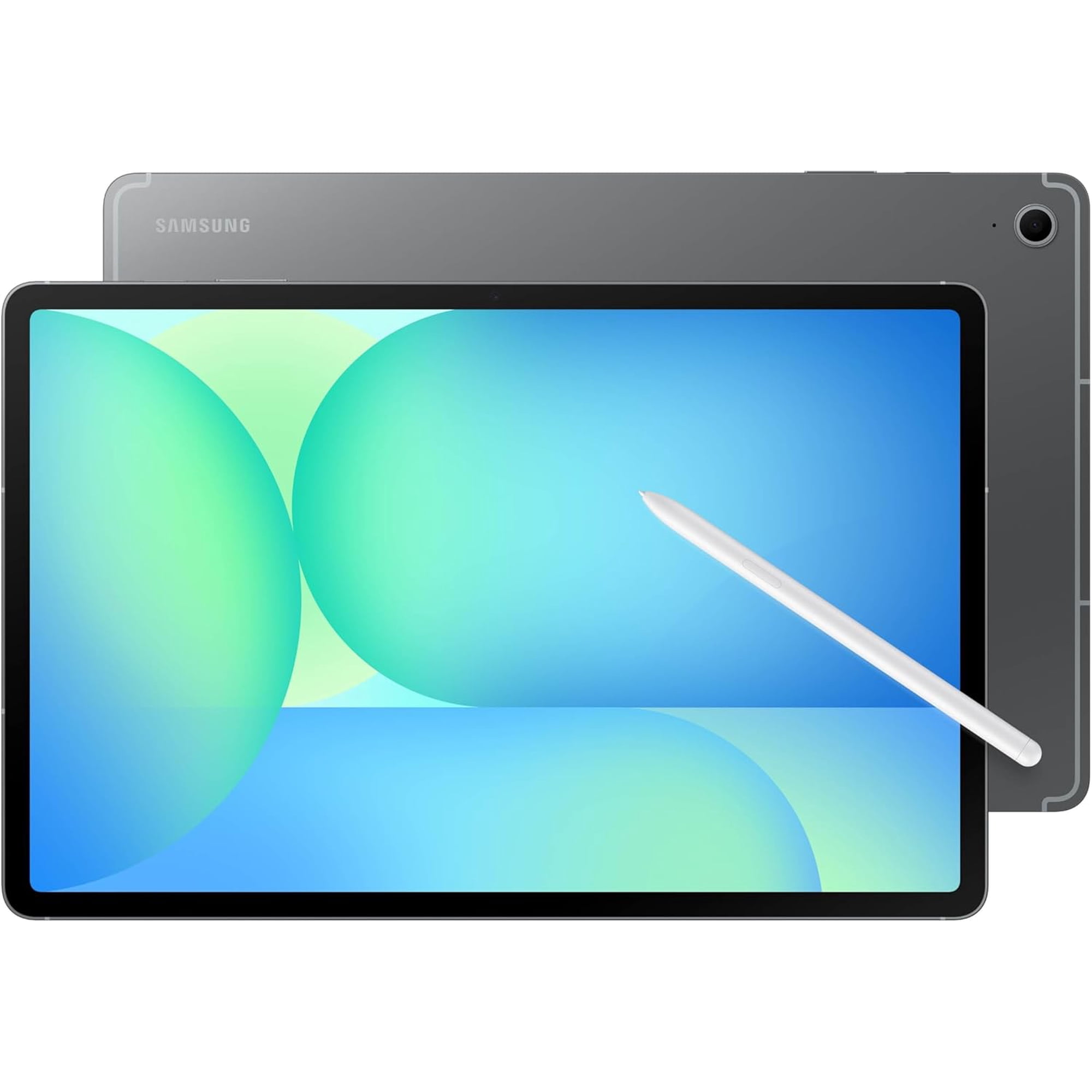
Work, stream, and create anywhere on the stunning 13.1" display with S Pen precision and Galaxy AI features like Circle to Search. Order yours today and unlock powerful performance, immersive entertainment, and effortless creativity—shop the Galaxy Tab S10 FE+ 128GB now.
4. Samsung Galaxy Tab S10 FE — Best Portable Midrange Pick
Best for: Students, commuters and note-takers who want included S Pen, good multitasking and expandable storage without carrying a very large tablet.
The regular Galaxy Tab S10 FE keeps the features that make the FE+ appealing but puts them into a 10.9-inch body. That makes it substantially easier to hold during lectures, carry between classes or use while traveling.
The internal hardware is similar to FE+: Exynos 1580, 8GB or 12GB memory depending on configuration, up to 256GB internal storage and microSD expansion. Samsung includes the S Pen, so handwritten notes and PDF annotation do not require another accessory purchase.
The 8,000mAh battery supports 45W charging with the appropriate charger, while IP68 resistance provides an unusual durability advantage for a midrange tablet.
A recent TechRadar revisit found the S10 FE still compelling for everyday productivity and stylus-driven work while noting that it is not aimed at demanding gaming or workstation-level tasks.
Like the FE+, its DeX capabilities stop short of a true external-monitor setup. DeX can be useful on the tablet itself, but Samsung does not support HDMI output or Wireless DeX for the S10 FE models.
Pros
✅ More portable than FE+ and S11 Ultra
✅ S Pen included
✅ 8GB or 12GB RAM configurations
✅ microSD expansion and IP68 resistance
✅ Good balance for students and commuters
Cons
❌ No external-monitor DeX through HDMI or Wireless DeX
❌ LCD lacks the contrast of Samsung’s flagship AMOLED tablets
❌ Heavy professional apps expose the midrange processor limits
Who should skip it: Buyers who expect the tablet to become a full desk workstation should move up to S11.
Alternative: Galaxy Tab S10 FE+ for more screen space or S11 for full premium DeX capability.
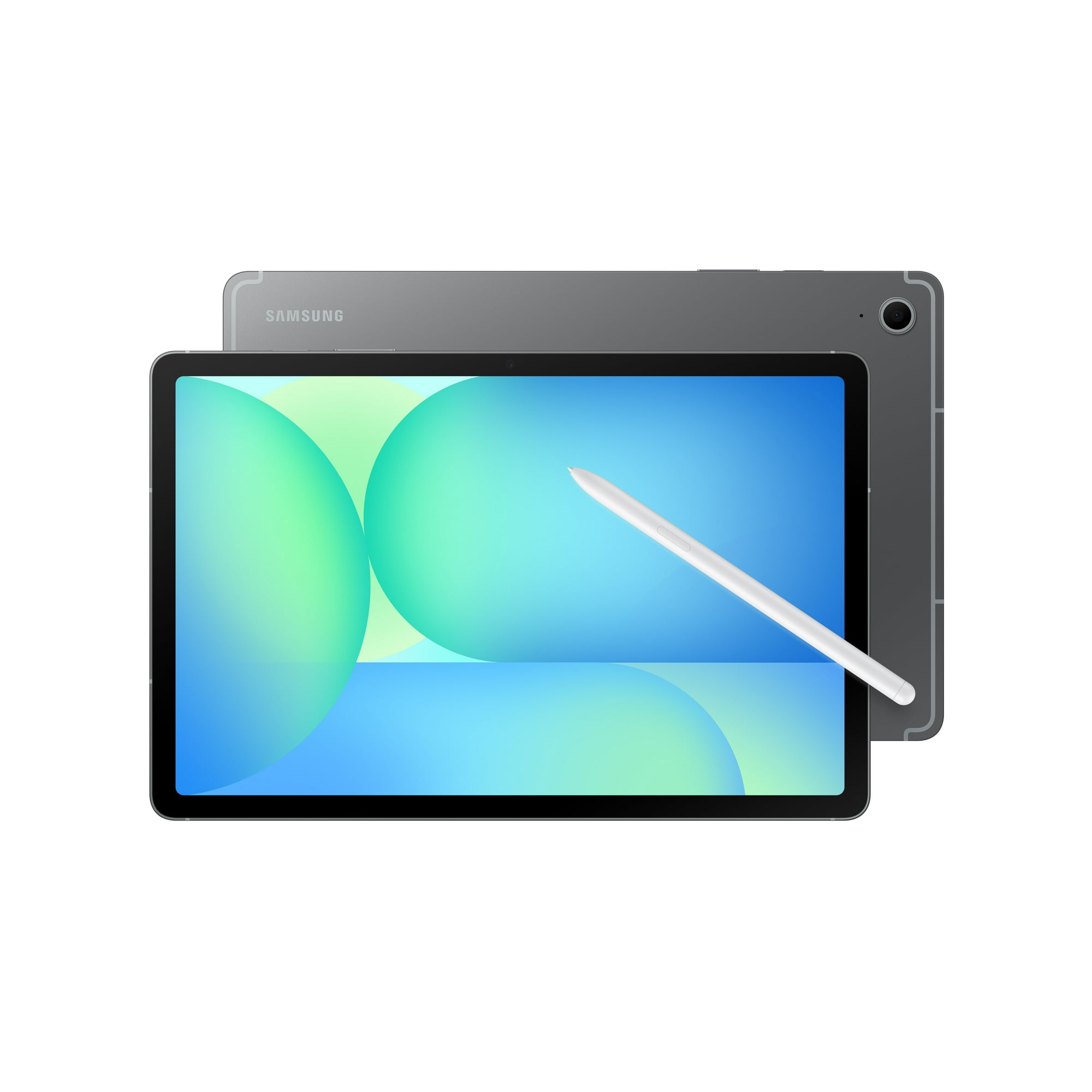
Experience bigger, brighter entertainment — get the Samsung Galaxy Tab S10 FE (128GB).
Dive into movies, games, and browsing on the vivid 10.9" display, store more of what you love with 128GB, and quickly find inspiration with Circle to Search. Ready to upgrade your everyday entertainment? Shop now and make it yours.
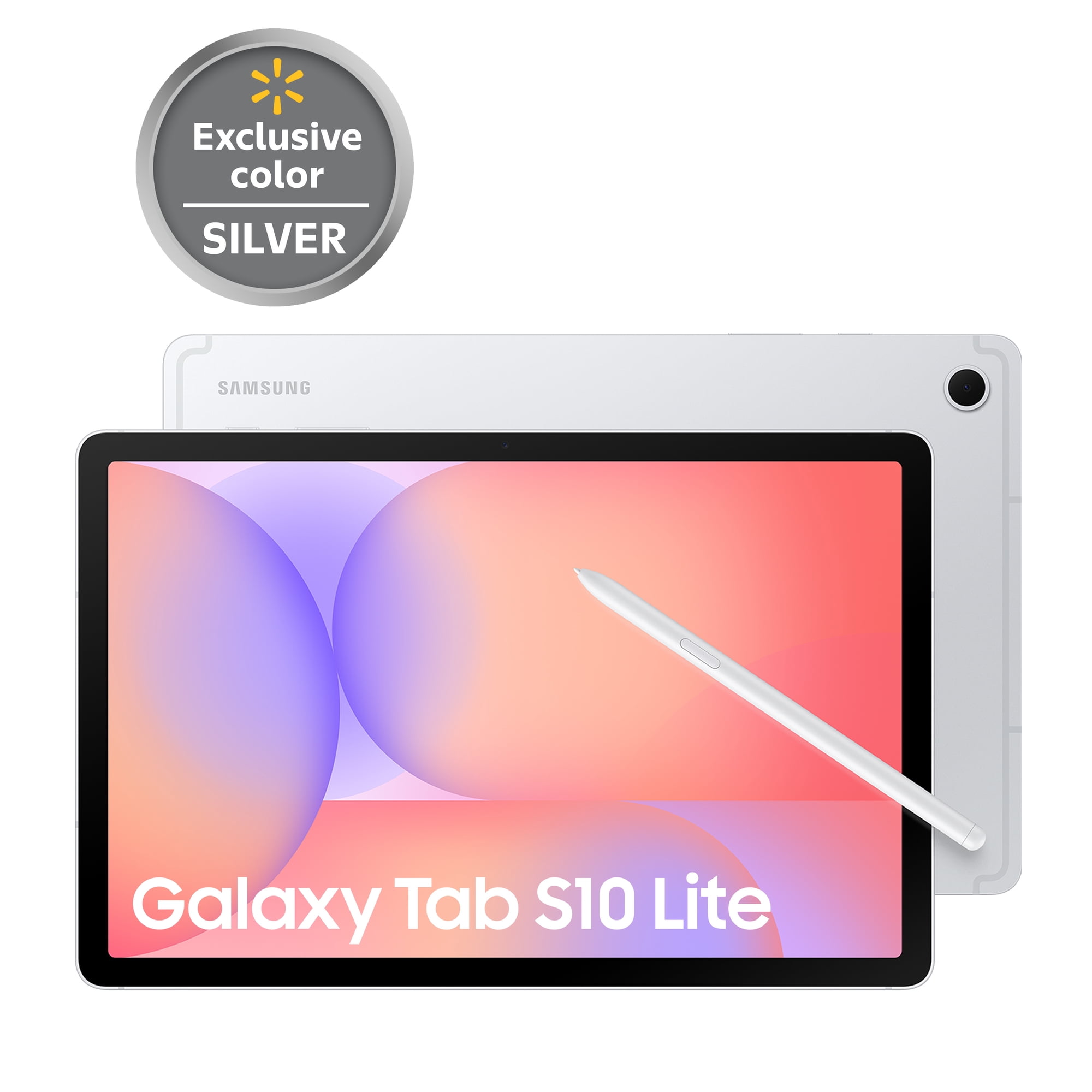
5. Samsung Galaxy Tab S10 Lite — Best Affordable Galaxy Tablet With S Pen
Best for: Students and budget-conscious buyers who prioritize handwriting, PDF annotation and everyday Android productivity over DeX.
The Galaxy Tab S10 Lite is the most straightforward way into Samsung’s current S Pen ecosystem without paying FE or flagship pricing. Its regular U.S. starting price is $399.99, although Samsung frequently discounts the 128GB model.
The 10.9-inch tablet comes with the S Pen in the box and is available with 6GB/128GB or 8GB/256GB configurations. Storage can also be expanded with microSD, which is helpful for downloaded coursework, PDFs, video and offline files.
The Exynos 1380 and 6GB base memory are adequate for note-taking, browsing, documents, streaming and moderate multitasking, but buyers should keep the price tier in mind. The Lite is not designed to compete with S11 performance.
The most important limitation is Samsung DeX: the S10 Lite does not support standalone DeX on the tablet and is also excluded from HDMI and Wireless DeX external-display support.
That sounds like a major omission—and it is if you want a desktop interface. For a student whose main priorities are handwritten lectures, reading, Samsung Notes and browser-based coursework, however, an included S Pen can be more valuable than DeX.
Pros
✅ $399.99 regular starting price
✅ S Pen included
✅ microSD expansion
✅ Excellent fit for notes, PDFs and lighter coursework
Cons
❌ No Samsung DeX
❌ 6GB base memory limits heavier multitasking
❌ TFT LCD and midrange processor are clearly below the premium S series
Who should skip it: Anyone planning to use a keyboard, monitor and DeX as a desktop-style setup should buy A11+ at the budget end or S11 for a premium configuration.
Alternative: Galaxy Tab A11+ if DeX matters more than handwritten notes.

Grab the Samsung Galaxy Tab S10 Lite 256GB with S Pen and enjoy a vivid 10.9" display, powerful Exynos 1380 performance, and plenty of storage for all your apps and media. Draw, take notes, and control your smart home with ease — plus AI Hot Key gives your assistant one tap away. Order yours today and make the Tab S10 Lite your everyday companion.
6. Samsung Galaxy Tab A11+ — Best Budget DeX Tablet
Best for: Email, documents, browser work and low-cost keyboard-and-mouse productivity where S Pen support is not important.
The Galaxy Tab A11+ has one of the strangest feature combinations in Samsung’s current lineup. It costs less than S10 Lite, starts at $299.99 and uses more modest hardware—but it supports Samsung DeX, including external-display and Wireless DeX capabilities.
The tablet has an 11-inch 1920 × 1200 TFT LCD, with 6GB/128GB and 8GB/256GB configurations. Samsung also includes a microSD slot supporting up to 2TB of removable storage, giving it plenty of inexpensive room for office documents and media.
The 7,040mAh battery supports 25W charging, while the current platform is designed around mainstream family, school and everyday productivity rather than premium creative workloads.
The catch is equally important: Galaxy Tab A11+ is not compatible with S Pen. If handwriting is a central reason you are buying a Samsung tablet, S10 Lite is the much better budget choice.
For keyboard-first users, though, A11+ makes a surprising amount of sense. Pairing it with a Bluetooth keyboard and mouse can create an inexpensive DeX workstation for email, browser applications, messaging and basic document work.
Pros
✅ $299.99 starting price
✅ Samsung DeX support
✅ External-display and Wireless DeX support
✅ 6GB or 8GB RAM options
✅ microSD expansion up to 2TB
Cons
❌ S Pen is not compatible
❌ Lower performance ceiling than Samsung’s S-series tablets
❌ TFT display is aimed at value rather than premium visual quality
Who should skip it: Students who primarily want handwritten notes should spend the extra money on S10 Lite.
Alternative: S10 Lite for affordable S Pen use, or S10 FE if you want both stylus support and stronger hardware.

Bring streaming, schoolwork and play to life with a bright 11" display, smooth multitasking and a long-lasting battery the whole family can rely on. Ready to simplify every day? Order your Galaxy Tab A11+ today — buy now and enjoy powerful performance, plenty of storage, and unbeatable value.
Samsung Galaxy Tablets We Considered but Didn’t Pick
Galaxy Tab S10+ remains a strong premium AMOLED tablet and can be an excellent buy at clearance pricing, but the newer S11 is easier to recommend as Samsung’s current compact premium productivity model.
Galaxy Tab S10 Ultra is still extremely capable, but S11 Ultra now fills the large-screen flagship role with newer hardware and current Samsung positioning.
Galaxy Tab S9, S9+ and S9 Ultra remain useful if heavily discounted. They are no longer the cleanest starting point for a current-year Samsung productivity guide.
Galaxy Tab Active models offer rugged construction and business-oriented features for field work, warehouses and commercial deployments. Their specialized design belongs in a rugged or enterprise-tablet guide rather than a mainstream home, school and office ranking.
How to Choose a Samsung Galaxy Tablet for Productivity
Samsung DeX: Which Galaxy Tablets Actually Support It?
Samsung DeX is often discussed as though every Galaxy Tab provides the same desktop experience. That is not true.
| Tablet | DeX on Tablet | HDMI DeX | Wireless DeX |
|---|---|---|---|
| Galaxy Tab S11 / S11 Ultra | Yes | Yes | Yes |
| Galaxy Tab S10 FE / FE+ | Yes | No | No |
| Galaxy Tab S10 Lite | No | No | No |
| Galaxy Tab A11+ | Yes | Yes | Yes |
For a tablet that needs to become a desktop workstation with an external monitor, S11 and S11 Ultra are the obvious premium choices. A11+ is the unusual budget alternative.
S Pen and DeX Are Separate Buying Decisions
One of the easiest mistakes in the Samsung lineup is assuming that a tablet with good productivity features automatically supports S Pen.
S11, S11 Ultra, S10 FE, S10 FE+ and S10 Lite include S Pen. Galaxy Tab A11+ does not support it.
The reverse happens with DeX. S10 Lite includes S Pen but does not provide DeX, while A11+ gives you DeX but no S Pen.
Simple rule: Choose S10 Lite if your affordable workflow starts with handwriting. Choose A11+ if it starts with a keyboard and desktop-style DeX.
11 vs 13 vs 14.6 Inches
For mobility, the 10.9- to 11-inch tablets are the easiest to recommend. They fit into smaller bags, are easier to hold during note-taking and remain comfortable for reading.
The 13.1-inch S10 FE+ creates much more useful split-screen space without reaching the extreme footprint of Ultra.
The 14.6-inch S11 Ultra makes the most sense as a semi-permanent desk or lap device. Its size is excellent for drawing, multitasking and side-by-side documents but much less comfortable for one-handed use.
AMOLED vs LCD
S11 and S11 Ultra use Samsung’s premium AMOLED displays, delivering excellent contrast and strong media performance.
The FE, Lite and A11+ tablets use LCD-family displays. For documents, spreadsheets, browser work and notes, that is not necessarily a serious disadvantage.
Do not spend hundreds more for AMOLED if your main goal is typing in Google Docs. Pay for it when the display quality itself matters to your work or entertainment.
How Much RAM Do You Need?
6GB: acceptable for basic documents, notes and browsing, but less comfortable for heavy multitasking.
8GB: a sensible mainstream target for students and ordinary Android productivity.
12GB: excellent for frequent multitasking, DeX and demanding Android workflows.
16GB: useful on S11 Ultra for very heavy multitasking, but unnecessary for most users.
More RAM does not solve software limitations. A 16GB Android tablet still cannot run a Windows-only professional application that has no Android equivalent.
Can a Galaxy Tab Replace a Laptop?
For some people, yes.
A Galaxy Tab can replace a laptop when the workflow is built around web applications, email, Microsoft 365 or Google Workspace, note-taking, messaging, video calls and Android applications.
DeX makes that transition easier by providing resizable windows, keyboard shortcuts and a desktop-like interface.
It becomes less convincing when your work depends on specialist Windows/macOS applications, complex spreadsheet macros, development tools or traditional desktop file workflows.
If productivity is your only priority, compare the complete tablet, keyboard and accessory cost with an actual notebook before assuming the tablet is the cheaper option.
Do Not Forget the Keyboard Cost
Samsung includes S Pen with most of the S-series picks in this guide, but keyboards remain separate purchases.
A $900 tablet can quickly become a four-figure workstation once a premium keyboard cover is included. The S11 Ultra’s official keyboard accessories are particularly expensive.
Bluetooth keyboards can provide a lower-cost alternative if you do not need an integrated kickstand or trackpad.
Internal Storage vs microSD
Samsung remains unusually flexible because every main tablet in this roundup provides microSD expansion.
For a productivity tablet, 128GB is workable if most documents live in cloud storage. Buyers keeping large offline video libraries, creative projects or many games should consider 256GB or more.
microSD is excellent for documents and media, but some apps and workflows still perform better from internal storage. Expansion should not automatically be used as an excuse to buy too little internal storage.
Wi-Fi or 5G?
Choose Wi-Fi if the tablet will primarily be used at home, school, office or locations where hotspot access is easy.
5G becomes worth paying for when the tablet itself needs an always-on connection away from Wi-Fi—for example, field work or frequent travel.
Remember that the cellular model also requires an appropriate service plan, so its long-term cost is higher than the device-price difference alone.
Think About Software Before Hardware
Samsung hardware is excellent, but Android should still fit the software you use.
Before attempting to replace a laptop, list the five applications you rely on most and verify that the Android or browser versions provide the specific features you need.
If Android itself is the right platform but Samsung pricing feels high, our Lenovo tablets for productivity guide covers current alternatives with different display sizes, keyboard options and price points.
Best Samsung Galaxy Tablet by Workload
| Workload | Best Pick | Why |
|---|---|---|
| General Productivity | Galaxy Tab S11 | Best mix of portability, S Pen, 12GB RAM and full DeX |
| Large-Screen Desk Work | Galaxy Tab S11 Ultra | 14.6-inch AMOLED and strong multi-screen DeX capability |
| Student + Large Screen | Galaxy Tab S10 FE+ | 13.1-inch workspace and included S Pen |
| Portable Study & Notes | Galaxy Tab S10 FE | S Pen and good multitasking in a manageable 10.9-inch size |
| Affordable Handwriting | Galaxy Tab S10 Lite | Lowest-priced current option here with included S Pen |
| Budget Keyboard + DeX | Galaxy Tab A11+ | Low entry price with DeX and external-display support |
FAQ About Samsung Galaxy Tablets for Productivity
Which Samsung Galaxy tablet is best for productivity?
Galaxy Tab S11 is the best overall choice because it combines 12GB RAM, an included S Pen, a portable AMOLED display, expandable storage and full Samsung DeX with external-monitor support.
Which Samsung tablets support DeX?
Galaxy Tab S11 and S11 Ultra support full DeX including external displays. S10 FE and FE+ support DeX on the tablet but not HDMI or Wireless DeX to external displays. Galaxy Tab A11+ supports DeX, while S10 Lite does not.
Which Galaxy tablets come with an S Pen?
Galaxy Tab S11, S11 Ultra, S10 FE, S10 FE+ and S10 Lite include S Pen with the tablet. Galaxy Tab A11+ is not compatible with S Pen.
Is Galaxy Tab S11 worth it over S10 FE?
It is worth the upgrade when flagship performance, AMOLED, 12GB RAM and external-monitor DeX matter. S10 FE is better value when note-taking, documents and on-tablet multitasking cover your needs.
Can Galaxy Tab S11 replace a laptop?
It can replace a laptop for browser-based work, documents, communication, note-taking and many Android applications. It is less suitable when your workflow depends on specialized Windows or macOS desktop software.
Is Galaxy Tab S10 FE+ good for work?
Yes. Its 13.1-inch display, S Pen and Samsung multitasking tools work well for documents, research, PDF annotation and study. Its processor and external-display limitations make it less appropriate for demanding workstation-style use.
Is Galaxy Tab S10 Lite good for students?
Yes, especially for handwritten notes, PDF markup, browser coursework and everyday apps. Its included S Pen is a major value advantage, but the lack of DeX and 6GB base memory limit heavier productivity.
How much RAM should a Samsung tablet have for work?
Eight gigabytes is a sensible target for mainstream Android productivity. Twelve gigabytes gives more headroom for heavy multitasking and DeX, while 6GB is best reserved for lighter browsing, notes and document work.
Final Verdict
The Samsung Galaxy Tab S11 is the best Samsung tablet for productivity overall because it avoids the compromises that affect the rest of the lineup. It is powerful, relatively portable, includes S Pen, supports microSD and provides Samsung’s full DeX experience when you need to move from tablet use to a monitor, keyboard and mouse.
Choose the Galaxy Tab S11 Ultra when a huge 14.6-inch workspace matters more than portability. The S10 FE+ is the smarter large-screen value for students and mainstream work, while the smaller S10 FE is much easier to carry.
At the affordable end, the decision is unusually clear. Choose Galaxy Tab S10 Lite when handwriting and S Pen are the priority. Choose Galaxy Tab A11+ when keyboard-first work and Samsung DeX are more important than stylus support.
Bottom line: S11 is the best all-around Samsung productivity tablet; S11 Ultra is best for maximum workspace; S10 FE+ and FE provide better midrange value; S10 Lite wins for affordable S Pen use; and A11+ is the budget DeX specialist.
Sources
- Samsung — Galaxy Tab S11 and S11 Ultra current U.S. specifications and pricing
- Samsung — Galaxy Tab S10 FE and S10 FE+ current U.S. specifications
- Samsung — Galaxy Tab S10 Lite and Galaxy Tab A11+ current U.S. specifications
- Samsung Support — Samsung DeX tablet compatibility and external-display support
- TechRadar and Tom’s Guide — current Galaxy Tab productivity reviews
Product Groups: Samsung Galaxy Tab S11, Samsung Galaxy Tab S11 Ultra, Samsung Galaxy Tab S10 FE Plus, Samsung Galaxy Tab S10 FE, Samsung Galaxy Tab S10 Lite, Samsung Galaxy Tab A11 Plus